
Help4 Builder SEO, Security and Performance
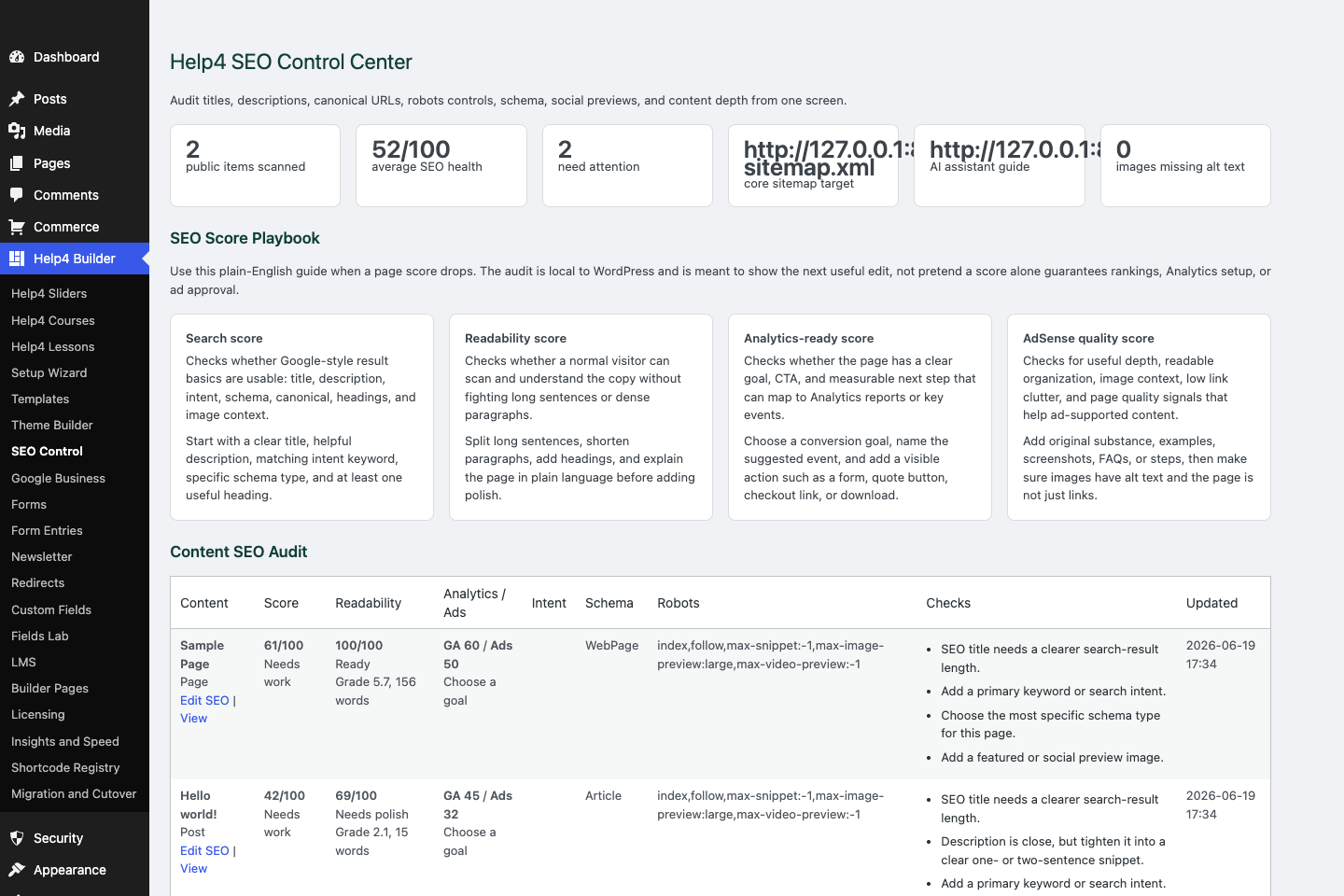
SEO control
Check titles, descriptions, canonical URLs, schema, readability, AdSense-style quality, Analytics intent, and launch signals.
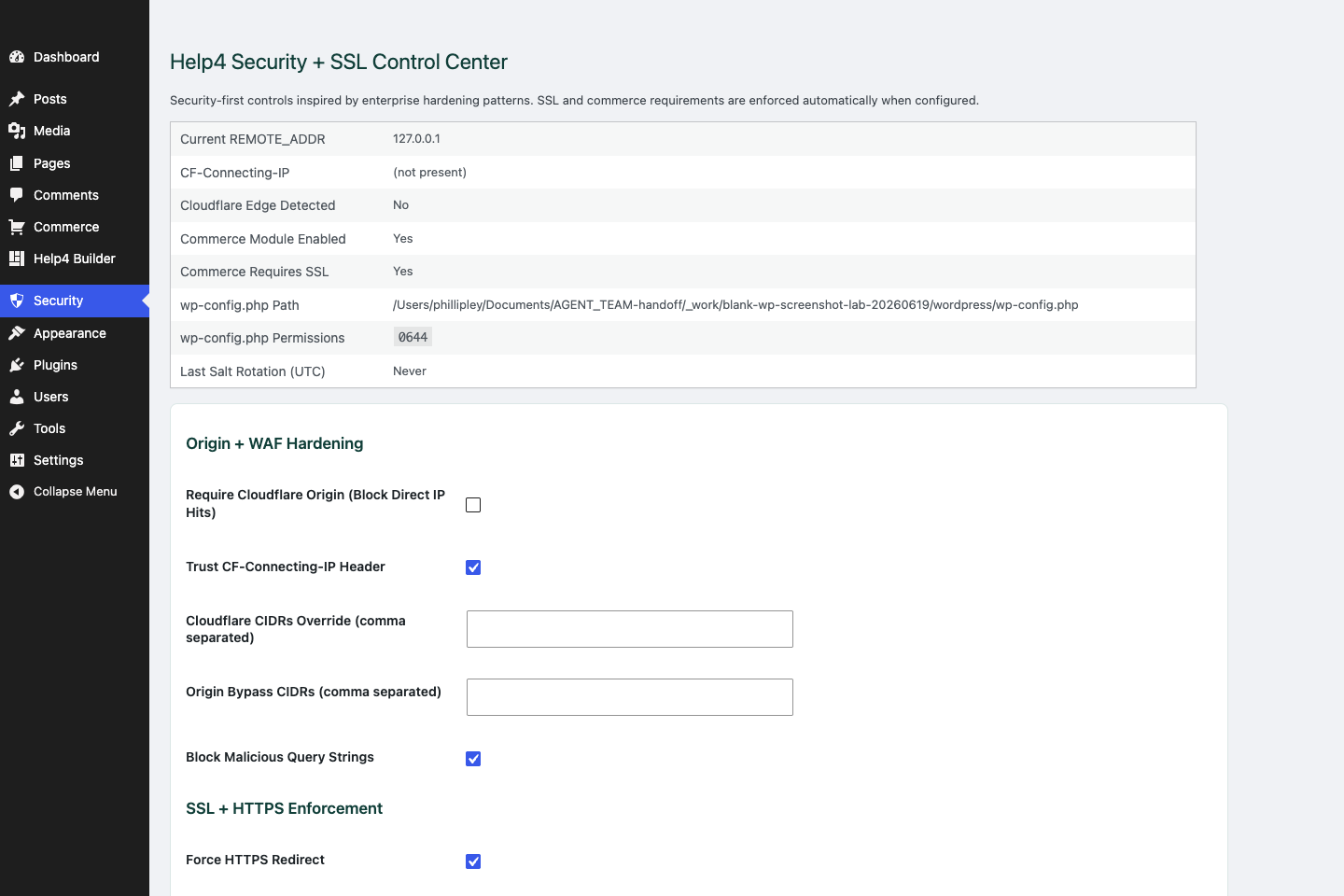
Security
Review SSL, headers, login hardening, XML-RPC controls, checkout safety, and production hardening settings.
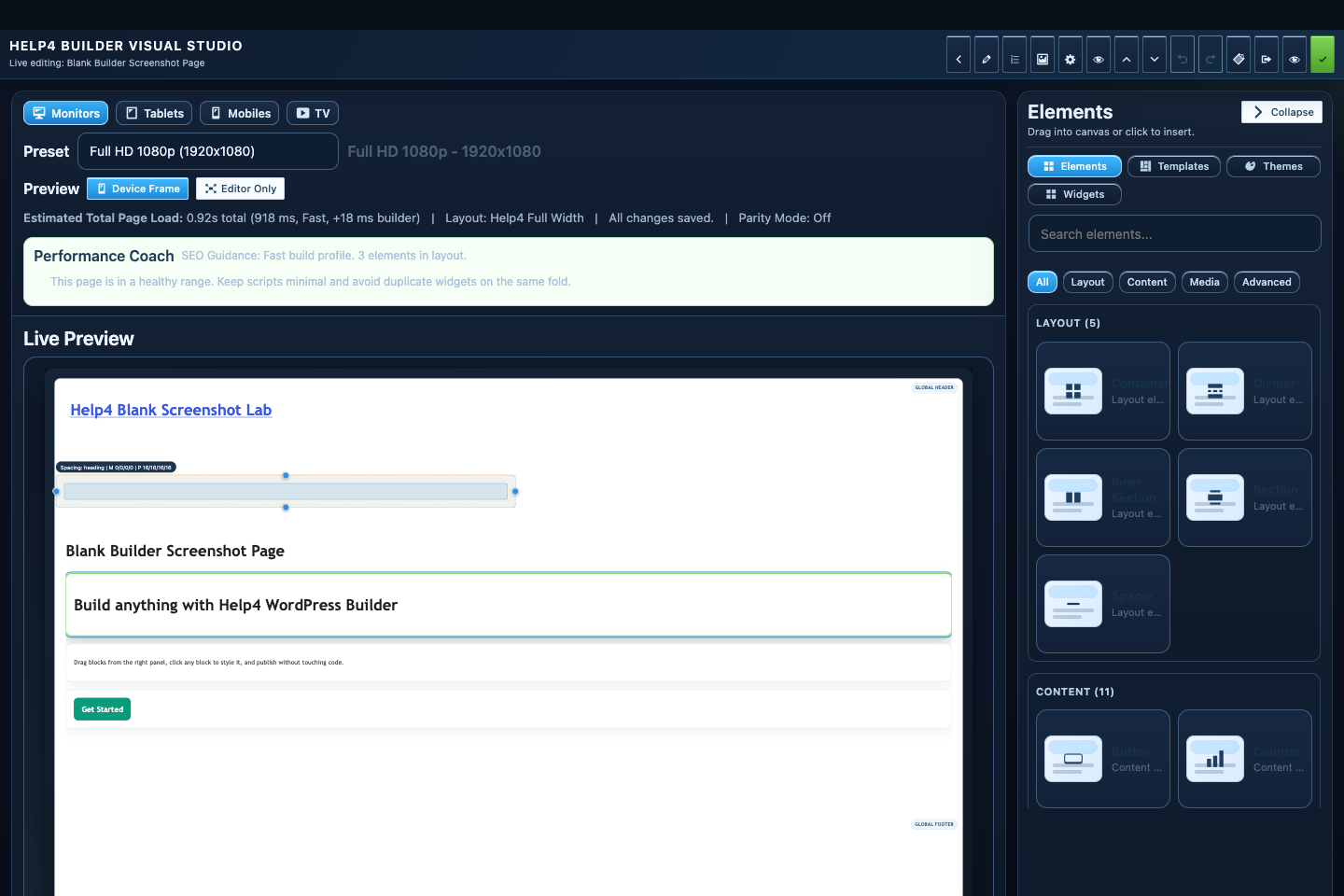
Builder Studio
Build the page visually with responsive controls, element panels, performance guidance, and a live preview.
Launch checklist
Check the boring stuff before customers find the page.
The goal is simple: rankable, readable, secure, fast, and easy to act on.
SEO basics
One real H1, helpful title, useful meta description, clean slug, internal links, and real answers.
Security basics
SSL, headers, login protection, checkout SSL enforcement, and no private URLs in public screenshots.
Performance basics
Compressed images, lazy-loaded media, limited assets, and mobile proof before launch.
Step
Write for humans first
Use one clear H1, useful sections, plain answers, and enough copy to explain the offer.
Step
Set metadata
Title tag, meta description, canonical URL, schema, social image, and internal links should match the page purpose.
Step
Check readability
Short paragraphs, clear headings, plain labels, and direct calls to action help both customers and quality checks.
Step
Check Analytics intent
The page should have measurable actions such as calls, forms, checkout clicks, downloads, or support requests.
Step
Check AdSense-style quality
Avoid thin pages, broken layout, misleading claims, missing contact paths, and useless filler.
Step
Harden the page
Use SSL, headers, login controls, sane XML-RPC rules, image optimization, lazy loading, and mobile overflow checks.
Start here
Install and setup
Download the ZIP, activate Builder Suite, understand the blank-theme path, and run the first clean check.
First page
Build a page safely
Open Builder Pages, launch Studio, build structure first, check mobile, then publish or hand it to Help4.
Templates
Choose a starter
Pick a starter spec by page job: service, product, support, recent work, local SEO, launch, or checkout recovery.
Theme layer
Headers and footers
Use Theme Builder for global headers, footers, 404s, page shells, canvas pages, popups, and conditions.
Fields
Structured content
Use fields when content repeats: FAQs, service areas, specs, team members, galleries, relationships, and product data.
Commerce
Products and payments
Plan catalog data, variations, subscriptions, checkout context, and payment routing before launch.
Capture leads
Forms and sliders
Use forms and motion only where they support the page goal and do not load extra assets everywhere.
Launch QA
SEO, speed, security
Check metadata, schema, readability, AdSense-style quality, Analytics intent, SSL, headers, images, and mobile.
Proof
Website Snapshot
Turn public URLs into safe website screenshots for recent work, migrations, support notes, and launch recaps.
Release safety
Updates
Use stable live packages and md beta testing to keep Builder Suite ready for the next WordPress line.
Need help with this step?
Send Help4 the page, screenshot, or site goal.
Include the URL, what you are trying to build, what looks wrong, and whether this is a draft, staging site, or live customer page.