
WordPress Migration Service
Proof and process
Migration work is about moving the site without losing the business path.
Customers need forms, pages, media, redirects, speed, and support to survive the move, not only a file transfer.
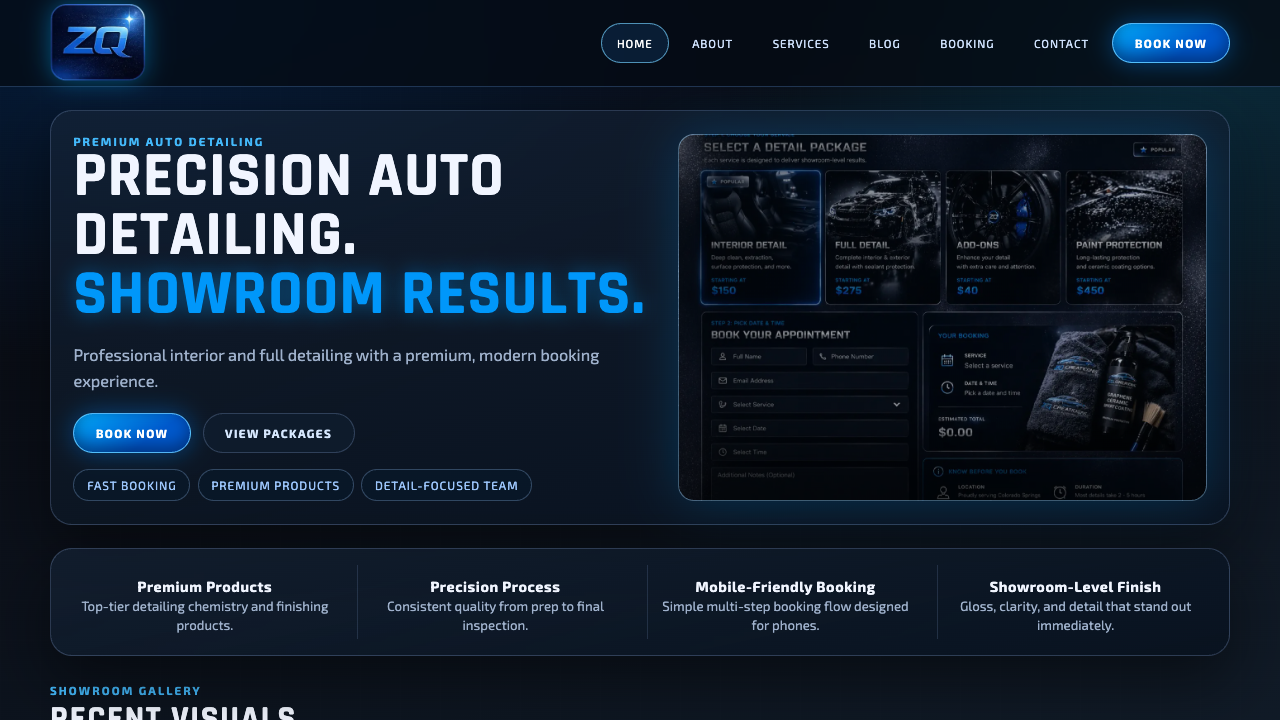
Real service-site polish
A finished page should show the offer quickly, build trust, and make the next step obvious on mobile.
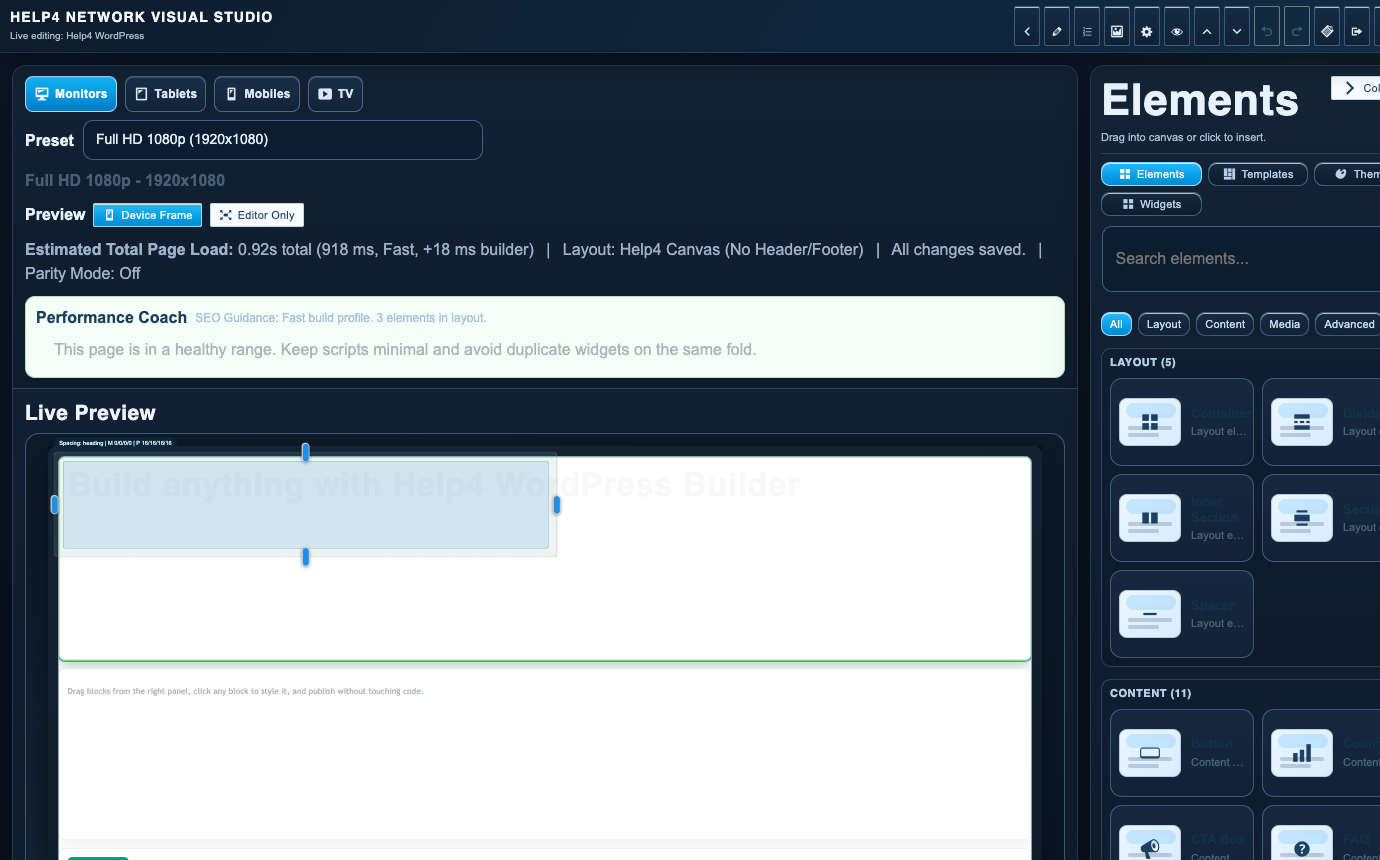
Builder-backed delivery
Help4 can build the page, then leave the customer with a cleaner editing path instead of a fragile one-off layout.

Support after launch
The same Help4 path can cover edits, forms, speed, security, updates, migration, and support tickets after the site is live.

Plain-English handoff
Customers can send rough notes, screenshots, designs, or old pages and let Help4 turn them into a cleaner WordPress build.
What Help4 handles
Plain-English support that turns the problem into finished WordPress work.
Tell Help4 what is wrong, what you want changed, or what needs to launch. The team can turn that into hosting, care, rescue, migration, build, or custom support scope.
Move WordPress from the old host into a healthier Help4 path with less downtime and better QA.
Use the move as a chance to remove stale plugins, old junk, broken redirects, and inherited mess.
After launch, Help4 can keep watch on forms, SSL, DNS, speed, admin, and customer-facing pages.
| Area | Help4 action | Why it matters |
|---|---|---|
| Before move | Inventory site, plugins, database, emails, DNS, and risk | A migration is easier when surprises are found early. |
| During move | Copy site, set staging or target, verify basics | The site needs a controlled handoff, not panic DNS changes. |
| Launch | Switch DNS, SSL, redirects, forms, and checkout | The public cutover is where hidden problems show up. |
| After move | Watch errors, speed, search, forms, and admin access | Migration is not done until the site behaves in the new home. |
A migration checklist that protects the working site
Start with an inventory, not a DNS switch. Record the current domain, WordPress installation, important URLs, form recipients, payment connections and email provider. A website transfer does not automatically transfer business email or a third-party account.
- Prepare: identify access, recoverable files and database, the destination environment and a rollback path.
- Test a copy: check media, templates, login, forms and customer journeys without accepting unintended live orders or sending test notifications to customers.
- Preserve discovery: map changed URLs to relevant replacements, check canonical URLs, robots rules and the production sitemap. Remove staging noindex only on the intended production site.
- Switch deliberately: coordinate the agreed publishing window, DNS, SSL and any content/order freeze.
- Verify: check the public site, redirects, mobile layout and the key customer actions after caches settle.
Tell us if the site accepts orders, subscriptions, course registrations or live bookings. Those workflows need a cutover plan that avoids losing new records. Keep credentials out of the initial public-facing request.
Need help after the move? Compare ongoing care with hosting, or use WordPress support for a specific problem.
Common questions
Can Help4 migrate my WordPress site?
Yes. Help4 can migrate WordPress sites, review DNS and SSL, test forms and checkout, clean up old issues, and move the site into a managed support path.
Will migration fix old WordPress problems?
Migration can reveal and reduce old problems, but broken plugins, malware, slow pages, or outdated themes may need cleanup as part of the move.
Will a website migration move our email automatically?
Not necessarily. Business email may use a separate provider. Identify that provider and agree a separate email migration if needed.
What if our WordPress site takes live orders?
Tell Help4 before scheduling the move. Orders, subscriptions and bookings require an agreed cutover and data-preservation plan.
Ready to hand it off?
Open a Help4 request and describe the result you need.
Use the ticket path for scope, setup, migration, emergency fixes, or a recommendation before checkout.