
WordPress Maintenance Care Plans
Proof and process
Care plans are about keeping the site usable after launch.
The proof band shows that maintenance is not abstract. It supports real pages, real customer paths, updates, performance, and recovery work.
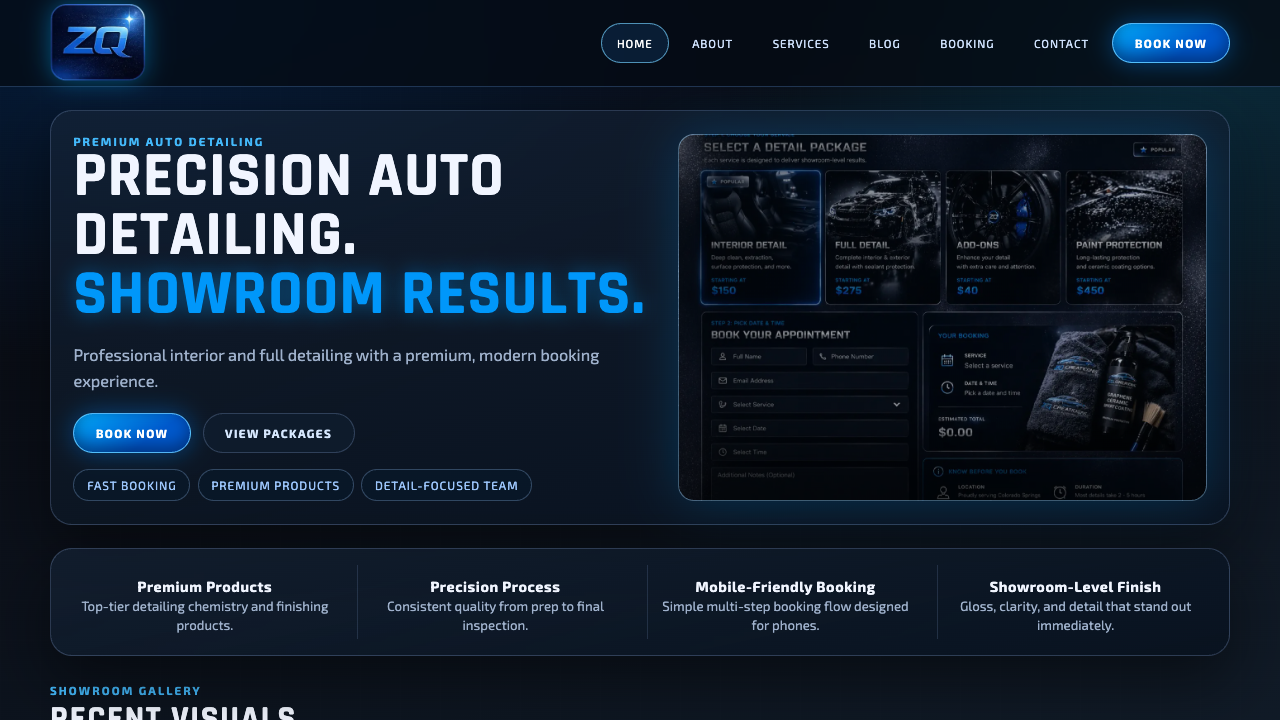
Real service-site polish
A finished page should show the offer quickly, build trust, and make the next step obvious on mobile.
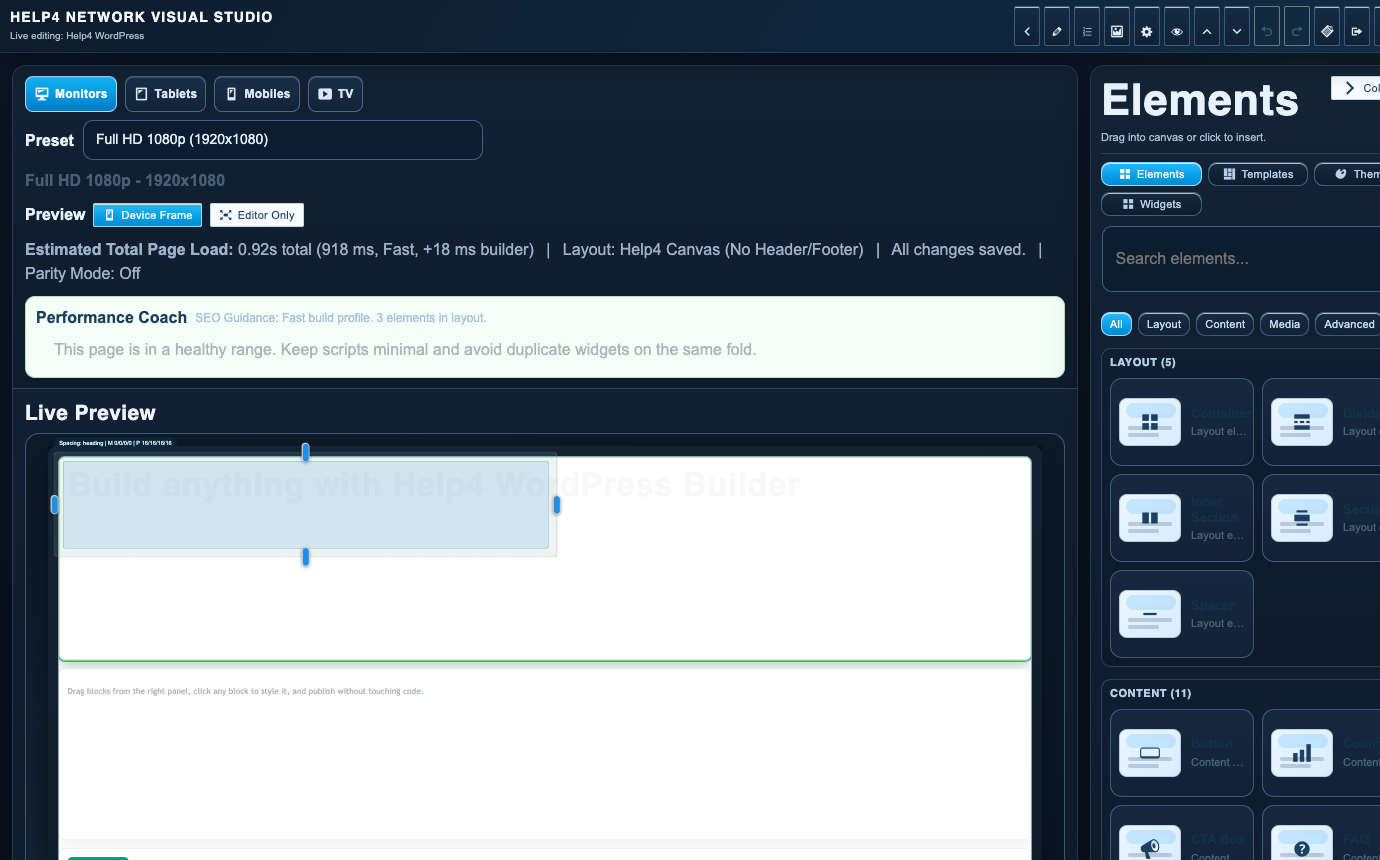
Builder-backed delivery
Help4 can build the page, then leave the customer with a cleaner editing path instead of a fragile one-off layout.

Support after launch
The same Help4 path can cover edits, forms, speed, security, updates, migration, and support tickets after the site is live.

Plain-English handoff
Customers can send rough notes, screenshots, designs, or old pages and let Help4 turn them into a cleaner WordPress build.
What Help4 handles
Plain-English support that turns the problem into finished WordPress work.
Tell Help4 what is wrong, what you want changed, or what needs to launch. The team can turn that into hosting, care, rescue, migration, build, or custom support scope.
Keep WordPress, plugins, and themes moving without treating every update like a crisis.
Make sure restore paths, security response, and support tickets are part of the plan.
Use managed support for page edits, CTAs, forms, content, menus, and normal site requests.
| Area | Help4 action | Why it matters |
|---|---|---|
| Starter owner | Low-cost hosting plus ticket path | Best when you can do most WordPress work yourself. |
| Care plan | Updates, security, backups, plugin checks, small edits | Best when you want upkeep off your calendar. |
| Growth plan | Speed, SEO, landing pages, content, conversion | Best when the site needs improvement, not just survival. |
| Priority plan | Faster routing and deeper operational support | Best when the site directly affects revenue. |
Service paths
WordPress help by problem
Pick the page that matches what is costing time: speed, emergencies, malware, migration, maintenance, commerce, page builds, or agency overflow.
WordPress Speed Optimization
Speed, Core Web Vitals, image weight, plugins, caching, and slow customer-facing pages.
Emergency WordPress Support
Site down, checkout broken, forms failing, plugin conflicts, and urgent launch blockers.
WordPress Malware Removal
Hacked sites, redirects, spam pages, suspicious users, cleanup, restore, and hardening.
WordPress Migration Service
Move hosts, clean old issues, review DNS and SSL, test forms, and stabilize after launch.
WordPress Maintenance Care Plans
Updates, backups, security checks, small edits, plugin help, and managed site care.
Help4 Commerce Support
Catalogs, variations, subscriptions, checkout routing, payment handoff, store performance, and product-page problems.
Design to WordPress
Turn designs, screenshots, copy, references, and rough ideas into responsive WordPress pages.
White-Label WordPress Support
Agency overflow for builds, maintenance, migrations, fixes, SEO pages, and support work.
Ready to hand it off?
Open a Help4 request and describe the result you need.
Use the ticket path for scope, setup, migration, emergency fixes, or a recommendation before checkout.