
WordPress Malware Removal
Proof and process
Malware cleanup should lead into stronger site care.
The cleanup page should connect recovery, hardening, updates, backups, and post-cleanup support instead of treating the job as a one-off fix.
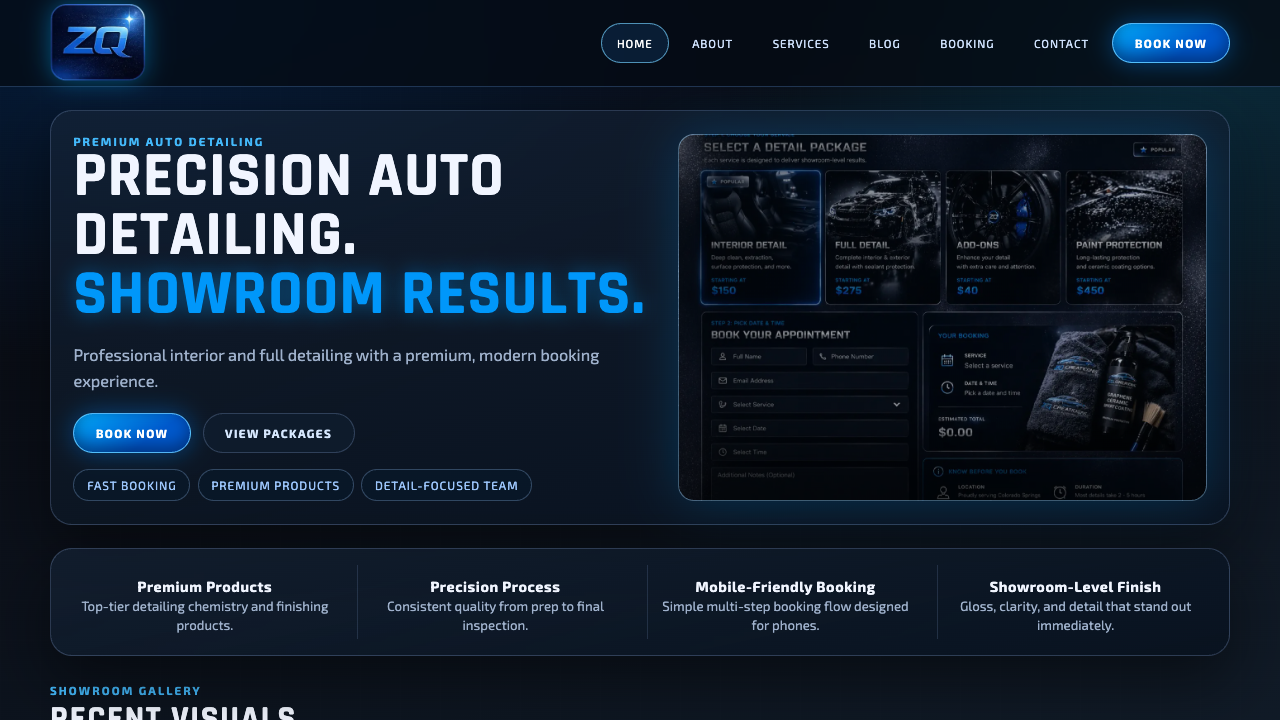
Real service-site polish
A finished page should show the offer quickly, build trust, and make the next step obvious on mobile.
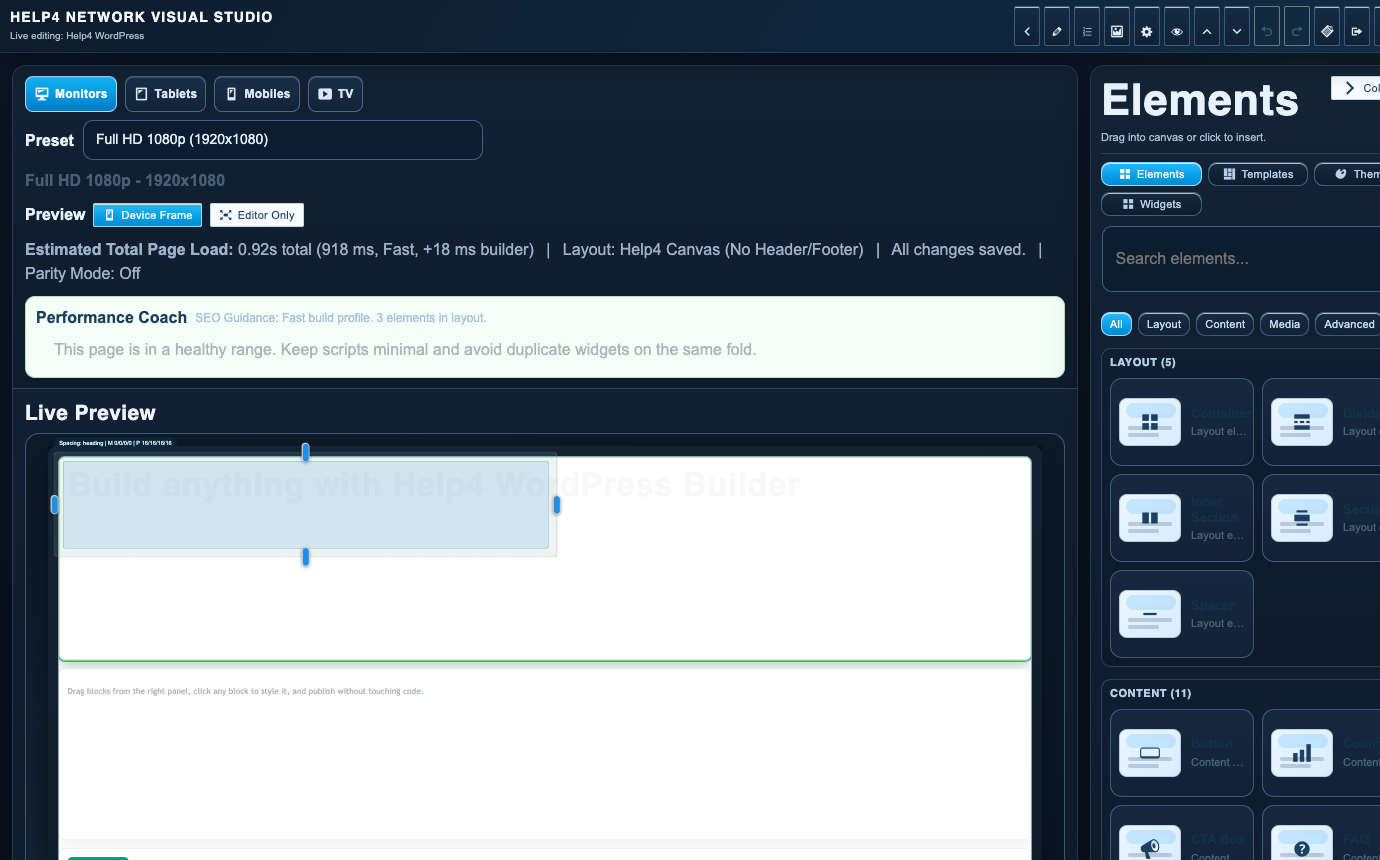
Builder-backed delivery
Help4 can build the page, then leave the customer with a cleaner editing path instead of a fragile one-off layout.
Support after launch
The same Help4 path can cover edits, forms, speed, security, updates, migration, and support tickets after the site is live.

Plain-English handoff
Customers can send rough notes, screenshots, designs, or old pages and let Help4 turn them into a cleaner WordPress build.
What Help4 handles
Plain-English support that turns the problem into finished WordPress work.
Tell Help4 what is wrong, what you want changed, or what needs to launch. The team can turn that into hosting, care, rescue, migration, build, or custom support scope.
Redirects, popups, spam pages, odd admin users, injected scripts, and search warnings all point to different cleanup needs.
Malware cleanup is paired with updates, password resets, backup review, plugin review, and access control.
After cleanup, Help4 focuses on reducing repeat infections with updates, monitoring, backups, and better support workflow.
| Area | Help4 action | Why it matters |
|---|---|---|
| Redirects | Check files, database content, plugins, themes, and access paths | Redirect hacks can hide from normal page editing. |
| Spam pages | Find indexed junk and remove the source | Search trust can keep suffering after the visible site looks normal. |
| Suspicious users | Review admin accounts and reset credentials | Compromised access turns cleanup into a loop. |
| Recovery | Repair, update, harden, and monitor | Cleanup without prevention is just a pause. |
What to do when a WordPress site may be compromised
Send the affected URL, the warning or redirect you saw and when it began. Do not put administrator passwords or private customer records in the first message. Avoid random cleanup plugins or restoring an unverified backup over the only evidence of the problem.
Cleanup is more than removing the visible symptom
- Identify suspicious changes, affected accounts, files and public spam URLs.
- Review available recovery points and agree how to preserve evidence and legitimate content.
- Address the entry path, vulnerable components and unauthorized access where identified.
- Test the public site, forms and checkout after cleanup, then plan monitoring and updates.
Search warnings need a separate verification step
Removing malware does not instantly remove a browser warning or restore rankings. Review Search Console security issues and manual actions for the verified property. Request a review only after the documented issue has been fixed; ordinary missing URLs and canonical duplicates are not evidence of malware.
For an unavailable production site, use emergency support. For prevention after recovery, compare maintenance care. Scope and timing depend on the incident; no cleanup outcome or search recovery is guaranteed before diagnosis.
Common questions
Can Help4 clean hacked WordPress sites?
Help4 can route hacked WordPress sites into a cleanup and stabilization workflow that includes symptom review, cleanup, updates, access review, and hardening.
Should I keep editing a hacked WordPress site?
No. If you see redirects, spam pages, warnings, or suspicious users, stop editing and open a ticket with details so cleanup can start from a known state.
Will cleanup immediately remove every search warning?
No. Cleanup and search-engine review are separate steps. Verify the fix, then follow the relevant security-review process for the verified property.
Should I restore the first backup I find?
Not without checking it. A backup may contain the same compromise or overwrite newer legitimate data. Agree a recovery plan first.
Ready to hand it off?
Open a Help4 request and describe the result you need.
Use the ticket path for scope, setup, migration, emergency fixes, or a recommendation before checkout.