
Emergency WordPress Support
Proof and process
Emergency support needs a calm path from problem to recovery.
These website examples show design and editing work. An emergency repair still starts with your own symptoms, access and agreed recovery scope.
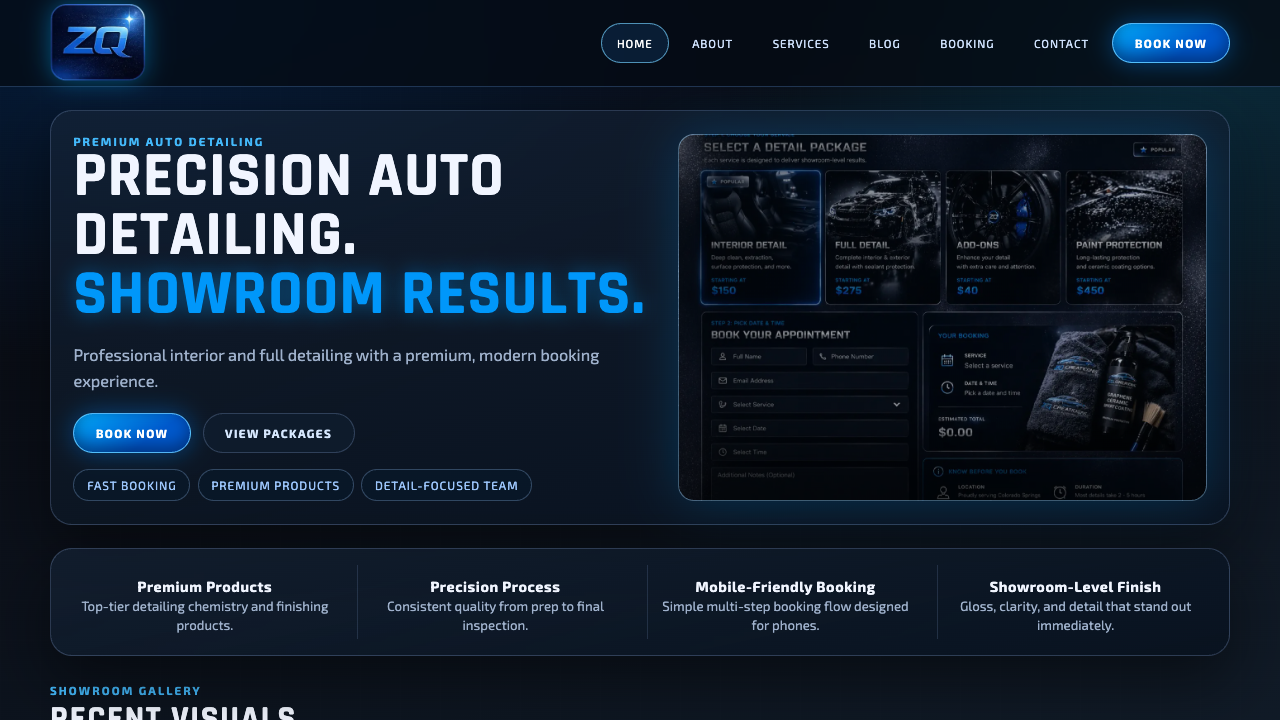
Real service-site polish
A finished page should show the offer quickly, build trust, and make the next step obvious on mobile.
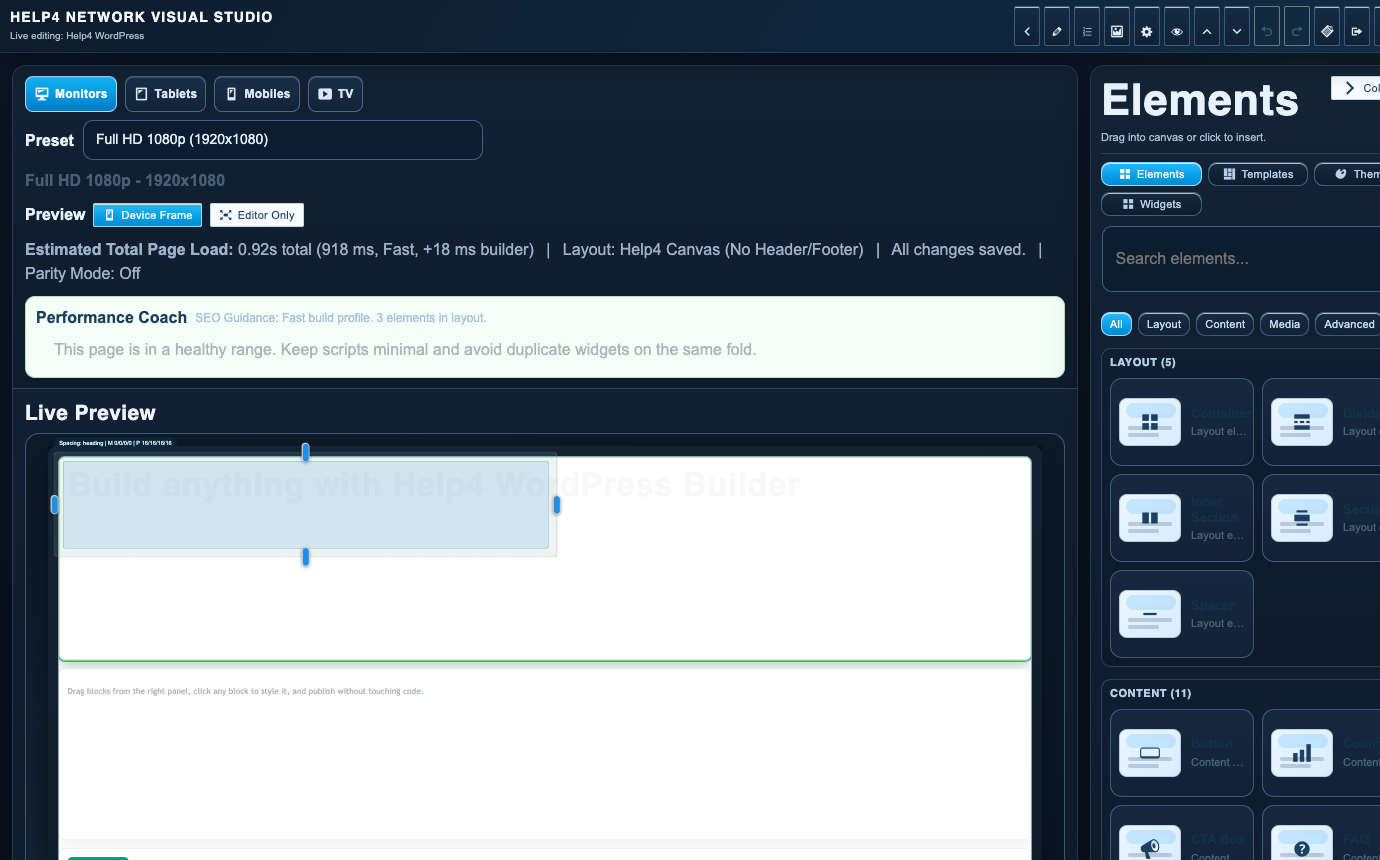
Builder-backed delivery
Help4 can build the page, then leave the customer with a cleaner editing path instead of a fragile one-off layout.

Support after launch
The same Help4 path can cover edits, forms, speed, security, updates, migration, and support tickets after the site is live.

Plain-English handoff
Customers can send rough notes, screenshots, designs, or old pages and let Help4 turn them into a cleaner WordPress build.
What Help4 handles
Plain-English support that turns the problem into finished WordPress work.
Tell Help4 what is wrong, what you want changed, or what needs to launch. The team can turn that into hosting, care, rescue, migration, build, or custom support scope.
Capture the domain, the error, and what changed before the failure. Then stop clicking and open a ticket.
Checkout and lead forms deserve priority because they block revenue and customer contact.
A bad update can break layout, scripts, menus, forms, or admin screens. Help4 can isolate the failure path.
| Area | Help4 action | Why it matters |
|---|---|---|
| Site down | Triage hosting, DNS, SSL, PHP, plugin, and theme causes | Downtime gets worse when every fix is a guess. |
| Broken page | Compare expected layout against current output | Screenshots and page URLs make this faster. |
| Checkout issue | Prioritize cart, payment, emails, product, and plugin state | Every failed checkout is a trust problem. |
| Launch issue | Route urgent tasks into support or custom scope | Deadlines need coordination, not random admin clicks. |
Get a WordPress emergency into the right support path
A broken site, lost enquiry form and failed checkout need different evidence. Start with the affected URL and the customer action that no longer works. State whether every visitor is affected or only a particular browser, signed-in user or device.
Before anyone changes the live site
- Record the exact error, time, screenshot and last known update or change.
- Keep existing orders, registrations and content safe. Do not retry payments or overwrite the only recovery point while the cause is unknown.
- Identify the site owner, hosting contact and an authorized way to provide access. Never publish credentials in a ticket attachment or public forum.
- Agree the repair scope and recovery path, then test the actual failed action after the fix.
If the issue is a redirect, browser warning or suspicious account, read the malware cleanup guidance. If the site works but feels slow, use performance support rather than treating a lab score as an outage.
Not ready to request work? The WordPress self-help checklist explains what to gather safely. For an active incident, use the ticket path above; a care plan is not a substitute for diagnosing today's failure.
Questions before you request help
What counts as a WordPress emergency?
A site down issue, broken checkout, hacked page, failed form, launch blocker, plugin conflict, or security warning can count as an emergency when it affects business operations.
What should I include in an emergency ticket?
Include the URL, screenshot, error message, recent changes, when it started, and whether it affects leads, checkout, security, or a launch.
Is a slow page always a WordPress emergency?
Not necessarily. A site outage or failed customer action needs urgent triage. A working but slow page usually needs measured performance work, not an assumption that a benchmark score is an outage.
Should I keep retrying a failed payment or update?
Avoid repeated attempts while the cause is unknown. Explain what happened and preserve the existing order or update evidence so a repair does not create duplicate actions or lose information.
Does emergency support promise an immediate repair?
No specific repair time is promised before diagnosis. The scope, access, recovery options and agreed service priority determine the work.
Ready to hand it off?
Open a Help4 request and describe the result you need.
Use the ticket path for scope, setup, migration, emergency fixes, or a recommendation before checkout.