
Design to WordPress
Proof and process
Design handoff should become a site customers can actually run.
Help4 can take designs, screenshots, brand notes, and rough ideas into Builder-backed WordPress pages with support after launch.
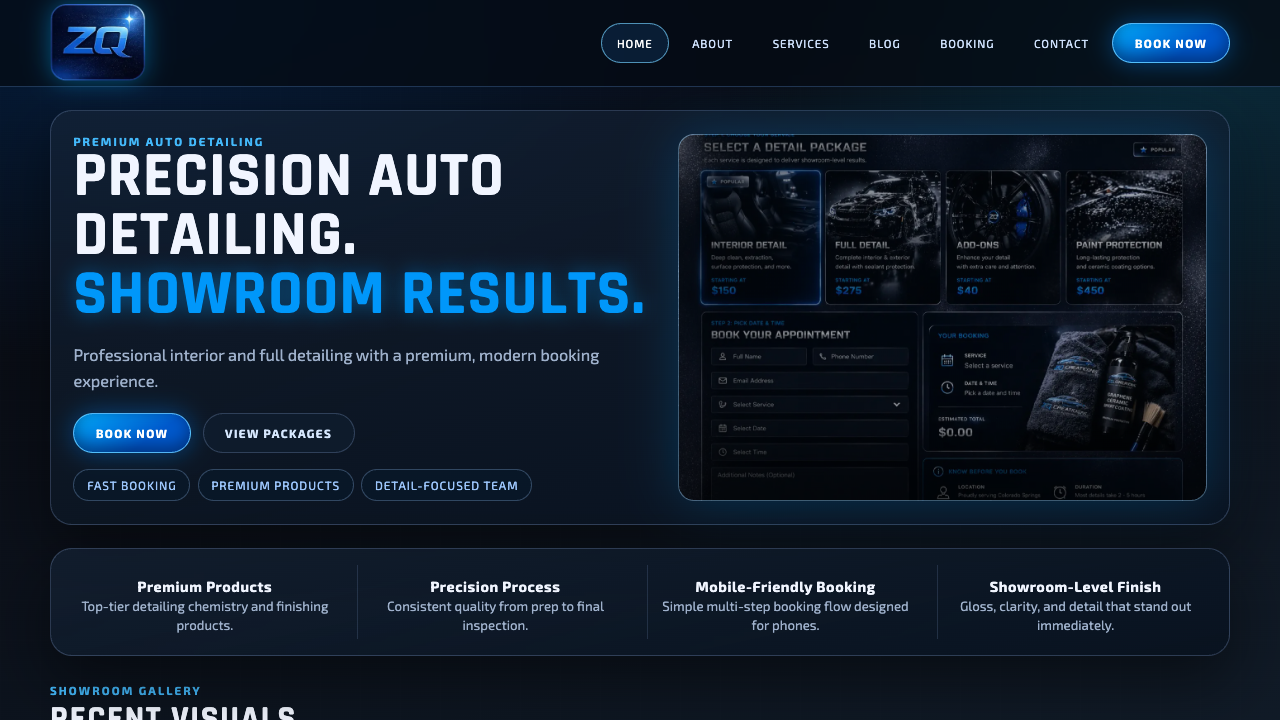
Real service-site polish
A finished page should show the offer quickly, build trust, and make the next step obvious on mobile.
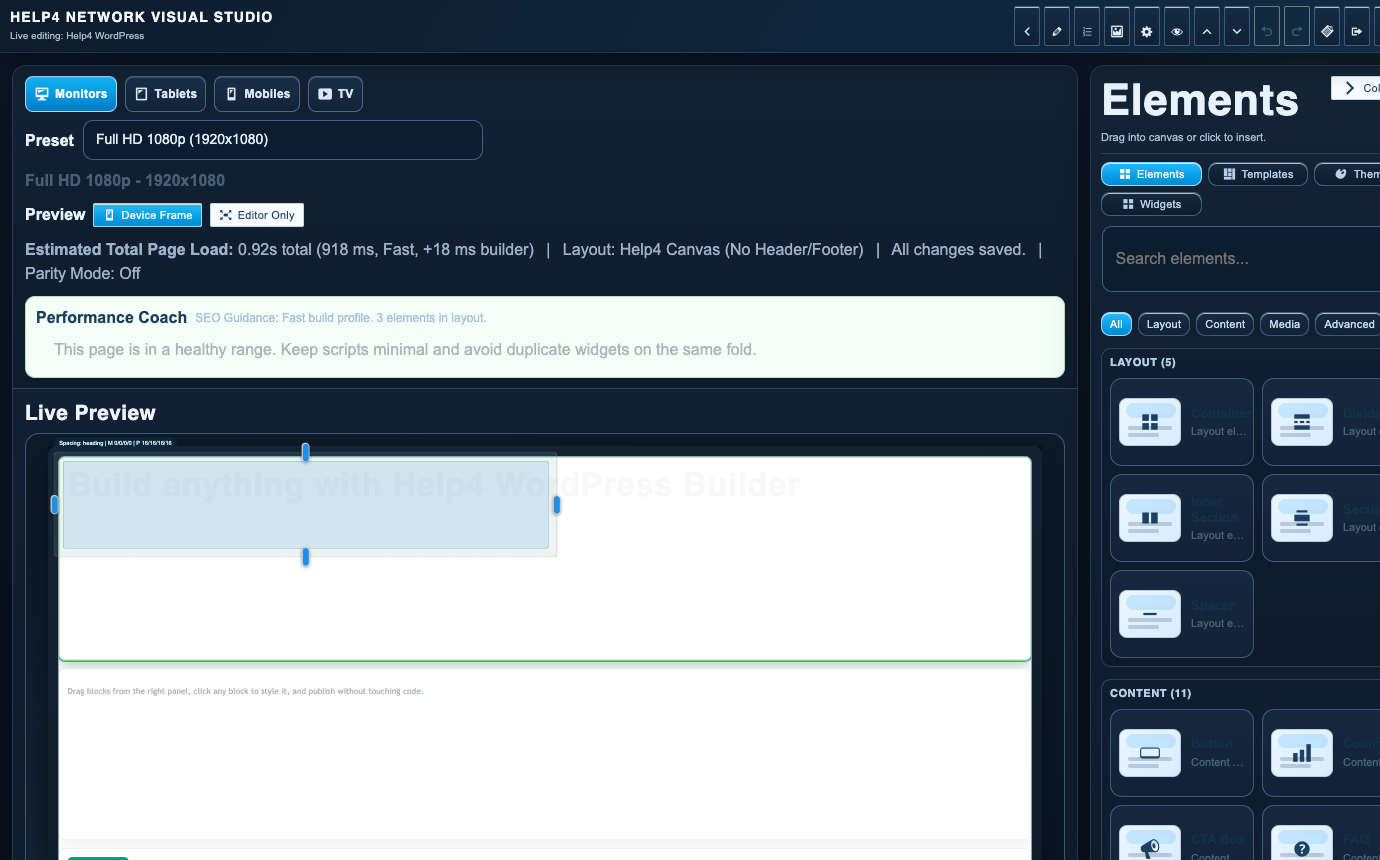
Builder-backed delivery
Help4 can build the page, then leave the customer with a cleaner editing path instead of a fragile one-off layout.
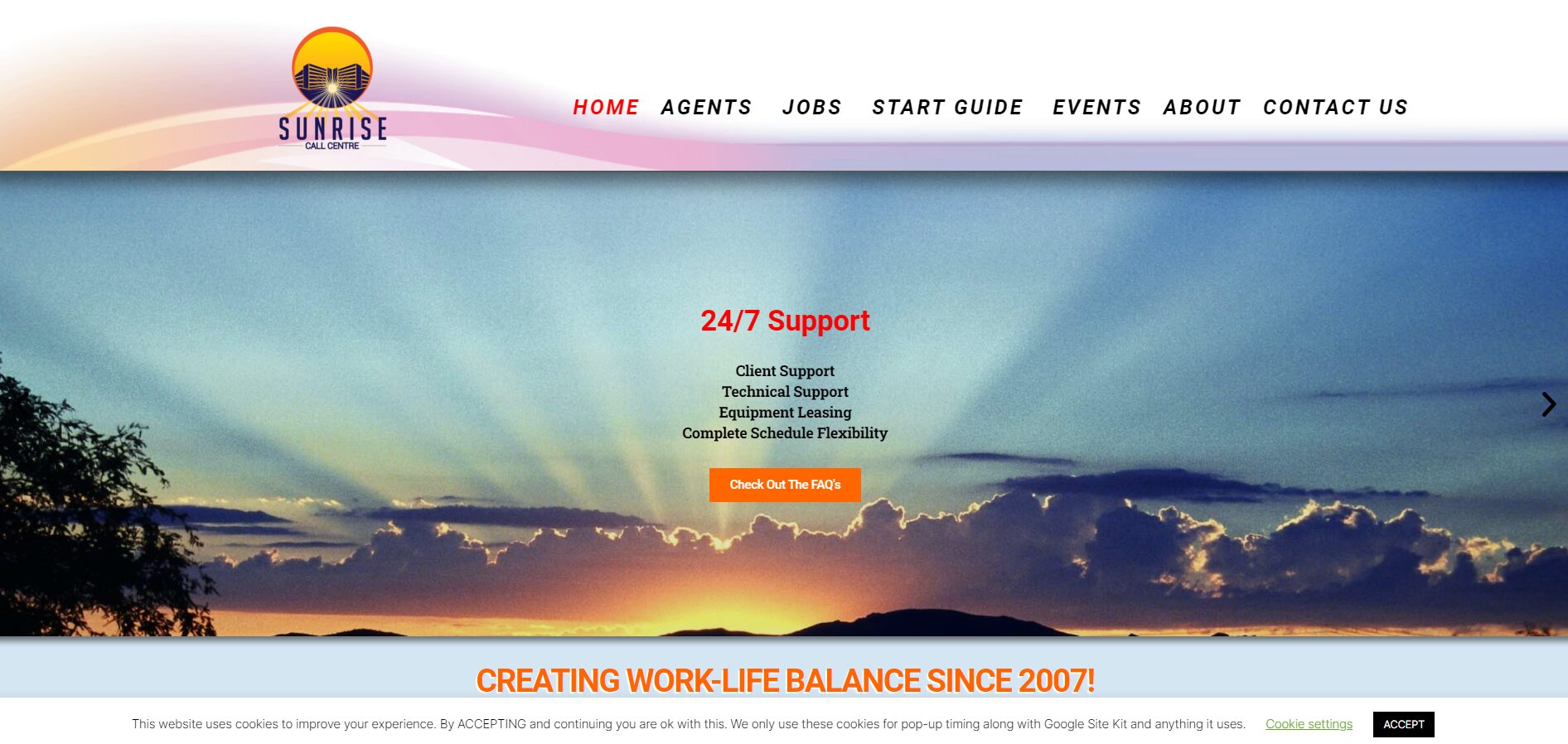
Support after launch
The same Help4 path can cover edits, forms, speed, security, updates, migration, and support tickets after the site is live.
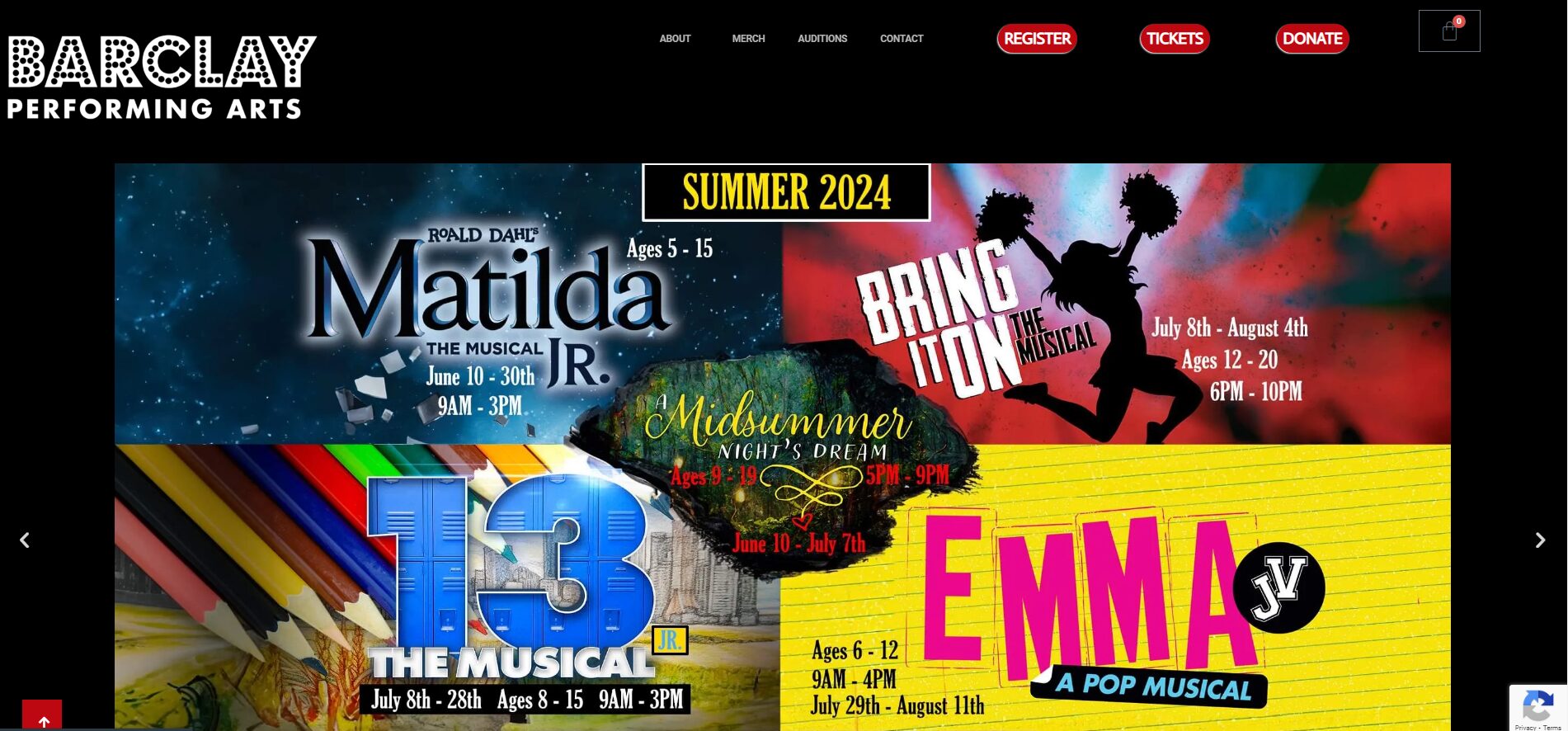
Plain-English handoff
Customers can send rough notes, screenshots, designs, or old pages and let Help4 turn them into a cleaner WordPress build.
What Help4 handles
Plain-English support that turns the problem into finished WordPress work.
Tell Help4 what is wrong, what you want changed, or what needs to launch. The team can turn that into hosting, care, rescue, migration, build, or custom support scope.
Build campaign, service, product, and lead pages with clear headings, CTAs, and responsive layout.
Turn what you sell into search-friendly pages with plain-English copy and conversion paths.
Use reusable sections so future pages do not become one-off messes.
| Area | Help4 action | Why it matters |
|---|---|---|
| You have a design | Help4 builds the page in WordPress | You do not need to learn the builder to ship the page. |
| You have a rough idea | Help4 turns it into sections, copy, CTAs, and layout | A good page can start from plain language. |
| You have examples | Help4 uses them as direction, not copied content | Competitor examples help define quality and structure. |
| You need SEO | Help4 adds metadata, headings, internal links, FAQ, and schema | The page should be built to rank and convert. |
Service paths
WordPress help by problem
Pick the page that matches what is costing time: speed, emergencies, malware, migration, maintenance, commerce, page builds, or agency overflow.
WordPress Speed Optimization
Speed, Core Web Vitals, image weight, plugins, caching, and slow customer-facing pages.
Emergency WordPress Support
Site down, checkout broken, forms failing, plugin conflicts, and urgent launch blockers.
WordPress Malware Removal
Hacked sites, redirects, spam pages, suspicious users, cleanup, restore, and hardening.
WordPress Migration Service
Move hosts, clean old issues, review DNS and SSL, test forms, and stabilize after launch.
WordPress Maintenance Care Plans
Updates, backups, security checks, small edits, plugin help, and managed site care.
Help4 Commerce Support
Catalogs, variations, subscriptions, checkout routing, payment handoff, store performance, and product-page problems.
Design to WordPress
Turn designs, screenshots, copy, references, and rough ideas into responsive WordPress pages.
White-Label WordPress Support
Agency overflow for builds, maintenance, migrations, fixes, SEO pages, and support work.
Ready to hand it off?
Open a Help4 request and describe the result you need.
Use the ticket path for scope, setup, migration, emergency fixes, or a recommendation before checkout.
Your design handoff, translated into an editable website.
Send your logo files, approved copy, page list, brand colors and designs or wireframes. Include mobile examples when they differ from desktop, and identify forms, checkout, booking or other integrations that need to work. Use reference sites to explain direction, not as permission to copy their artwork or content.
From design to WordPress.
Built for real people.
Responsive pages. Reusable layouts. Clear editing.
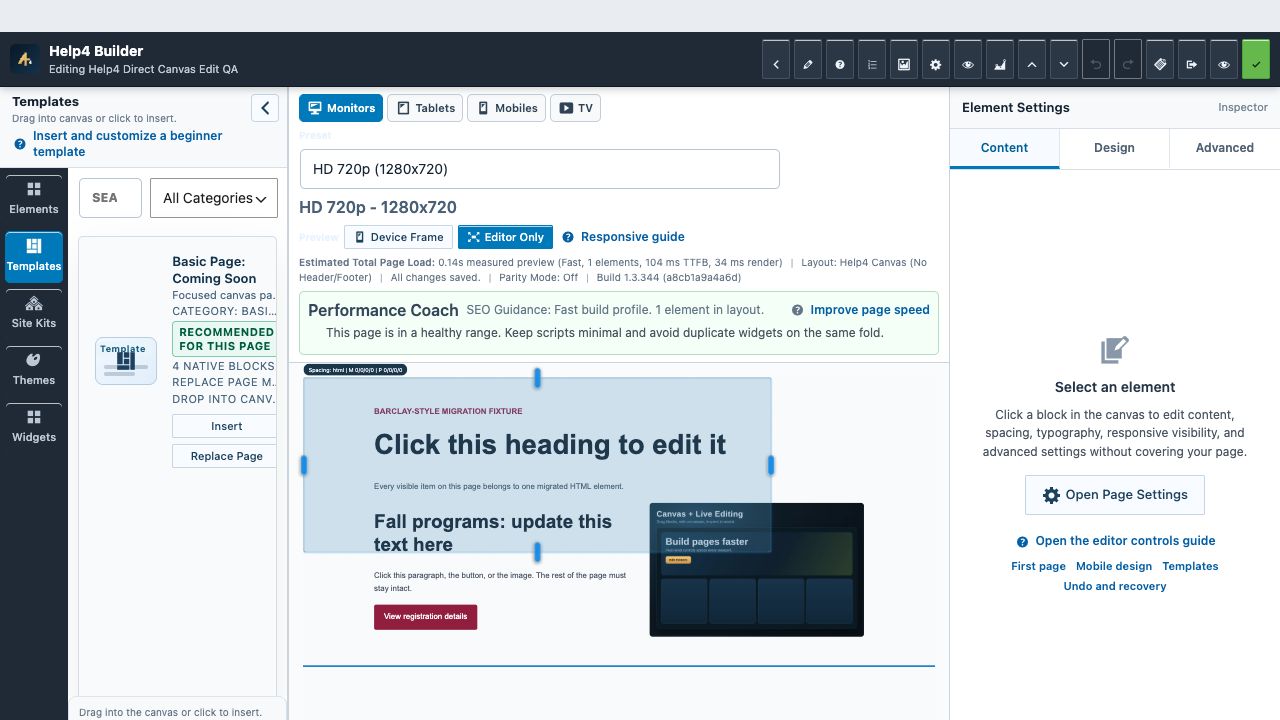
Agree on the result before the build begins.
We confirm the pages and integrations in scope, build responsive WordPress layouts and review the result with you. Heading structure, metadata, links, images and form behavior are useful launch checks; they are not a promise of a particular Google position or performance score.
The handoff should include an editing path your team can use. Our illustrated guides explain how to open the correct page, select text or media, make one controlled change and verify the saved public result.
Questions before you hand it off
Can Help4 build WordPress pages from designs?
Yes. Help4 can build WordPress pages from designs, screenshots, sketches, copy, references, or plain-English instructions.
Do design-to-WordPress pages include SEO basics?
They can include headings, metadata, canonical URLs, FAQ schema, internal links, responsive layout, and conversion CTAs.