
Contact Help4 WordPress
What to send Help4
A better support request starts with the page, the screenshot, and the goal.
These screens show the Builder Suite path Help4 uses to map a request into setup, page work, builder edits, or post-launch support.
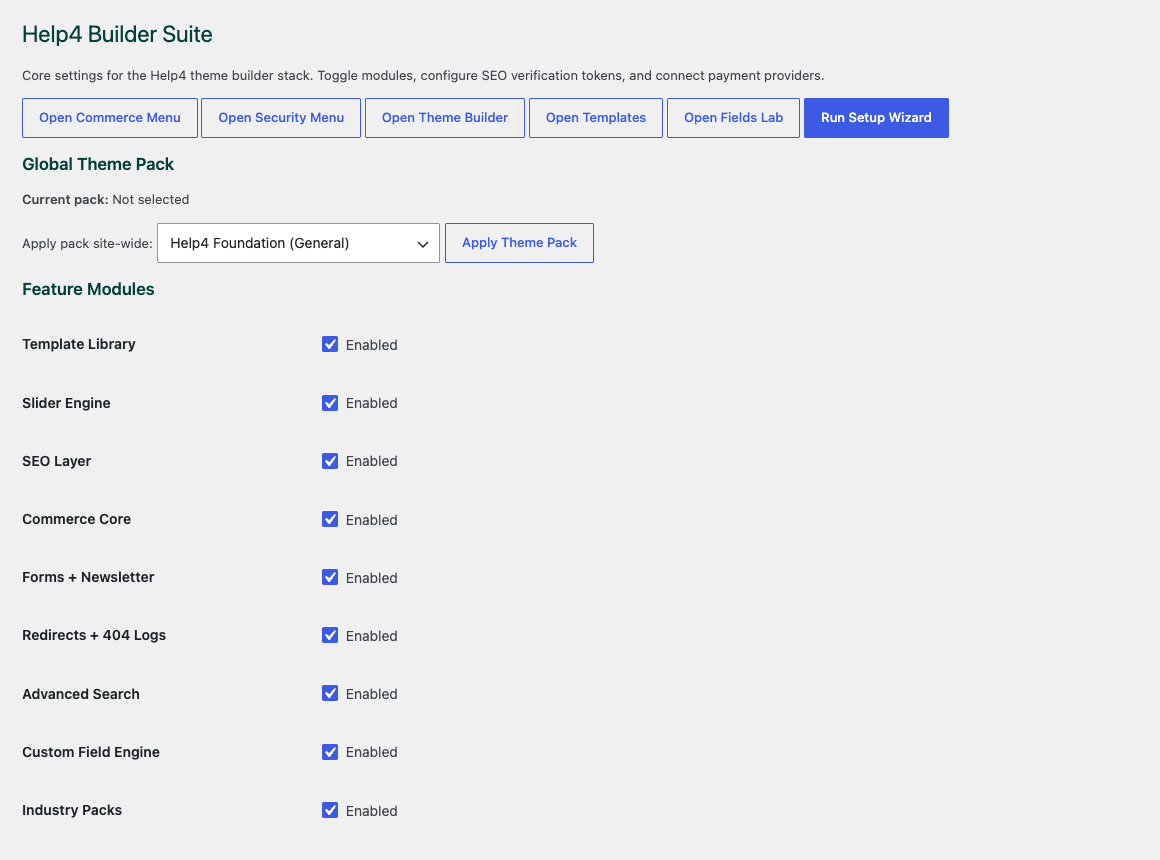
Choose the site modules
Start with the parts the site actually needs so builder, media, commerce, forms, speed, and security stay controlled.
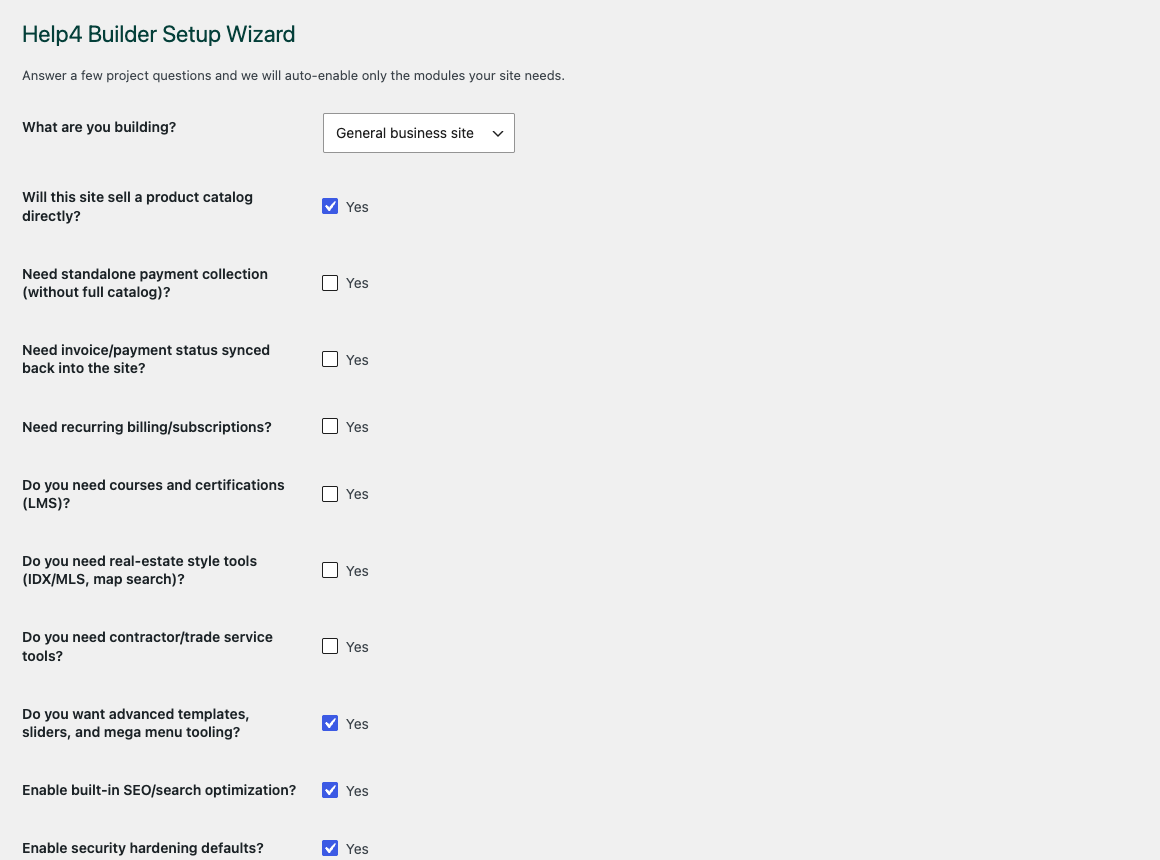
Walk through setup
The wizard gives beginners a path into the builder instead of dropping them into an empty admin screen.
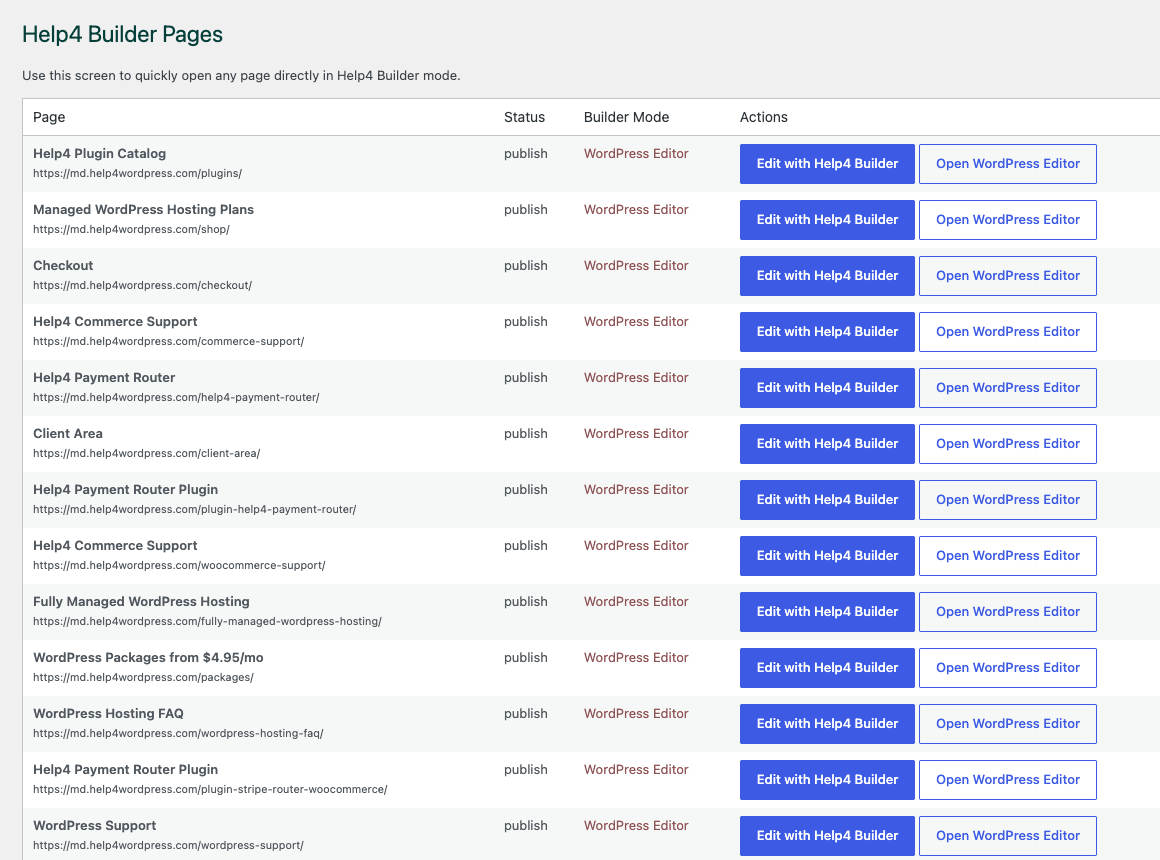
Open the right page
Builder Pages gives customers and Help4 support a shared place to organize page, template, and content work.
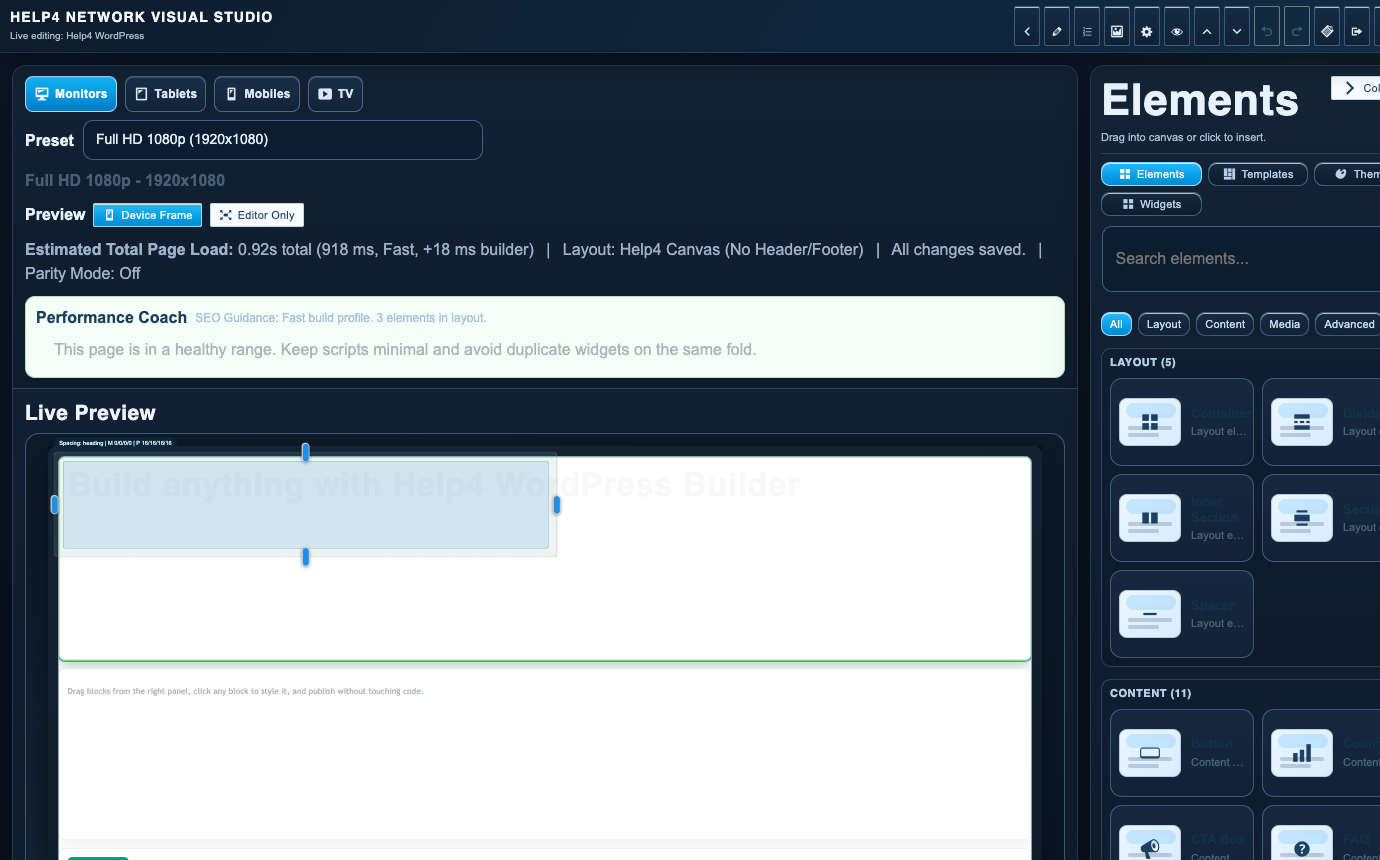
Finish in Builder Studio
The studio is where sections, copy, visual checks, reusable structure, and mobile edits come together.
If the site is broken
Open a support ticket first.
A ticket gives the work a trackable home. Include screenshots, the page URL, what you expected, and what actually happened.
If you need a plan
Pick by how much work you want handled.
Starter is hosting. Managed plans add care, security, speed, SEO, edits, troubleshooting, and implementation help.
If you need a build
Send the design, sketch, copy, or goal.
Help4 can turn rough instructions into WordPress pages, forms, landing pages, product pages, and supportable templates.
Route the request correctly
Contact WordPress support with the details that speed up a solution
Send the website URL, the affected page or admin screen, what you expected, what happened instead, and whether the problem blocks sales, leads, staff, or visitors. Add the last change you remember and a screenshot when it makes the issue easier to recognize.
Billing, service, and tracked support messages may receive replies from Help4Network.com or Help4.us. Check spam, junk, promotions, and filtered folders when a response is not visible. Never send passwords, payment keys, or private customer data through an unprotected contact message.
- Use the Help4 Network contact path for sales, service selection, and general account routing.
- Use the client area or support ticket path for work tied to an existing service.
- Call when the issue is urgent or the correct plan is not obvious.