


Help4 Builder Templates and Icons
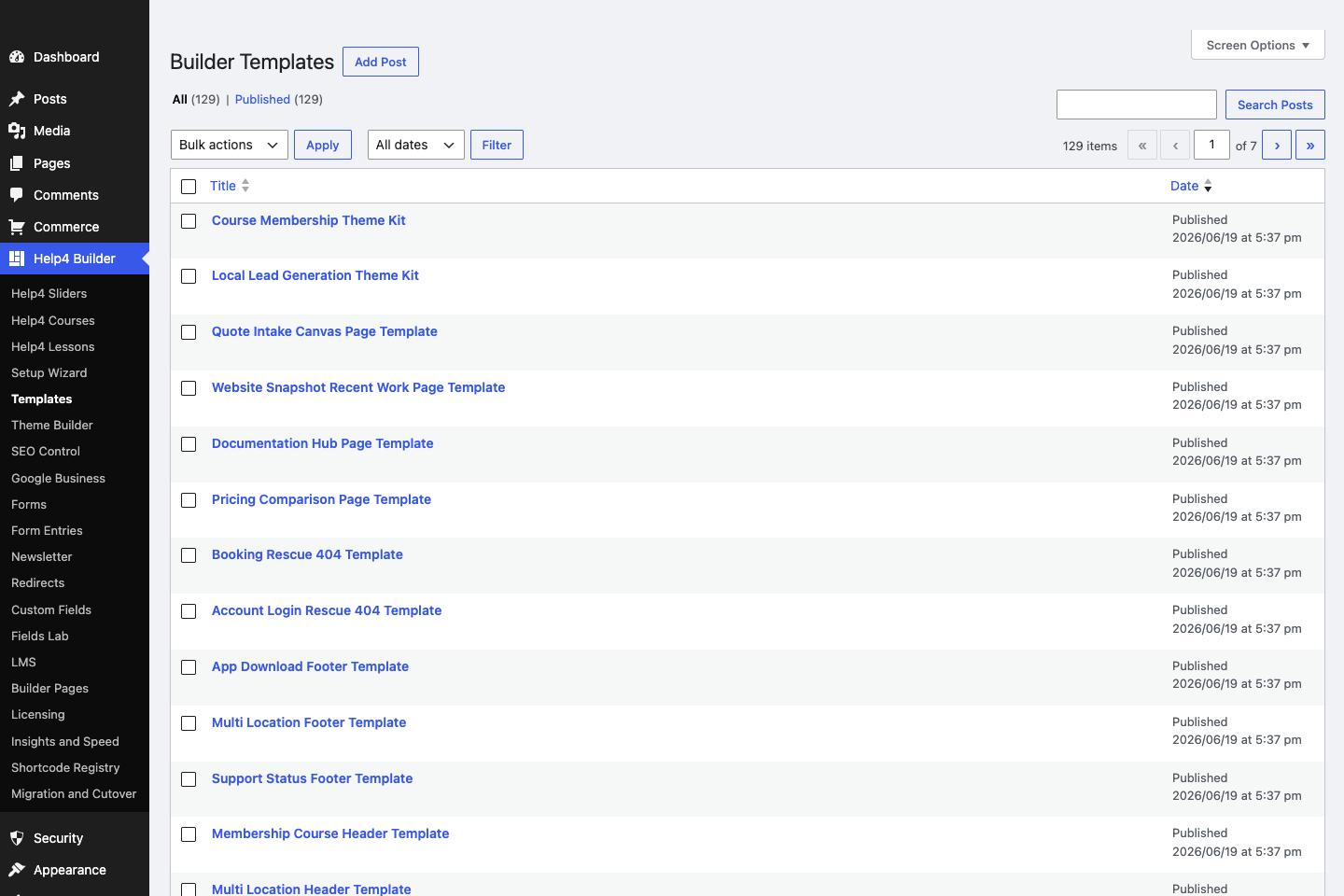
Template Library
Start from page-purpose templates instead of staring at a blank canvas.
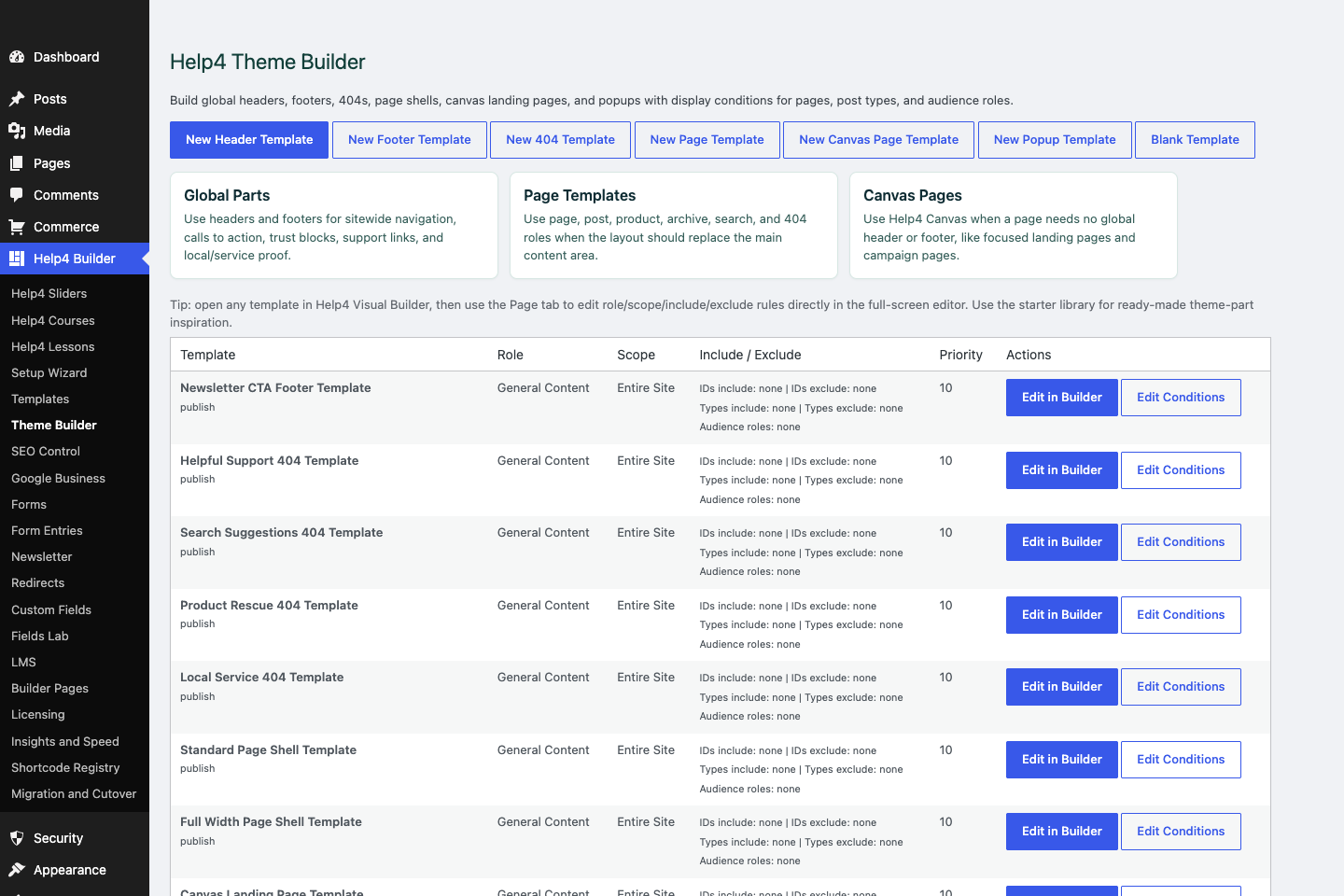
Theme Builder
Create global headers, footers, 404s, page shells, canvas landing pages, popups, and display conditions.
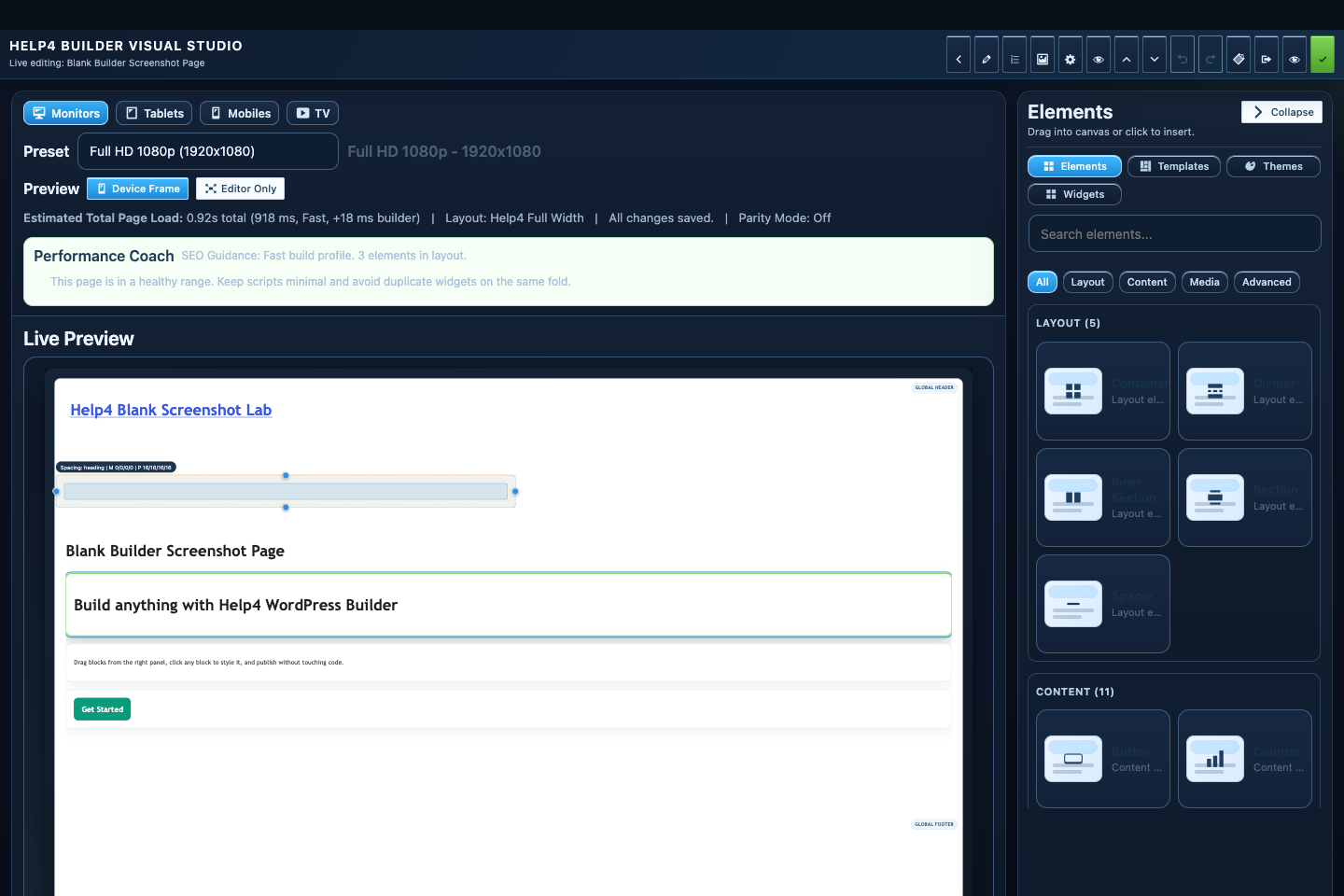
Builder Studio
Build the page visually with responsive controls, element panels, performance guidance, and a live preview.
Template path
Pick a starter by the page job, not by prettiness.
Templates are starting points. Choose the closest business goal, then change words, proof, images, layout, and calls to action.
Starter templates
Use them to avoid blank-page paralysis and speed up first drafts.
Theme Builder
Use it for global pieces so pages do not each get separate header/footer work.
Default icons
Use local icons so a fresh install does not depend on random remote icon packs.
Step
Choose the page job
Service, product, recent work, support, local SEO, launch announcement, checkout recovery, or docs.
Step
Import to a draft
Do not apply a starter directly to a live revenue page without reviewing it first.
Step
Replace sample content
Use real offers, locations, product terms, proof, and next-step buttons.
Step
Use icons sparingly
One icon per card or step is enough; the words still do the selling.
Step
Save reusable pieces
Headers, footers, CTAs, and service blocks should become templates when repeated.
Start here
Install and setup
Download the ZIP, activate Builder Suite, understand the blank-theme path, and run the first clean check.
First page
Build a page safely
Open Builder Pages, launch Studio, build structure first, check mobile, then publish or hand it to Help4.
Templates
Choose a starter
Pick a starter spec by page job: service, product, support, recent work, local SEO, launch, or checkout recovery.
Theme layer
Headers and footers
Use Theme Builder for global headers, footers, 404s, page shells, canvas pages, popups, and conditions.
Fields
Structured content
Use fields when content repeats: FAQs, service areas, specs, team members, galleries, relationships, and product data.
Commerce
Products and payments
Plan catalog data, variations, subscriptions, checkout context, and payment routing before launch.
Capture leads
Forms and sliders
Use forms and motion only where they support the page goal and do not load extra assets everywhere.
Launch QA
SEO, speed, security
Check metadata, schema, readability, AdSense-style quality, Analytics intent, SSL, headers, images, and mobile.
Proof
Website Snapshot
Turn public URLs into safe website screenshots for recent work, migrations, support notes, and launch recaps.
Release safety
Updates
Use stable live packages and md beta testing to keep Builder Suite ready for the next WordPress line.
Need help with this step?
Send Help4 the page, screenshot, or site goal.
Include the URL, what you are trying to build, what looks wrong, and whether this is a draft, staging site, or live customer page.