
Feature groups
A serious builder needs the editor, the data layer, the theme layer, and the business layer together.
Help4 is being built for customers who want the site finished and for builders who need repeatable systems. The same stack can run a local service site, product catalog, membership area, support hub, design-to-WordPress build, or high-volume commerce project.
Visual Builder
Drag-drop canvas, live preview, responsive controls, navigator, section structure, and editor workflows for building pages without touching theme PHP.
Theme Builder
Header and footer templates, reusable sections, display rules, priorities, and blank-theme-friendly layout control.
Structured Fields
structured field groups, repeaters, metadata, content modeling, and reusable data patterns for pages that need more than text blocks.
Commerce Engine
Products, variations, subscriptions, catalog import paths, customer/order context, and payment routing hooks for large catalogs.
Performance and Security
Selective module loading, fewer front-end assets, hardening helpers, SEO metadata, redirects, cache-aware behavior, and diagnostics.
Starter Templates
Industry templates, layout packs, default icons, launch checklists, and setup routes so customers can start from a real business goal.
Builder screenshots
Proof points from the builder workflow.
These captures show the editor, preview, icon, context, and QA flows that have been moving through beta. They are here for release confidence and for customers who want to see that the builder is more than a brochure page.
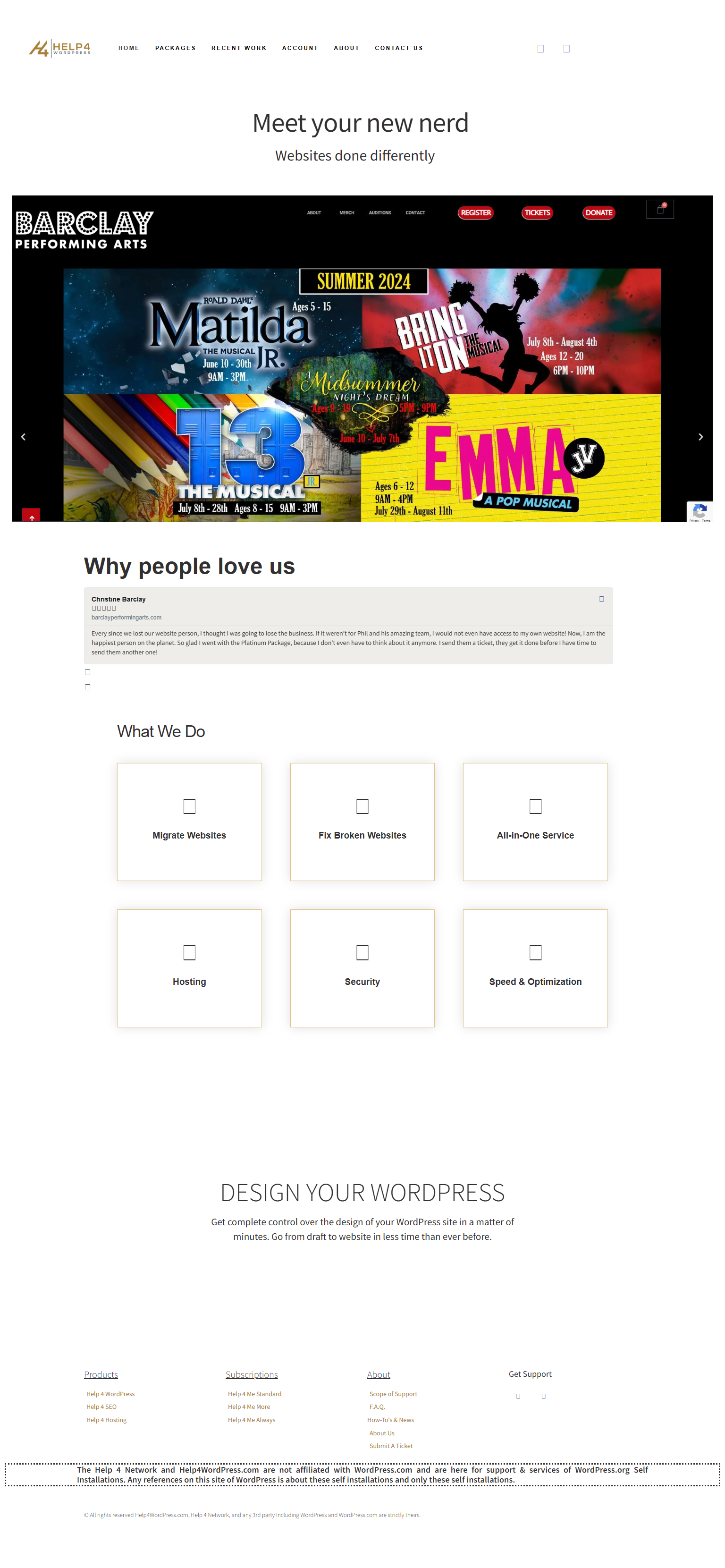
Icon rendering
Default icon packs and homepage rendering checks for builder-created sections.
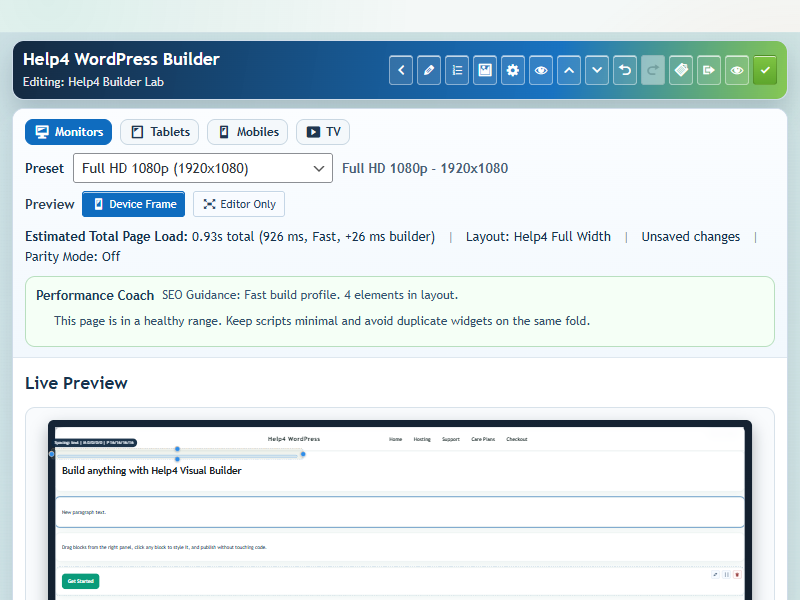
Context actions
Right-place editing controls for section and element workflows.
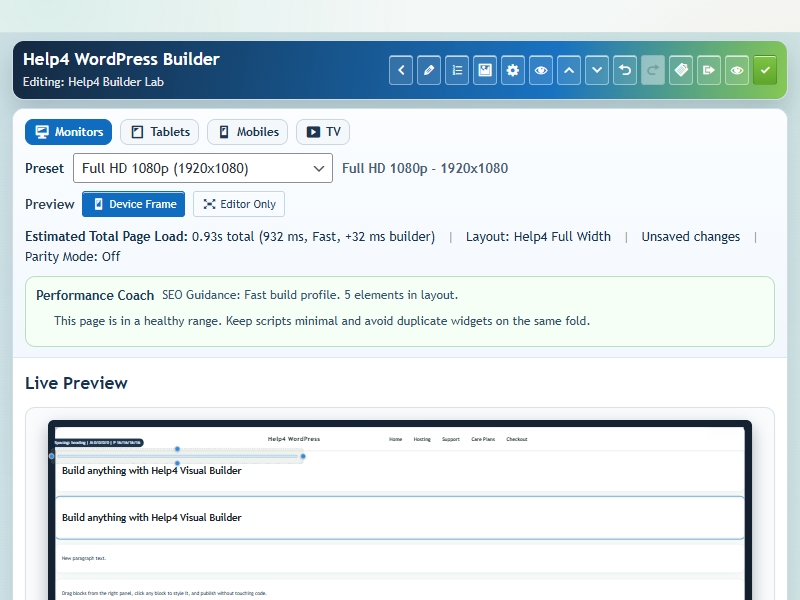
Undo and redo
Editor state handling for safer layout work.

Box model controls
Spacing and layout inspection for responsive sections.
Download endpoints
Use the stable URLs for beta installs and release testing.
The versioned links are useful for QA; the latest aliases are the links customers should use when they just need the current release.
Plugin latest
Plugin stable alias
Release notes
Blank theme
Builder screenshots
See the builder before asking customers to trust it.
These are real Help4 Builder Suite screens: canvas editing, context actions, undo/redo, spacing overlays, starter visuals, and the icon set customers can use immediately.

Builder shell
The working builder surface: page outline, controls, content structure, and launch-ready editing panels.
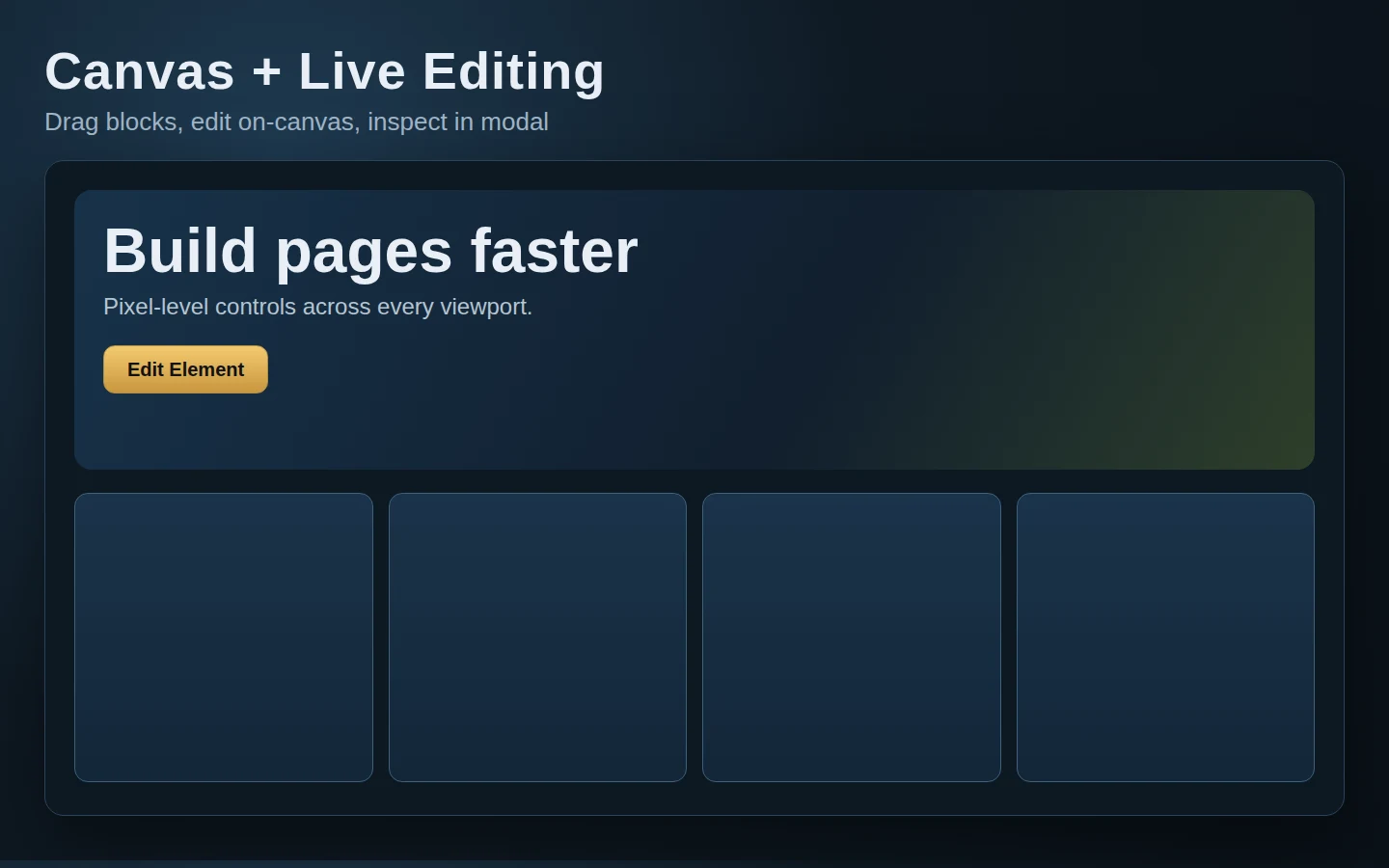
Canvas editing
Responsive sections, content blocks, cards, and CTA layouts are visible while building instead of hidden in settings screens.
Context actions
Fast duplicate, move, delete, style, and structure actions so users can keep working without hunting through menus.
Undo and redo
Builder safety controls make experimentation less scary for customers and safer for support-led page builds.
Spacing overlay
Box model guidance helps users understand margins, padding, section spacing, and why mobile layouts behave the way they do.
Default icon library
Launch, support, commerce, security, SEO, local service, and template icons are included as starting points.
Start faster
Give customers a first path instead of a blank screen.
The release stack now points people to the exact files, starter library, and build flow they need to begin without learning the entire system first.
1. Install the blank theme
Use Help4 Blank as the quiet base so the plugin controls the building experience without theme clutter.
2. Add Builder Suite
Install the current Builder Suite package for visual building, templates, fields, sliders, commerce, SEO, performance, and security modules.
3. Pick a starter
Choose an industry starter, swap copy and images, then turn it into a real business page instead of beginning from nothing.
4. Send Help4 the messy part
Hand over screenshots, designs, broken pages, product lists, or rough notes. Help4 can turn the idea into finished WordPress work.
Free install path
Install Help4 Builder Suite without making customers decode WordPress.
Download the current Builder Suite package, upload it through the normal WordPress plugin installer, activate it, then run the setup wizard. The blank theme is the clean base when you want the builder to control layouts without fighting a heavy theme.
1. Download the plugin
Use the current Help4 Builder Suite ZIP. Keep latest.zip bookmarked if you always want the current public release.
2. Upload in WordPress
Go to Plugins, Add New, Upload Plugin, choose the ZIP, install, and activate. No command line is required for the free install path.
3. Run the wizard
The setup wizard lets a site owner choose commerce, forms, SEO, security, performance, LMS, templates, and other modules before the site gets cluttered.
4. Build the first page
Open Builder Pages, choose a page, and launch Builder Studio. Add layout first, then content blocks, then responsive cleanup.
Download Builder Suite Download Blank Theme Open Install Guide
WordPress 6 to 7 readiness
Production stays stable while md tests the WordPress 7 release-candidate track.
Live Help4 WordPress stays on production WordPress. The beta track is already running WordPress 7.0-RC2 so Builder Suite, Help4 Blank, templates, redirects, forms, commerce, SEO, and admin screens can be tested before the next core upgrade reaches customer sites.
Live is production
The public site should run stable WordPress, stable package links, and the current non-beta Builder Suite release.
md is the upgrade lab
The beta site exists to catch WordPress 7 changes early: admin UI changes, editor changes, REST behavior, PHP notices, scripts, templates, and asset loading.
Smooth upgrade plan
Before moving a customer from WordPress 6 to 7, Help4 checks plugin updates, theme output, forms, checkout paths, redirects, cache purge, rollback, and mobile rendering.
RCs belong on test sites
WordPress release candidates are for testing, not production. Help4 keeps that line clear by testing on md first and promoting only after checks pass.