
Help4 Builder Lab
Builder release gallery
Help4 Builder Lab
The builder lab shows how Help4 turns rough page ideas into supportable WordPress layouts with reusable sections, plain controls, and frontend output that can be maintained after launch.
Lab screenshots
The lab uses the same real screens customers see after install.
Review the setup and build path before touching a live customer page.
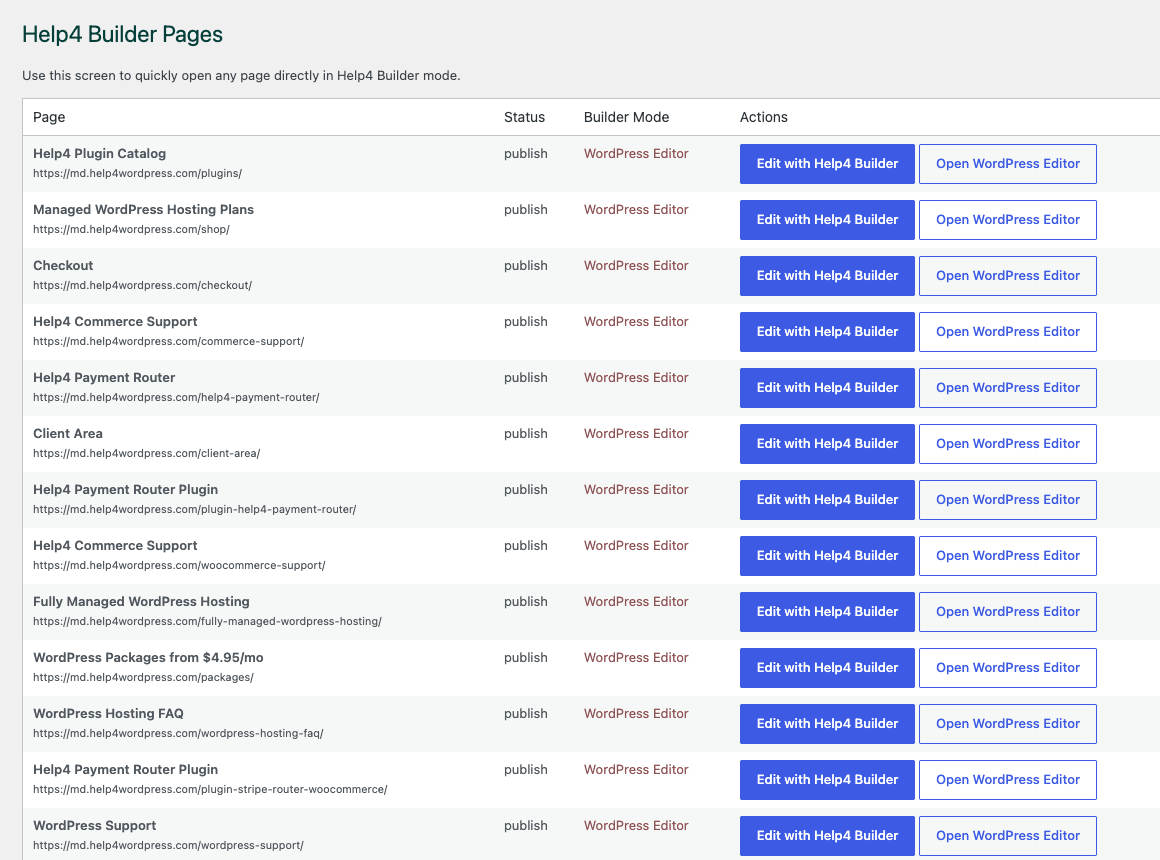
Choose the page
Use Builder Pages as the simple control point for opening pages in the visual builder.
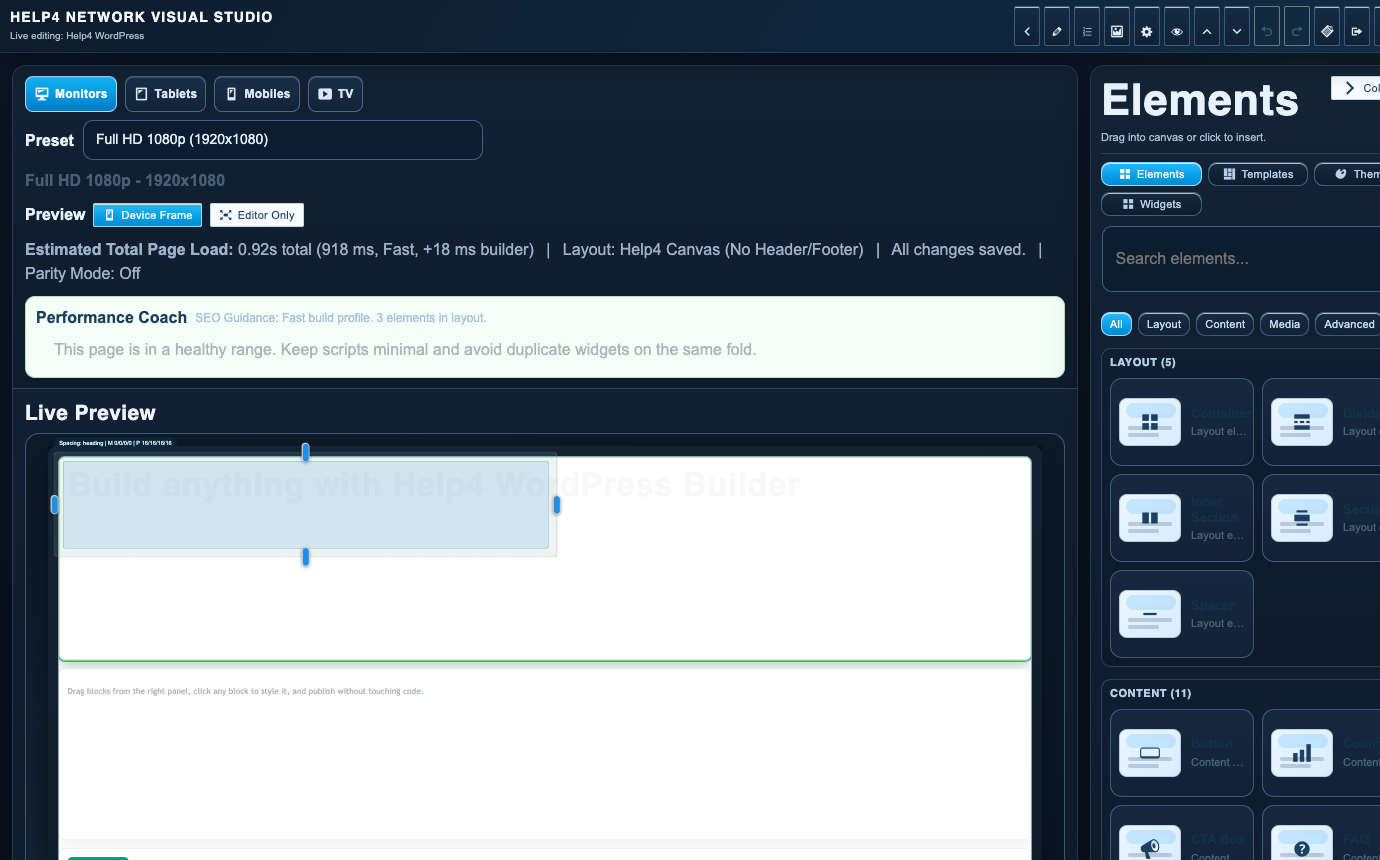
Build the layout
Use the canvas to test section structure, controls, responsive spacing, and handoff-ready output.
Screenshot walkthrough
Use the lab as the safe place to test builder behavior before launch.
The lab flow is for checking modules, pages, canvas behavior, responsive spacing, and customer-facing output before cloning changes forward.
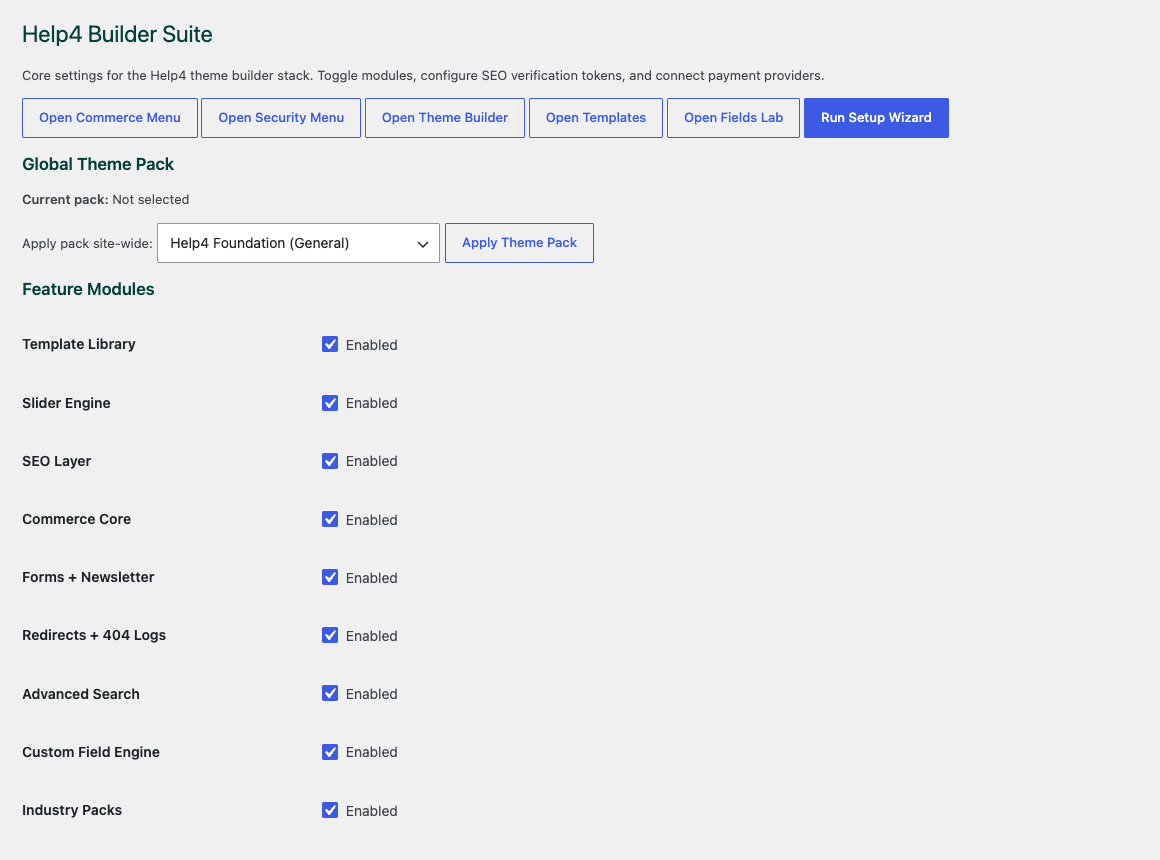
Settings dashboard
Confirm modules, support links, release channel, and the site setup path before building.
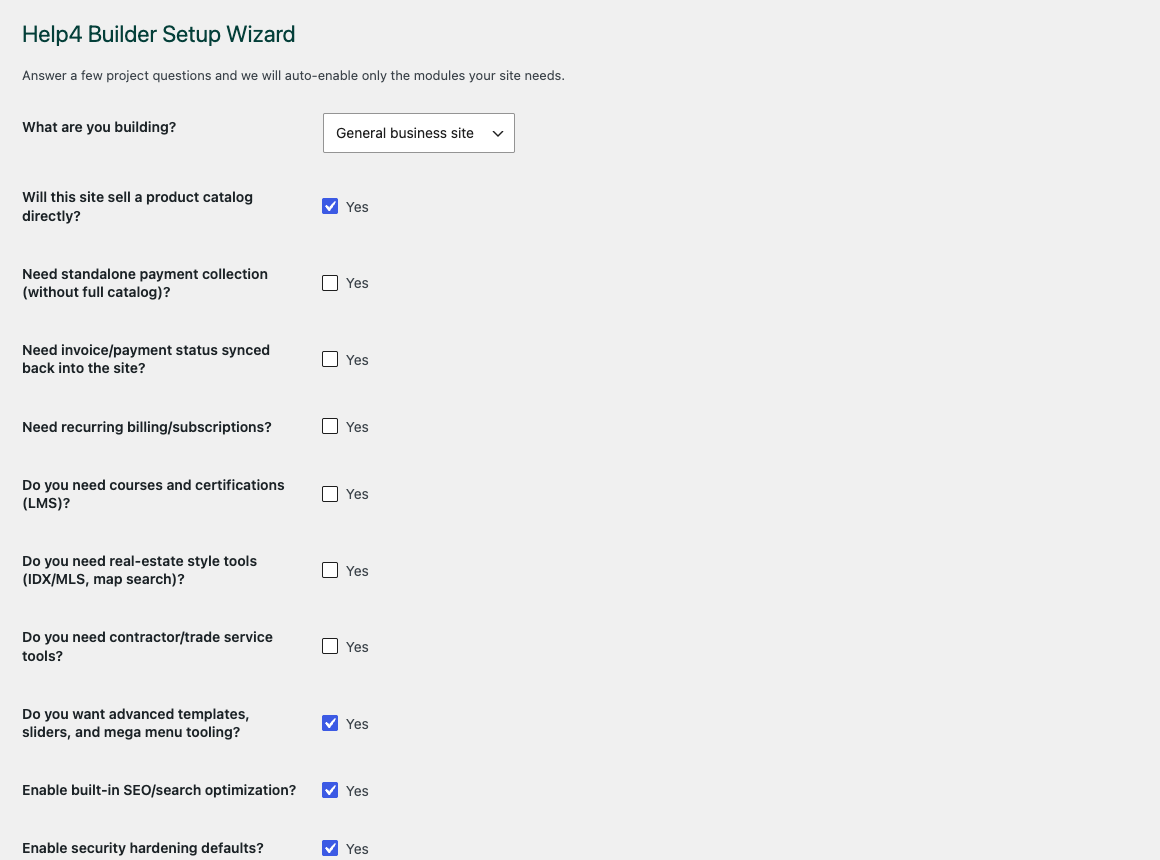
Setup wizard
Choose the modules the site really needs so beginners do not start with a crowded toolbox.
Builder Pages
Find the page, open Builder Studio, and keep page-building work out of random admin corners.
Builder Studio
Build structure, add content, check responsive spacing, then publish or hand off for polish.
Build visually
Create pages with layout and content controls without making the blank theme carry every feature.
Keep it modular
Use builder, fields, templates, commerce, SEO, speed, and security modules only where they are needed.
Launch with support
Use the same system for DIY edits, done-for-you builds, and Help4-managed support paths.
Safe Builder experimentation
Use the WordPress builder demo to test a workflow before production
The Help4 Builder Lab is a working page for checking real frontend output, not a replacement for a staging environment. Use it to understand how blocks render, how templates interact, and how responsive controls change the page before applying the same pattern to a customer-facing route.
A useful test covers more than appearance. Save the layout, reload the frontend, open the mobile menu, submit test forms, inspect links, check browser and PHP logs, and confirm that no hidden element expands the page beyond the viewport. Move the pattern into a reusable template only after those checks pass.
- Experiment with disposable content and non-production credentials.
- Compare desktop, tablet, and small mobile widths after every structural change.
- Keep the current public ZIP available before testing an upcoming beta release.