
Help4 Builder Elements Gallery
Builder release gallery
Help4 Builder Elements Gallery
A practical tour of the blocks customers expect from a modern WordPress builder: sections, grids, headings, text, images, buttons, menus, cards, forms, commerce calls to action, and reusable layout pieces.
Layout controls
Sections, containers, columns, spacing, backgrounds, and responsive sizing for clean page structure.
Content blocks
Headings, text, images, icons, dividers, buttons, cards, and HTML areas for everyday page building.
Business modules
Forms, product cards, support CTAs, payment-router links, SEO sections, and trust blocks for real service pages.
Builder screenshots
See the builder before asking customers to trust it.
These are real Help4 Builder Suite screens: canvas editing, context actions, undo/redo, spacing overlays, starter visuals, and the icon set customers can use immediately.

Builder shell
The working builder surface: page outline, controls, content structure, and launch-ready editing panels.
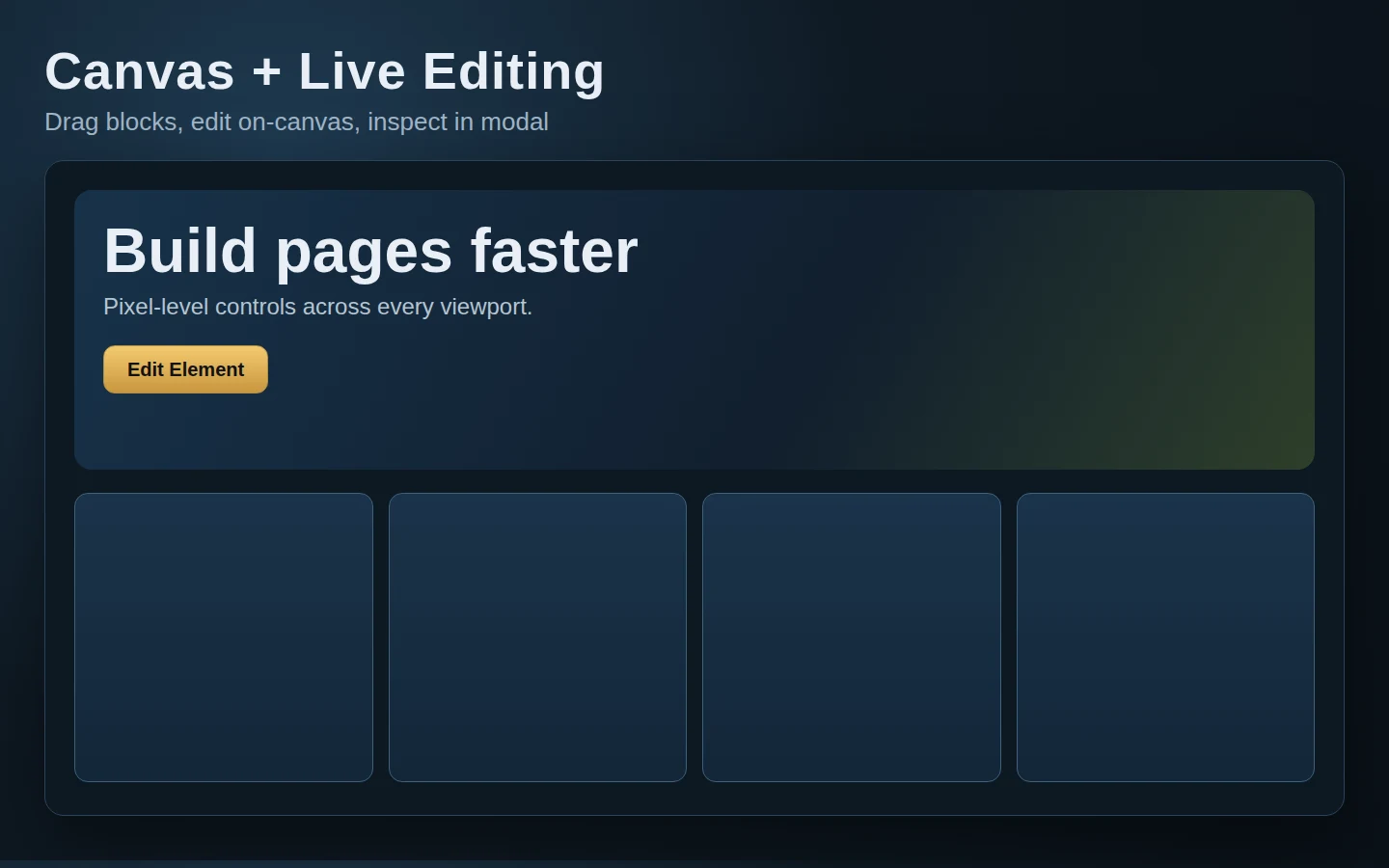
Canvas editing
Responsive sections, content blocks, cards, and CTA layouts are visible while building instead of hidden in settings screens.
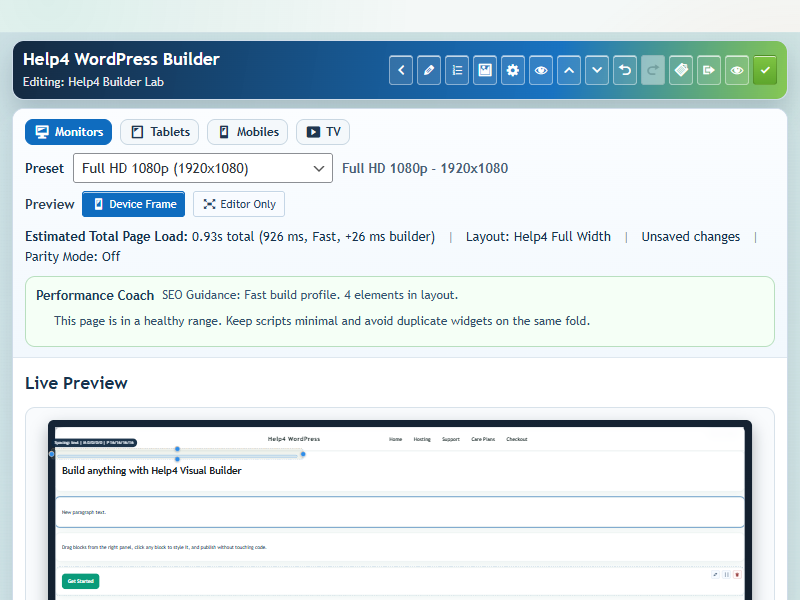
Context actions
Fast duplicate, move, delete, style, and structure actions so users can keep working without hunting through menus.
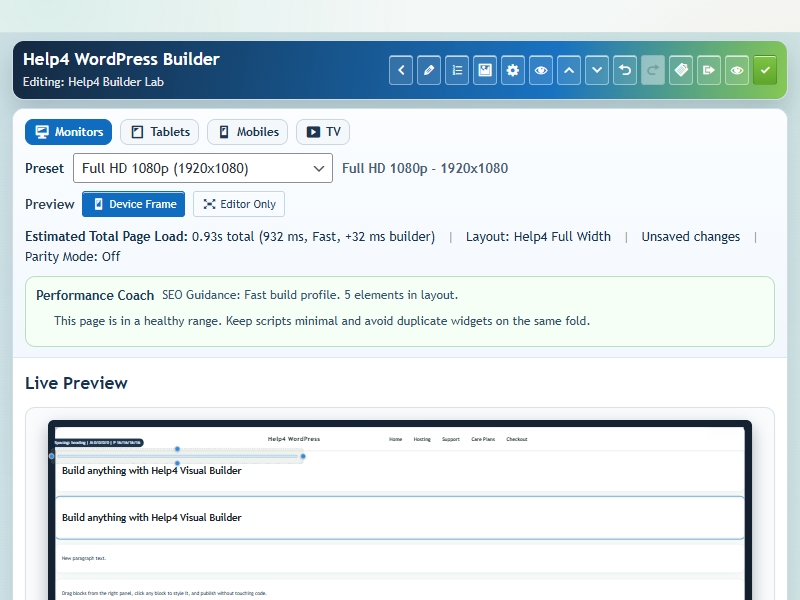
Undo and redo
Builder safety controls make experimentation less scary for customers and safer for support-led page builds.

Spacing overlay
Box model guidance helps users understand margins, padding, section spacing, and why mobile layouts behave the way they do.
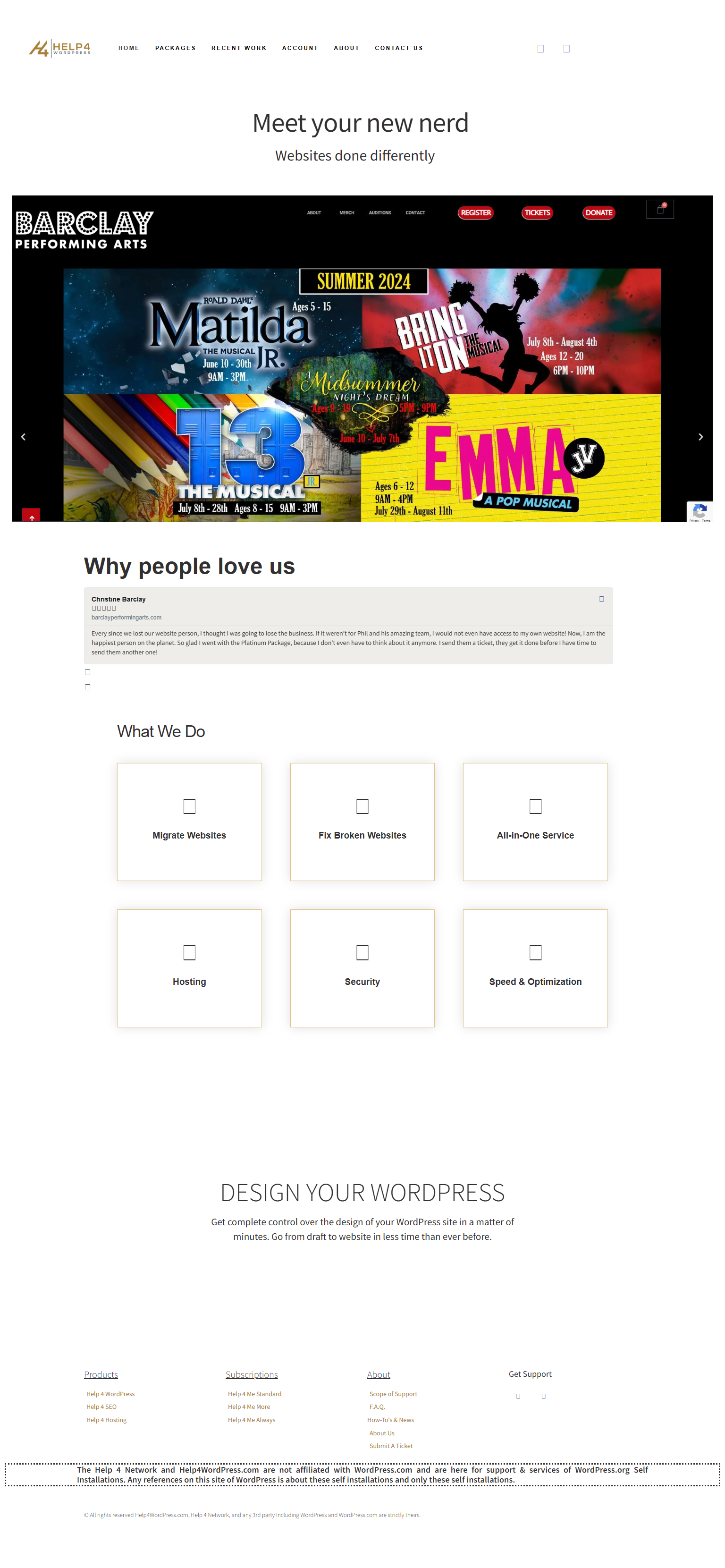
Default icon library
Launch, support, commerce, security, SEO, local service, and template icons are included as starting points.
Start faster
Give customers a first path instead of a blank screen.
The release stack now points people to the exact files, starter library, and build flow they need to begin without learning the entire system first.
1. Install the blank theme
Use Help4 Blank as the quiet base so the plugin controls the building experience without theme clutter.
2. Add Builder Suite
Install the current Builder Suite package for visual building, templates, fields, sliders, commerce, SEO, performance, and security modules.
3. Pick a starter
Choose an industry starter, swap copy and images, then turn it into a real business page instead of beginning from nothing.
4. Send Help4 the messy part
Hand over screenshots, designs, broken pages, product lists, or rough notes. Help4 can turn the idea into finished WordPress work.
Choose blocks by purpose
Use WordPress builder elements as a reusable design system
Builder elements are the raw parts of a page: sections, containers, headings, text, images, menus, forms, galleries, sliders, calls to action, commerce output, and supporting utility blocks. The strongest pages use a small set consistently instead of stacking every available widget into one layout.
Define typography, colors, spacing, buttons, fields, and responsive behavior first. Save repeated combinations as templates, then change the shared pattern rather than rebuilding it on every page. The gallery is for visual inspection; the tutorials explain how to assemble and publish the pieces safely.
- Start with page structure and content hierarchy before decorative controls.
- Use native menu, form, and media components when they match the required behavior.
- Check focus states, contrast, labels, keyboard access, and mobile wrapping before launch.