
Visual starting points
Start with the screenshot path, then open the gallery that matches the job.
Customers should not have to guess what the builder does. This index points them to screenshots, starter templates, page elements, media, commerce, and SEO/security examples.
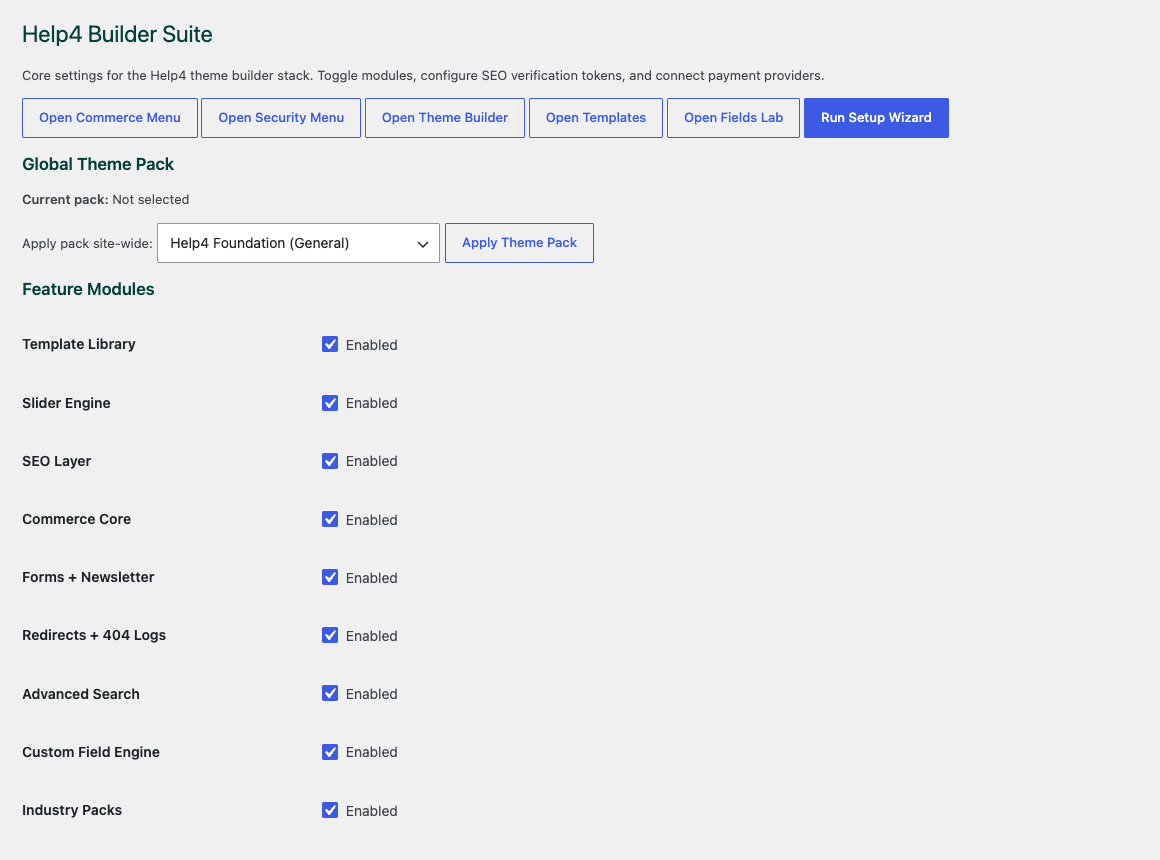
Choose the site modules
Start with the parts the site actually needs so builder, media, commerce, forms, speed, and security stay controlled.
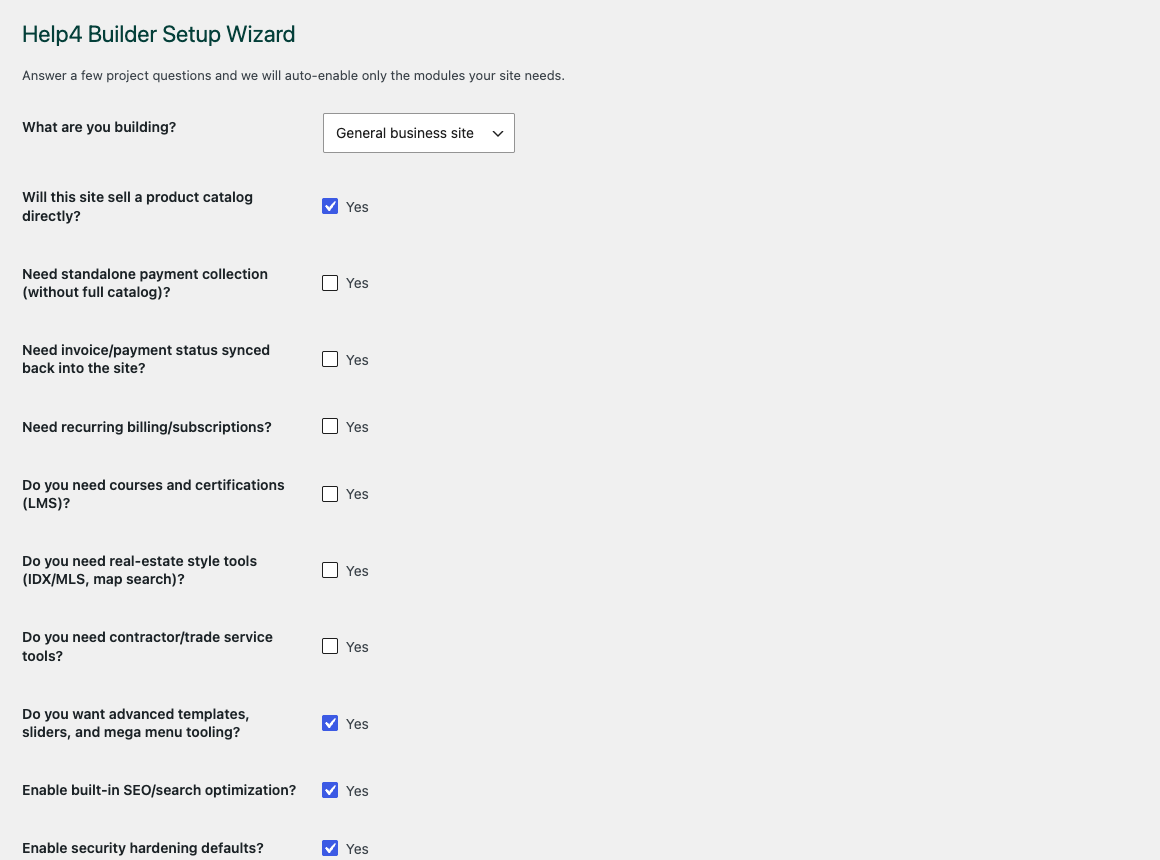
Walk through setup
The wizard gives beginners a path into the builder instead of dropping them into an empty admin screen.
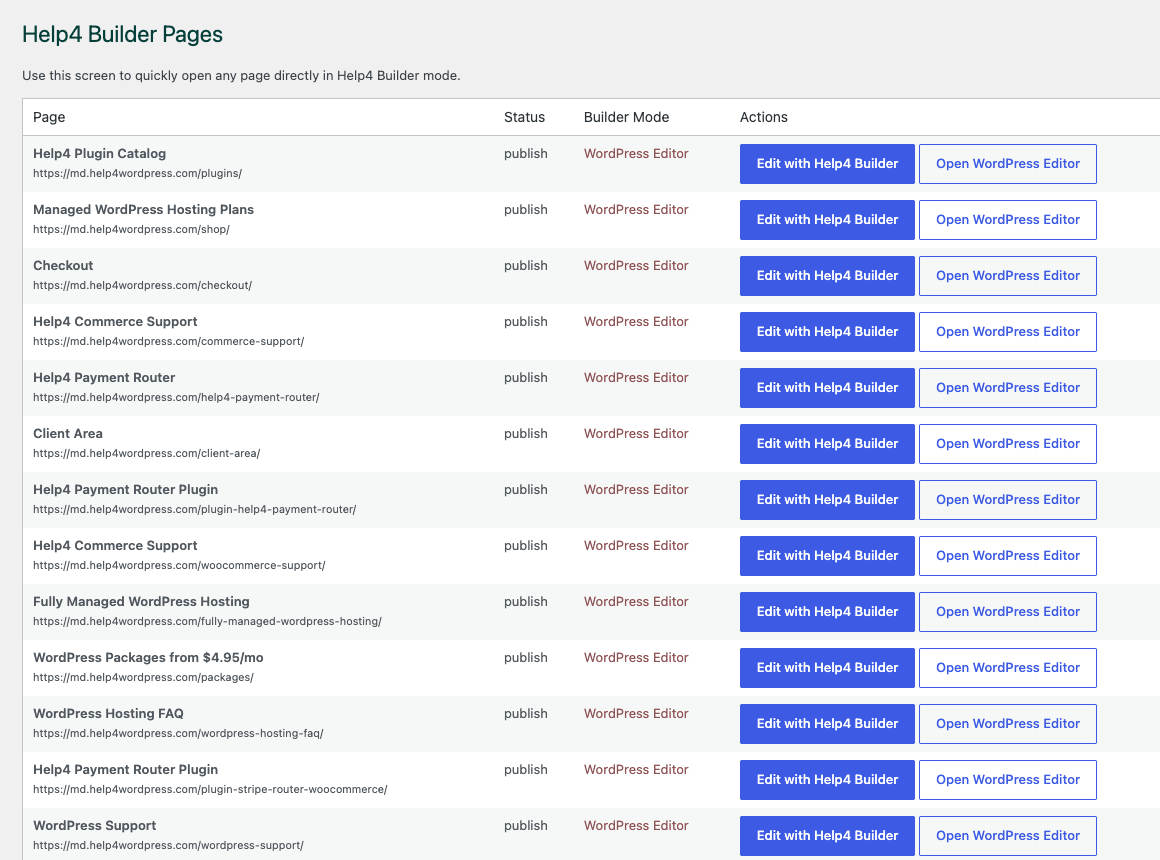
Open the right page
Builder Pages gives customers and Help4 support a shared place to organize page, template, and content work.
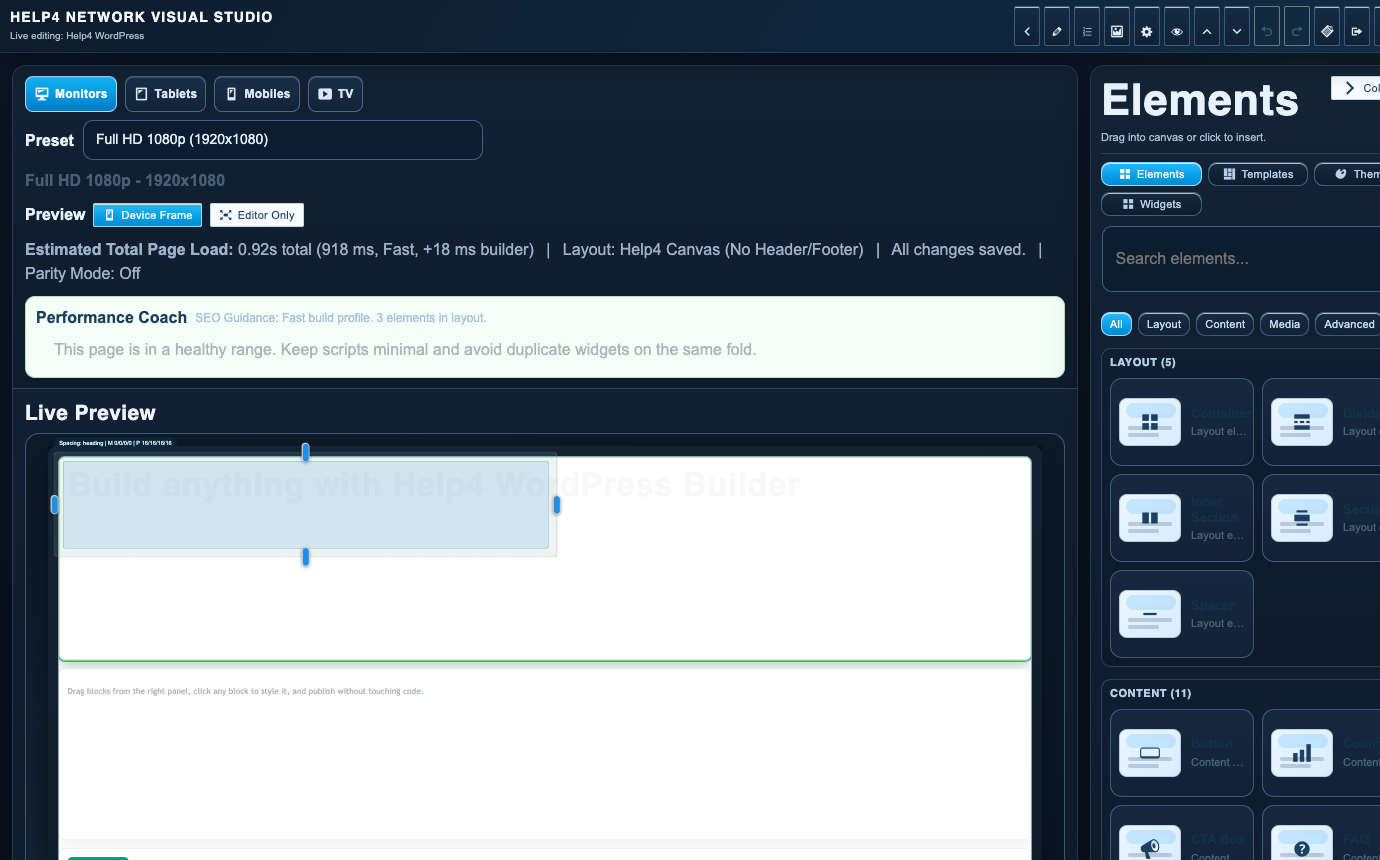
Finish in Builder Studio
The studio is where sections, copy, visual checks, reusable structure, and mobile edits come together.
Layout and content
Sections, grids, cards, comparison blocks, proof, and calls to action for pages that need to explain the offer.
Media and motion
Images, galleries, sliders, video sections, and lightweight motion that supports the page instead of slowing it down.
Commerce and payments
Catalog, product, subscription, checkout handoff, and payment-routing examples for Help4 Commerce pages.
SEO, speed, and security
Headings, internal links, performance discipline, safer defaults, and launch-readiness examples.