
Support an existing nonprofit site or build a new one
You do not need a full rebuild to ask for help. If your current WordPress site has a broken form, outdated program page or difficult editing process, send the URL and the change you need. For a new site, this starter gives your team an editable structure rather than a finished mission statement you cannot change.
Prepare the facts your community needs
- Your approved mission, legal organization name, contact details and service eligibility.
- Current programs, dates, approved photographs and permission to use them.
- The organization's approved donation destination and volunteer intake process.
- Real impact information, named content owners and an update schedule.
Donation links should lead to your approved giving provider. We do not invent tax-deductibility language, eligibility rules or impact statistics. Confirm those claims with your organization before publishing.
Choose how much help you want
Use the free Builder, Blank theme and editing tutorials for a do-it-yourself start, or ask Help4 to scope a build, repair or ongoing care. Maintenance and hosting plans cover different needs; confirm allowances and third-party costs rather than assuming everything is included.
See our recent work for examples of organizations we support, including Find Your Voice Foundation. Ask what work would be relevant to your own organization rather than assuming the same design or scope.
Common questions
Can Help4 support our existing nonprofit WordPress site?
Yes. Send the site URL, the problem and the desired result. Help4 can assess whether a targeted repair, maintenance plan or rebuild is appropriate.
Do we have to change donation providers?
No. Start with your approved donation provider and its supported integration or link. Confirm the account, destination and any provider fees before launch.
Can volunteers update content after launch?
Yes. Assign appropriate WordPress roles and use the Builder tutorials for supported edits. Verify changes on desktop and mobile before publishing.
Template workflow screenshots
Starter templates are easier to trust when customers can see the setup path.
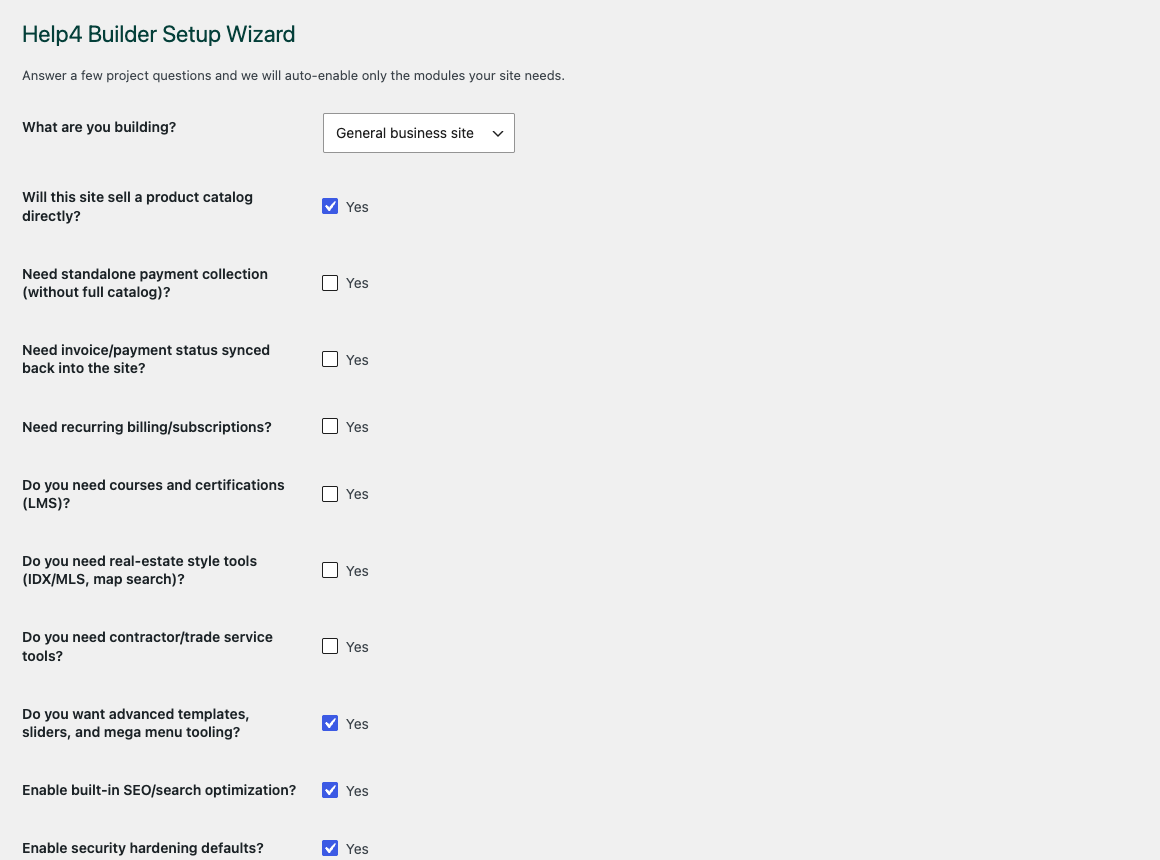
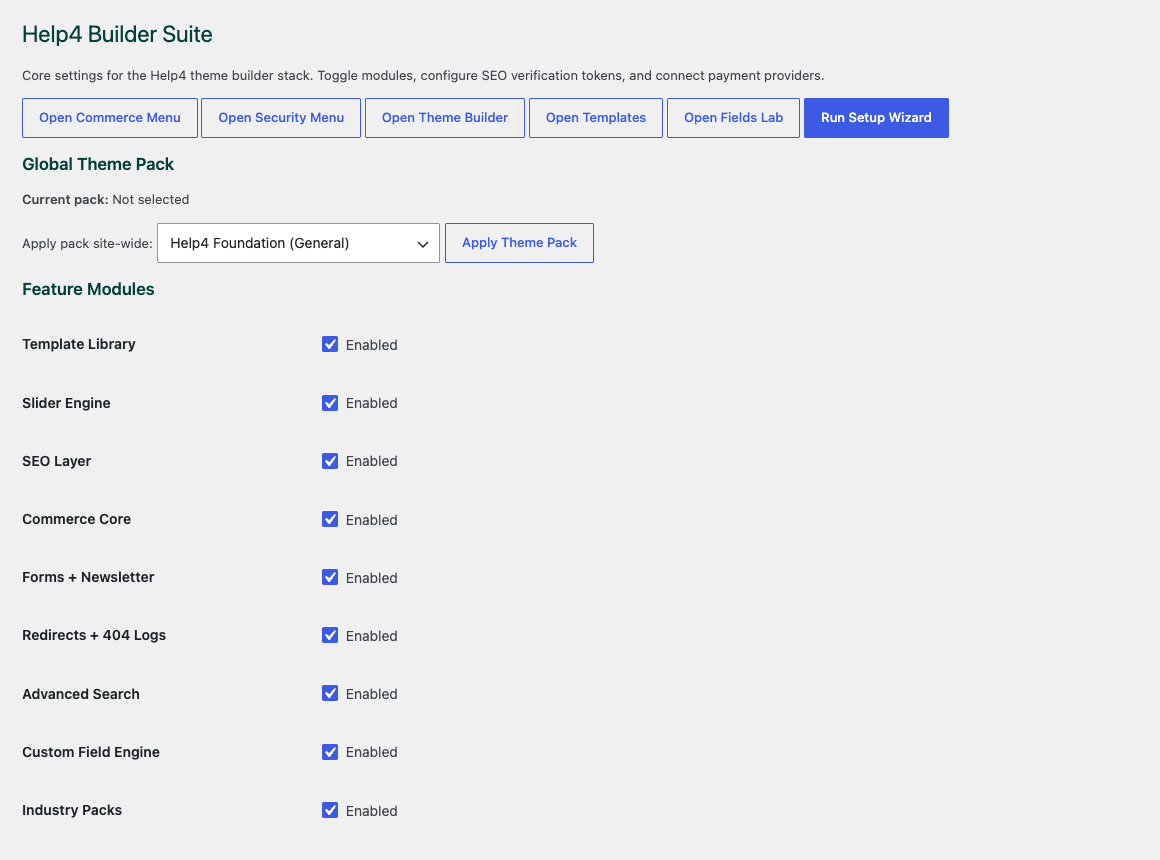
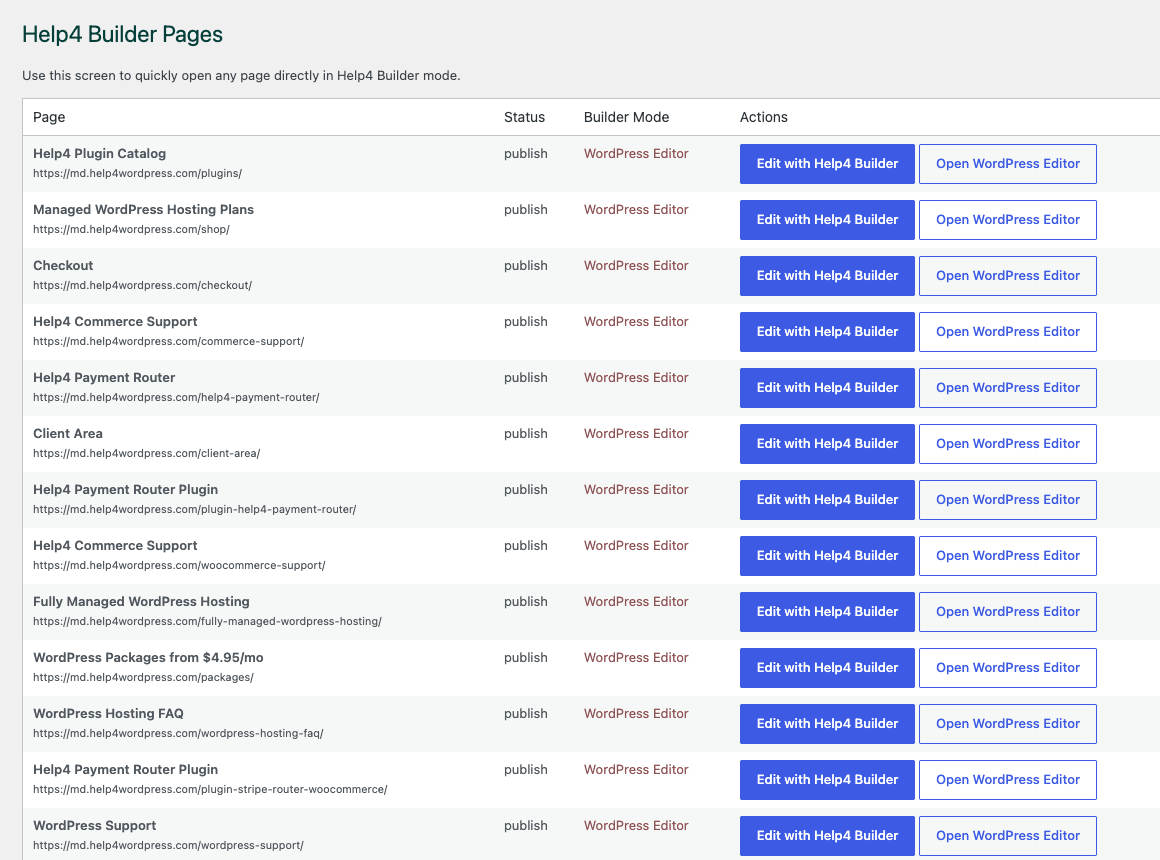
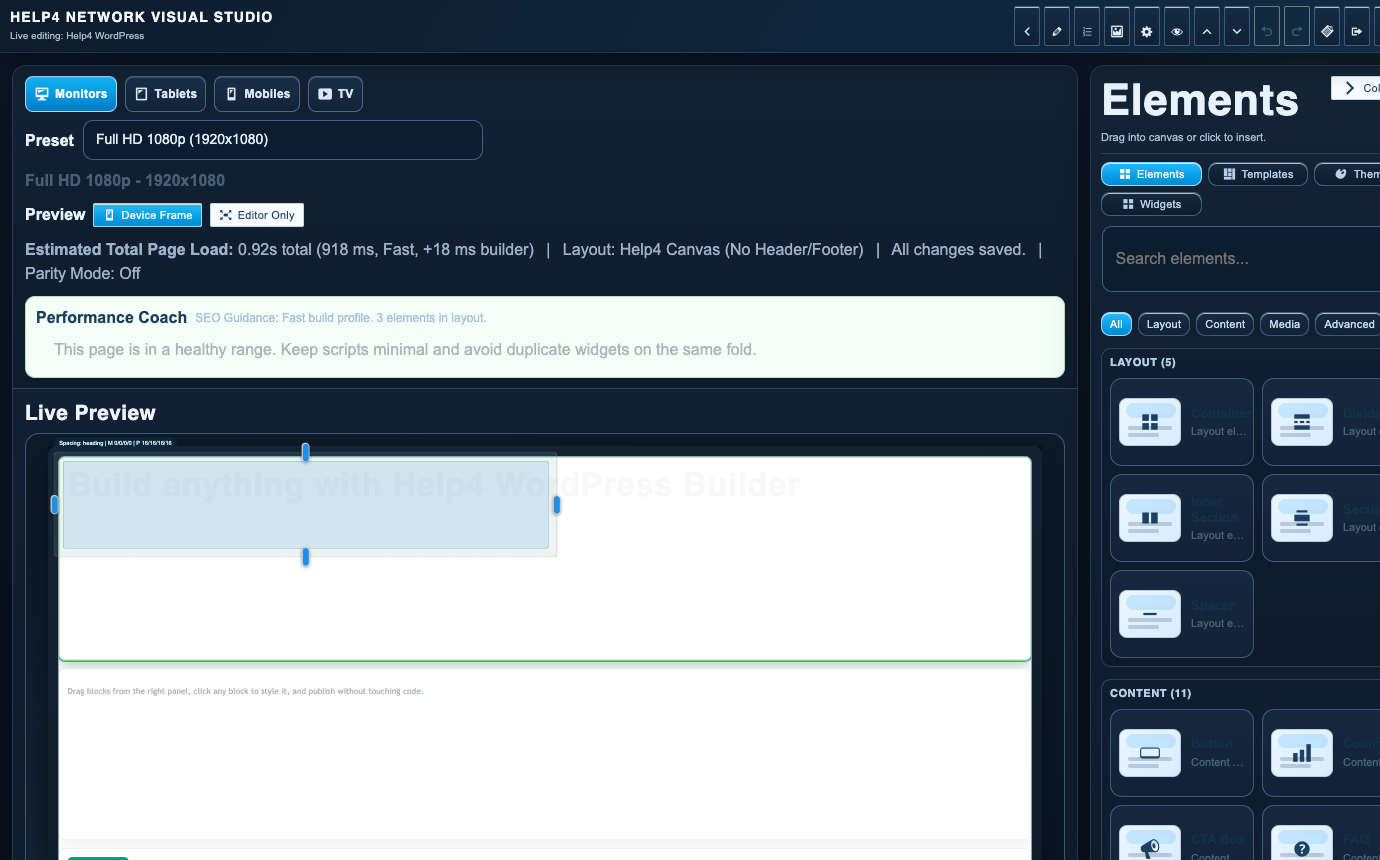
These screenshots show how a starter moves from module setup into pages and Builder Studio, whether Help4 finishes the site or the customer keeps editing after launch.
Setup wizard
Use the setup wizard to move a new site from blank WordPress into a builder-ready workflow without guessing what to open first.
Settings dashboard
Start by choosing only the modules the site needs, so the build stays lean instead of loading every feature everywhere.
Builder Pages
Keep pages, landing screens, support content, product pages, and template work organized in one place.
Builder Studio
Build the real page with sections, copy, visual checks, reusable structure, and a path back to support when needed.
What the starter includes
Start with the pieces customers already look for.
Donation paths
Link to the right secure payment or giving workflow.
Programs
Explain services and eligibility in plain language.
Updates
Keep donors and volunteers informed after launch.
Done-for-you path
Hand us the notes, brand, screenshots, or rough idea and we build the page set.
Help4 can start from these template patterns, wire the forms and checkout links, tune speed and SEO, and keep support in the same place after launch.
Build the first version with real content
Nonprofit templates work best when the page answers the customer before they call.
This starter gives the layout direction, but the release-ready version should explain the offer, prove trust, show the next step, and make mobile action obvious. Help4 can turn rough notes, screenshots, old pages, brand files, or a design mockup into finished WordPress sections for a nonprofit.
What visitors need
Donors and volunteers need to understand who you help, what you provide, where you serve, why they can trust you, and how to take the next step without hunting through the page.
What Help4 builds
We can shape mission pages, donation paths, events, volunteer forms, impact stories, sponsor pages, and trust content into responsive pages that are easier to scan, easier to edit, and ready for SEO work.
What happens after launch
Keep the same Help4 path for edits, updates, speed tuning, security, forms, new service pages, conversion sections, and support requests after the site is live.
Done-for-you option
Send the details and let Help4 build the page set from this starter.
Open a request with the business name, target city or audience, the services or products that matter most, examples you like, and any existing copy or photos. Help4 will map the sections, wire the forms and links, and keep the site connected to the support path.