
Help4 SEO, Security, and Performance Builder Gallery
A launch-ready WordPress page needs clear structure, useful internal links, controlled modules, safer defaults, and a support path for updates. This gallery keeps SEO, speed, and security tied to the same Builder Suite workflow.
- Heading and metadata planning
- Module-aware performance control
- Security and update readiness
- Support links after launch
Is this only a page design tool?
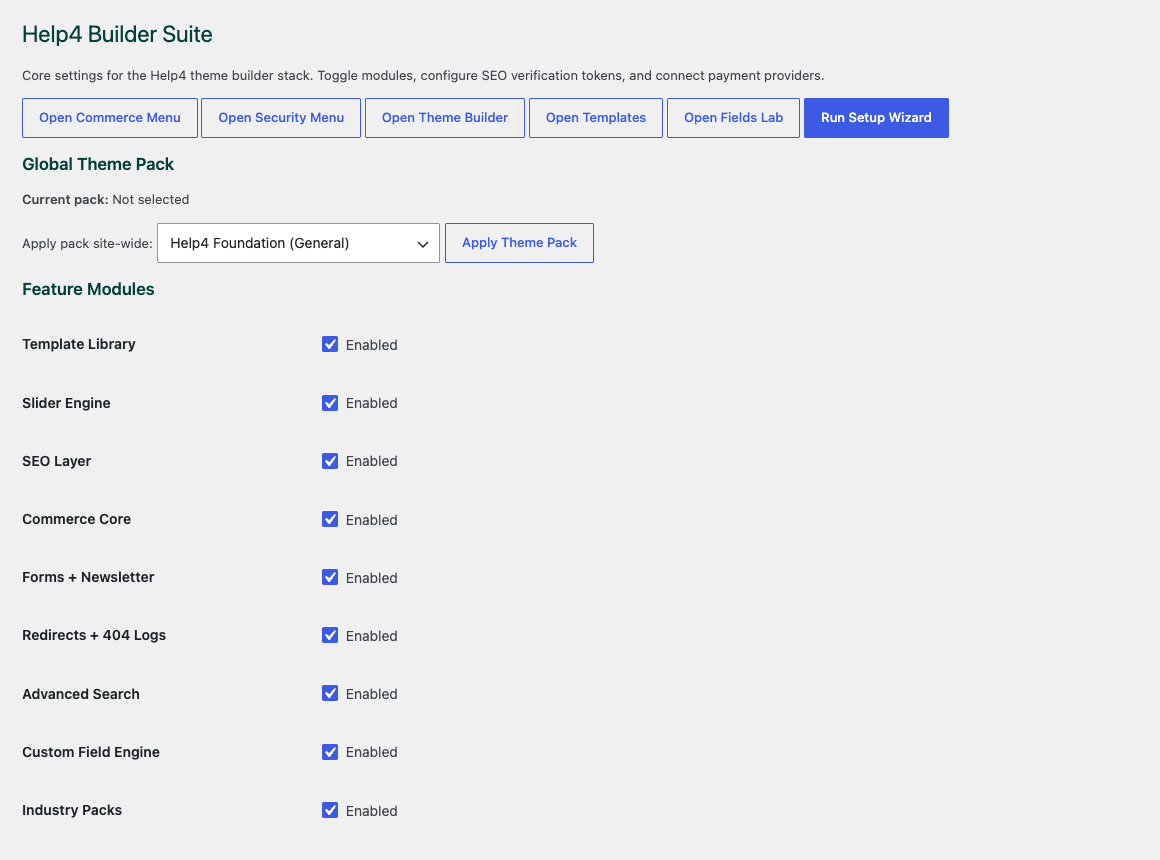
No. The Builder Suite path also covers templates, fields, media, commerce, SEO, performance, security, and support workflow.
Why does module control matter?
It keeps unused feature assets from loading everywhere and makes releases easier to maintain.
Use the builder without leaving launch work behind.
Plan page structure, speed, security, and support paths before the site goes live.
Read SEO and Security GuideTreat SEO, speed, and security as launch work customers can understand.
Search visibility is not only a score. A useful WordPress page needs a focused title, one clear H1, a helpful description, readable sections, internal links, image alt text, schema, crawlable public URLs, and enough plain copy to answer the customer question. Security and performance belong in the same conversation because a slow, broken, or risky page loses trust before the visitor ever becomes a lead. Builder Suite keeps metadata, content quality, redirects, image checks, module loading, and support paths closer to the page workflow.
- Write the page for the customer question first, then tune metadata.
- Keep module loading scoped so unused features do not slow every page.
- Use schema, breadcrumbs, redirects, image alt text, and canonical URLs deliberately.
- Document who handles updates, backups, SSL, malware response, and post-launch checks.
Make the launch checklist visible.
Use this gallery as a reminder that SEO pages also need performance, security, support, and rollback planning before they are ready for public traffic.
Read SEO and Security GuideSearch visibility, speed, and protection
Treat WordPress SEO and security as ongoing site operations
Search visibility starts with useful pages that answer a real question, expose clear internal paths, and render reliably for visitors and crawlers. Builder Suite adds search titles, descriptions, canonical controls, schema, social cards, readability guidance, sitemaps, redirects, and IndexNow support around the content workflow.
Security and speed support that visibility. A compromised, unstable, or painfully slow site loses trust before stronger copy can help. Use least-privilege access, tested backups, current software, safe headers, logging, caching, image optimization, and post-update checks as one operating routine rather than unrelated plugin dashboards.
- Write for the customer question first, then refine titles, descriptions, headings, and schema.
- Verify sitemap, robots, canonical, redirect, and social-image behavior from the public edge.
- Review fresh PHP and browser logs after every WordPress, theme, or Builder update.