
Help4 Commerce for WordPress
Build the storefront and manage its native catalog in Help4 Builder Suite. Configure products, variations and customer inputs, connect the supported payment path, and test the whole order journey before you launch.
Native Help4 Commerce is included in Builder Suite. Processor charges, hosting and custom integrations are separate. Test credentials first; never paste payment secrets into page content.
Work with products and the storefront together
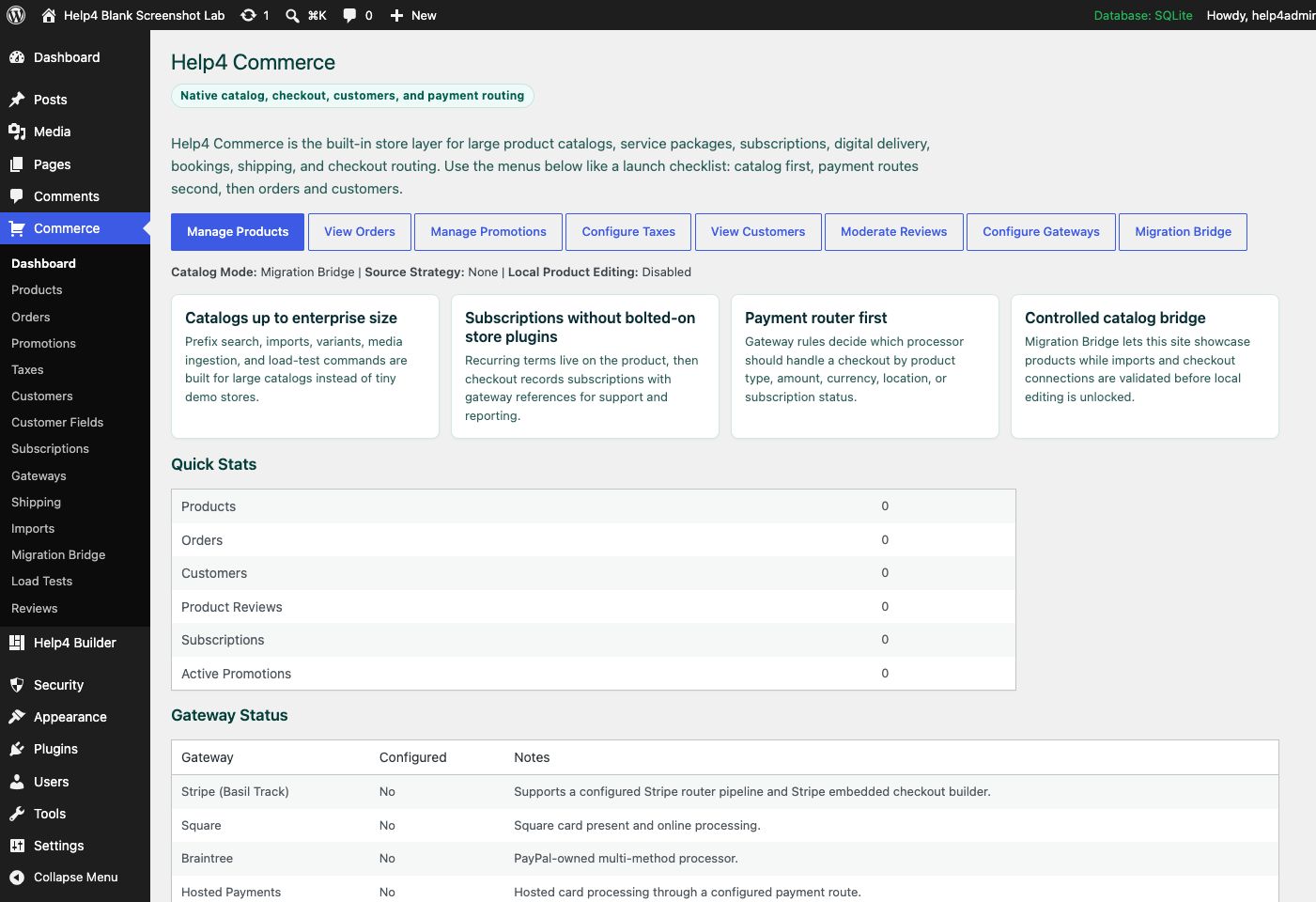
Create products people can understand
A good product page explains what is included, which options matter and what happens after purchase. Start with a small complete catalog, then expand.
- Use clear names, useful descriptions and accurate product photos.
- Set prices, stock and purchasable options deliberately.
- Use variations for real option combinations.
- Collect only the customer fields needed for the order.
- Review product pages on desktop and mobile.
Treat checkout as a tested business workflow
Do not call a store ready because the product page looks good. Validate the cart, customer information, processor response and order record together.
- Test a successful payment and a declined payment.
- Verify totals, options, order status and customer messages.
- Check retries and duplicate webhook handling.
- Test refunds and account access where supported.
- Confirm shipping, taxes and subscription behavior for your configured use case.
Choose the right payment-routing product
The native Builder routing layer serves Help4 Commerce. Payment Router for Stripe is a separate commercial plugin for WooCommerce and multiple Stripe accounts; the packages are not interchangeable.
- Use the native Help4 Commerce guide for Builder catalogs.
- Use the Stripe Router tutorial for WooCommerce account routing.
- Confirm adapter support and test the chosen provider.
- Document fallback and failure rules before live transactions.
Watch the setup walkthroughs
Recorded Help4 walkthroughs from the tutorial library. Controls may look different in the latest download; use the linked written guides for the current setup steps.
Commerce Products, Quantity, and Checkout
Follow a native product setup and review quantity rules and the order path.
Questions before you start
Is Help4 Commerce WooCommerce?
No. Help4 Commerce is the native commerce module in Builder Suite. The standalone Payment Router for Stripe product targets WooCommerce, which is a different package path.
Can I sell products with variations?
The native catalog supports product and variation workflows. Configure the combinations and test pricing, availability and checkout for the options you sell.
Does the free plugin make payment processing free?
No. Processor fees, hosting and specialist integration services are separate from the Builder download.
Should I move a live store immediately?
No. Rehearse the product, customer, order and payment workflows on a recoverable staging copy. Do not migrate financial records or open checkout without a verified plan.
Can I add personalized photo products?
The separate Help4 Personalizer project has its own documentation and development boundaries. Confirm the supported checkout integration before presenting a personalization workflow as ready for paid orders.
Need a store that is ready for real orders?
Bring your product list, variations, fulfillment rules and processor requirements. We can scope the configuration and launch testing instead of leaving you with an unfinished checkout.