
Help4 Payment Router
Start with one complete task
Test native Commerce routing from cart to order
The chosen test checkout uses the intended payment path and retains correct order state after callbacks, retries and failures.
Go to the stepsFind another tutorial
Before you begin
Identify the store engine first. Native Commerce routing and the separate WooCommerce Stripe Router are different paths. A listed adapter still needs a valid configured integration.
See the controls before you start
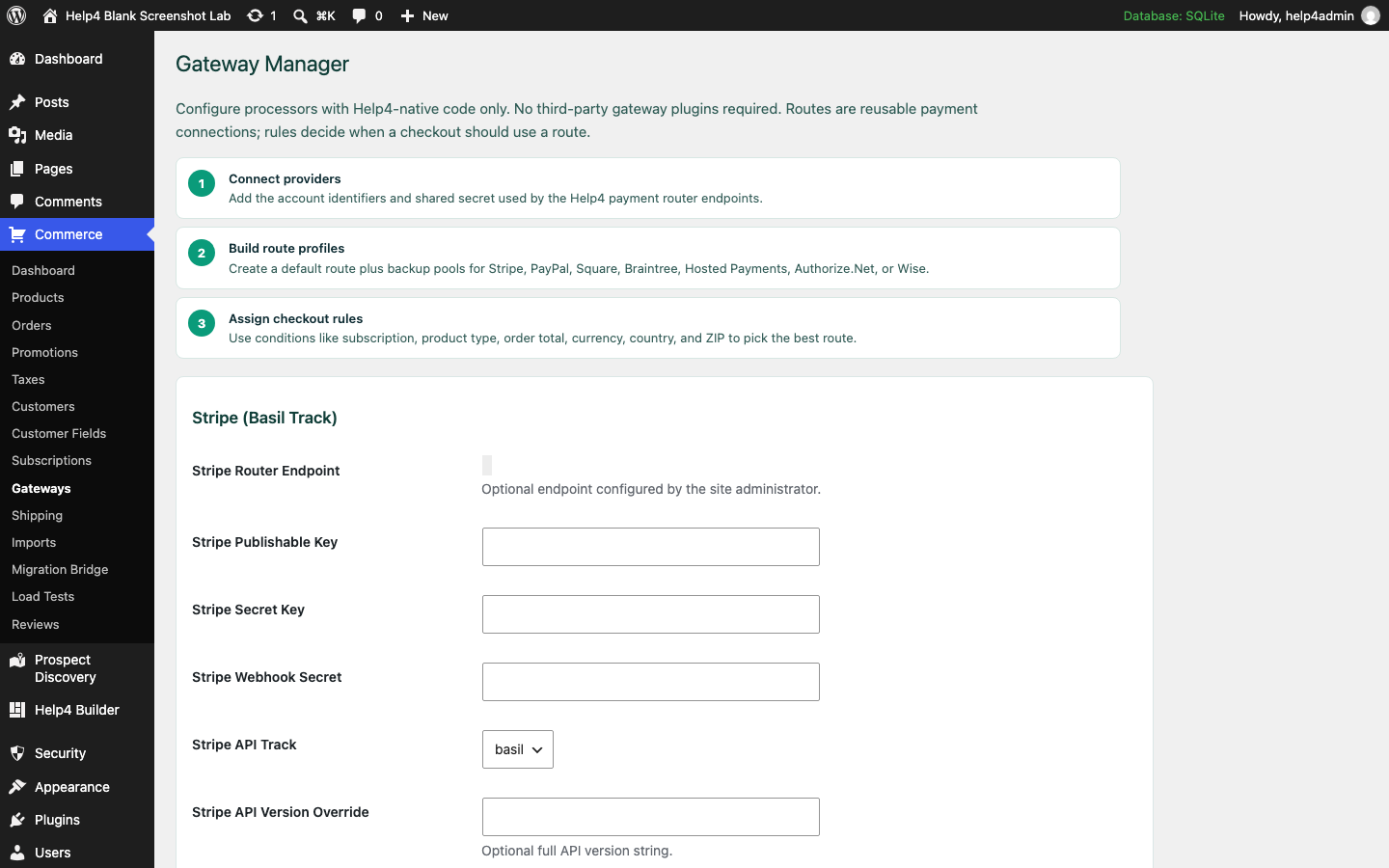
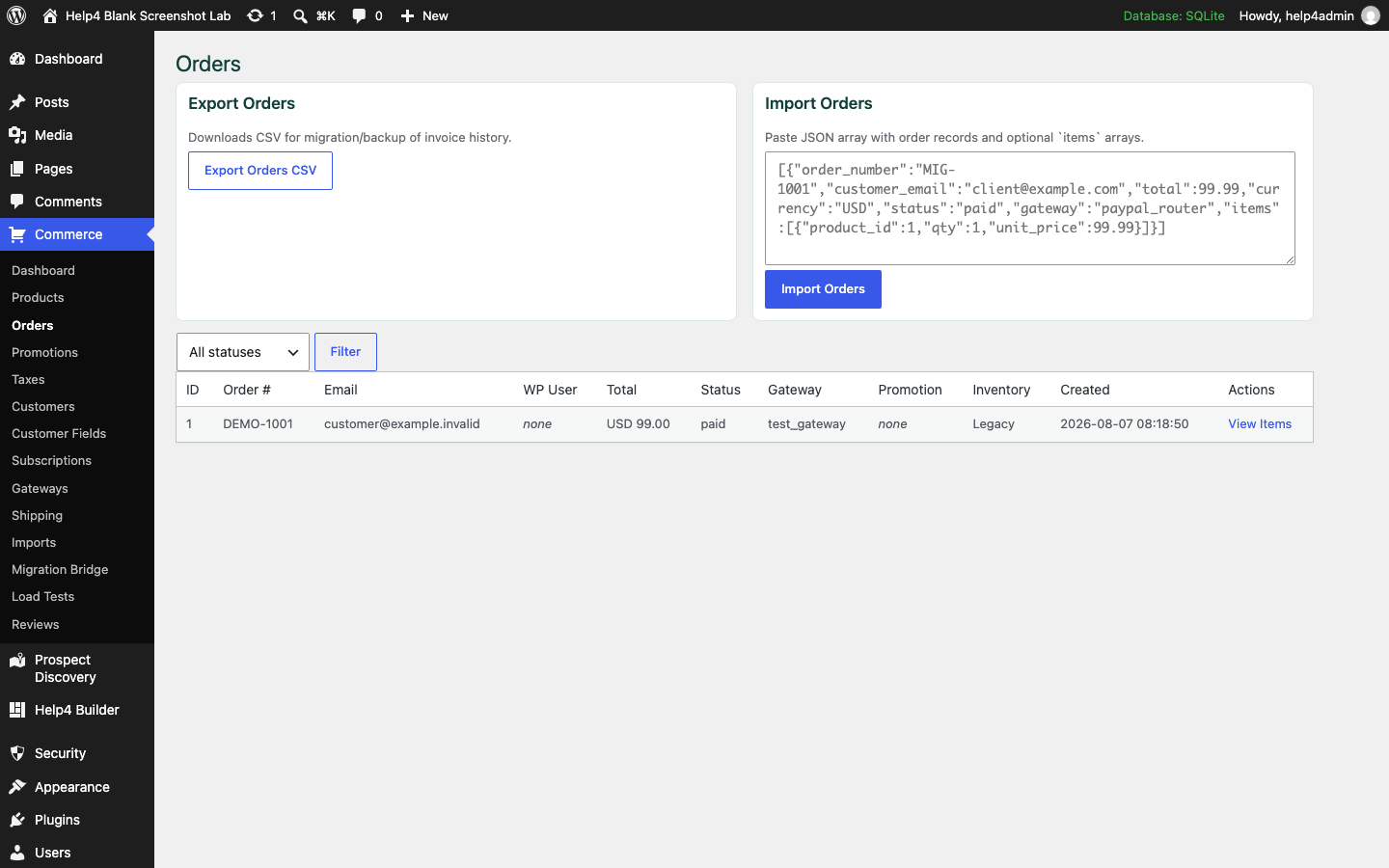
These are real blank-install documentation captures from August 2026, not generated interface pictures. The current editor may arrange controls differently; match the selected item and task, not the old button position.
Follow these steps in order
-
Choose the correct architecture
For native Help4 Commerce, open Commerce > Gateways. For a WooCommerce store needing multiple Stripe accounts, follow the standalone Stripe Router tutorial instead.
Check before continuing: The gateway belongs to the store that creates the order.
-
Select the adapter you actually use
Configure the supported processor/hosted payment adapter and endpoint through the protected settings. Do not treat an adapter name as proof every processor feature is configured.
Check before continuing: The intended test endpoint and account are recognizable.
-
Define expected routing cases
List product type, amount/currency and any supported geography or subscription rules. Document the expected destination and unmatched behavior for each case.
Check before continuing: You can state what should happen before clicking Pay.
-
Prepare a test product and checkout
Use a known test item with clear price, currency and quantity behavior. Confirm taxes, shipping and customer fields before adding payment complexity.
Check before continuing: The cart total and configuration are correct before routing.
-
Complete one successful test
Use the processor approved test mode and check both the order and processor-side record. Never interpret a redirect response alone as settlement.
Check before continuing: The actual payment record and order status agree.
-
Test failure and retry
Use supported decline/failure tests, then retry. Verify that one customer action cannot create duplicate charges or conflicting order states.
Check before continuing: The customer receives a useful error and the order remains coherent.
-
Test callback and refund ownership
Check asynchronous confirmation, duplicate webhook handling and the refund path through the account that received the payment. Review subscriptions separately if used.
Check before continuing: The order remains correct after the customer leaves the page.
-
Keep configuration recovery
Save a recoverable settings record without exporting live secrets into public documentation. Change one route at a time and repeat the test matrix.
Check before continuing: You can identify and recover the previously working configuration.
If the result does not match
If the processor and order disagree, stop additional payment tests and inspect callback configuration and logs with secrets redacted. Do not retry a real payment repeatedly to see what happens.
Next useful guides
Products and variationsStandalone Stripe Router setupContinue to the full reference
Help4 Payment Router reference
Route checkout traffic by rules instead of betting the business on one processor path. Choose the standalone Payment Router for Stripe when a WooCommerce store needs multiple Stripe accounts, or use the native Help4 Payment Router inside Builder Suite for Help4 Commerce and broader processor routing.
Choose The Right Router
Payment Router for Stripe
For WooCommerce stores routing transactions across multiple Stripe accounts by product, category, ZIP code, state, or country.
Builder Suite Payment Router
For Help4 Commerce stores that need product-aware rules across Stripe, PayPal, Square, Braintree, Authorize.net, Wise, or custom adapters.
What You Configure
- Route definitions with name, priority, status, and fallback behavior.
- Processor targets for Stripe, PayPal, Square, Braintree, Authorize.net, Wise, and custom adapters.
- Conditions for digital products, subscriptions, bookings, shipping-required items, totals, geo, and support workflows.
Product Context
- Use Help4 Commerce product types, variations, subscriptions, and metadata to decide the payment route.
- Send fulfillment and renewal context to the processor adapter so support can see what happened.
- Keep checkout connected to Help4 WordPress account, billing, and service operations.
Go Live Checklist
- Enable test mode per processor.
- Validate webhook and signature handling.
- Run checkout tests for physical, digital, subscription, and booking items.
- Switch to live keys and monitor first transactions.
Plan The Routes Before Adding Credentials
Write the business rules in plain language first: which products can use each processor, whether subscriptions need a separate route, which countries or currencies are supported, what happens when a processor is unavailable, and when checkout should stop instead of falling back. This keeps routing logic reviewable and prevents credentials from hiding a bad plan.
Use A Real Checkout Test Matrix
Test more than one perfect card payment. Cover a successful payment, a declined payment, a customer retry, webhook delay, duplicate notification, refund, cancellation, subscription renewal, failed renewal, variation change, shipping-required item, digital item, and a mixed cart when the store allows one. Confirm the order status, customer message, processor record, fulfillment context, and support trail for each case.
Failure And Recovery Rules
A fallback route should be intentional. Decide whether the second processor can legally and technically handle the same product, currency, subscription schedule, tax context, and customer location. Record why a route changed, avoid repeatedly charging the same attempt, and give support enough non-secret order context to explain what happened.
What To Send Help4
Include the store URL, product types, currencies, countries, processors, subscription requirements, current checkout problem, and the business impact of failure. Also identify the order states, refunds, renewals, fulfillment steps, and customer messages that must stay connected. Never place live secret keys in a normal support message. Help4 can establish a protected credential path after the routing plan and scope are confirmed.