


Workflow screenshots
Layout work starts in the same Builder Suite workflow customers will actually use.
The gallery is tied to real setup screens so the design promise connects back to the plugin, the blank theme path, and the managed support workflow.
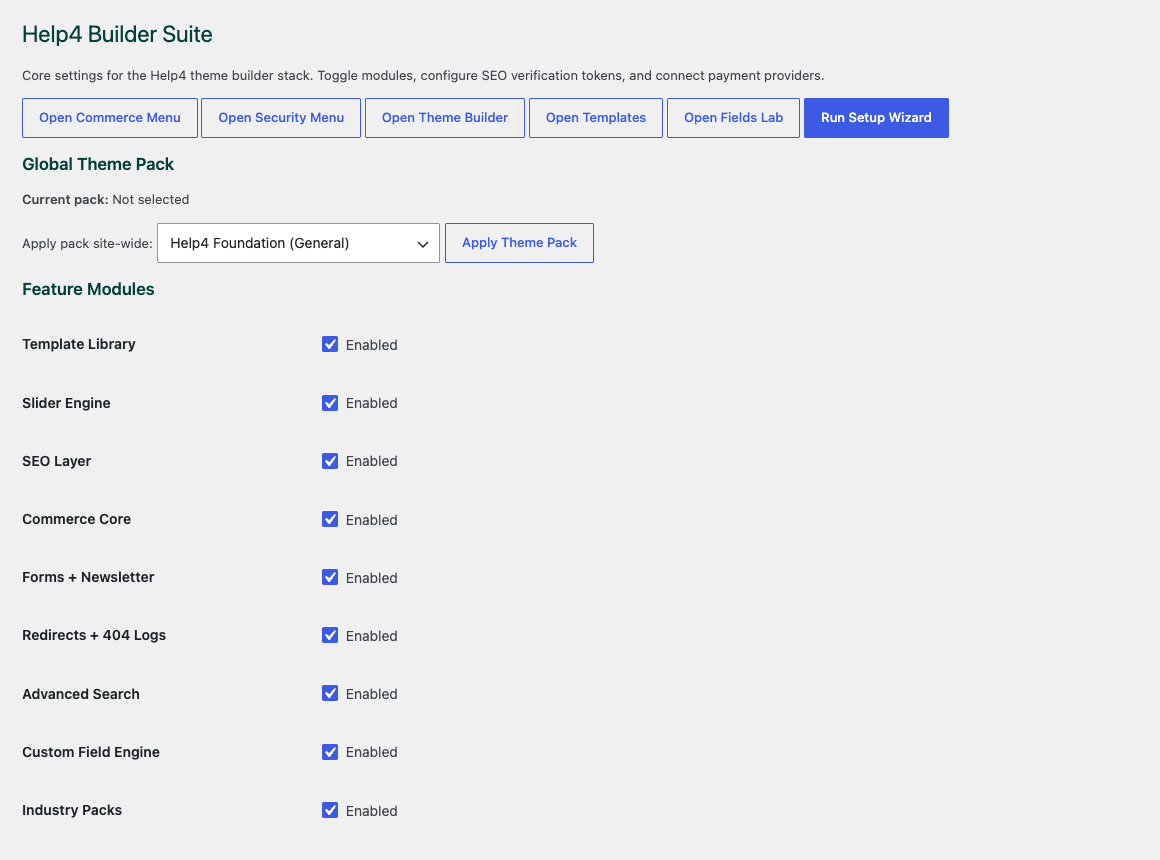
Settings dashboard
Start by choosing only the modules the site needs, so the build stays lean instead of loading every feature everywhere.
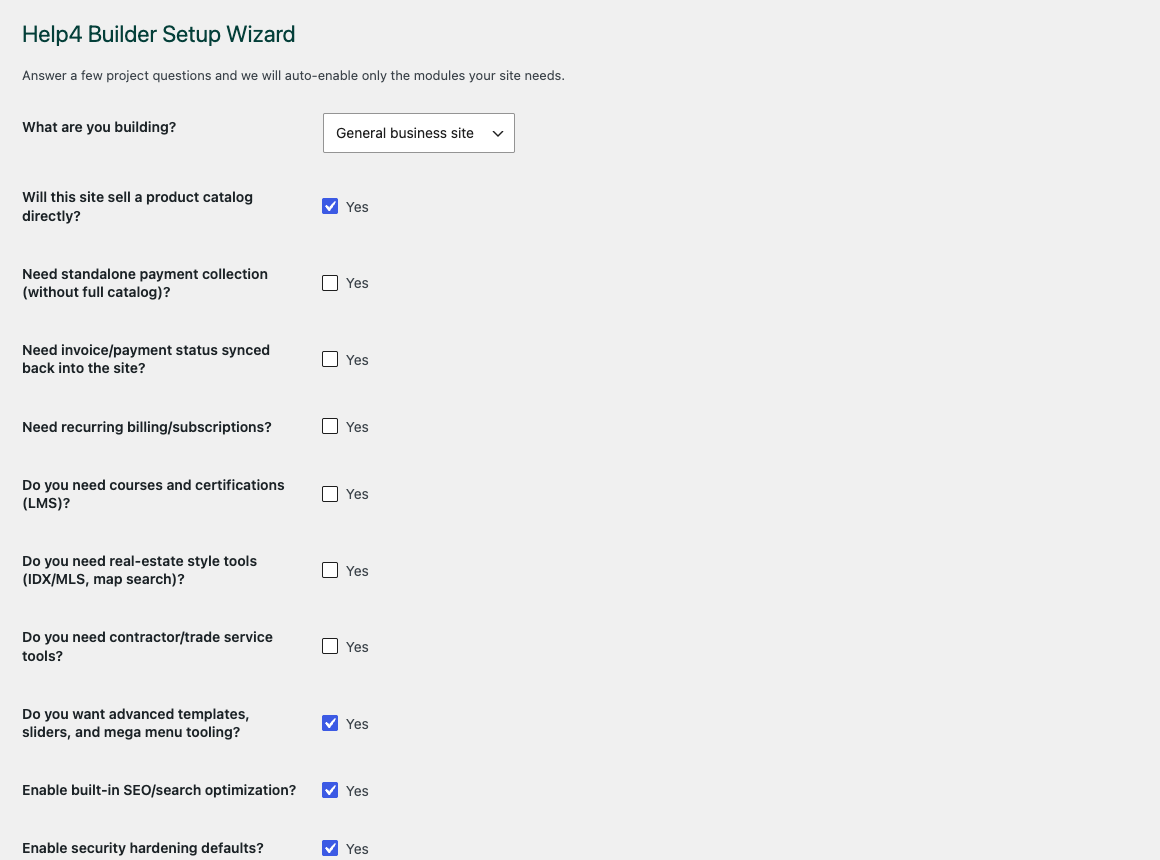
Setup wizard
Use the setup wizard to move a new site from blank WordPress into a builder-ready workflow without guessing what to open first.
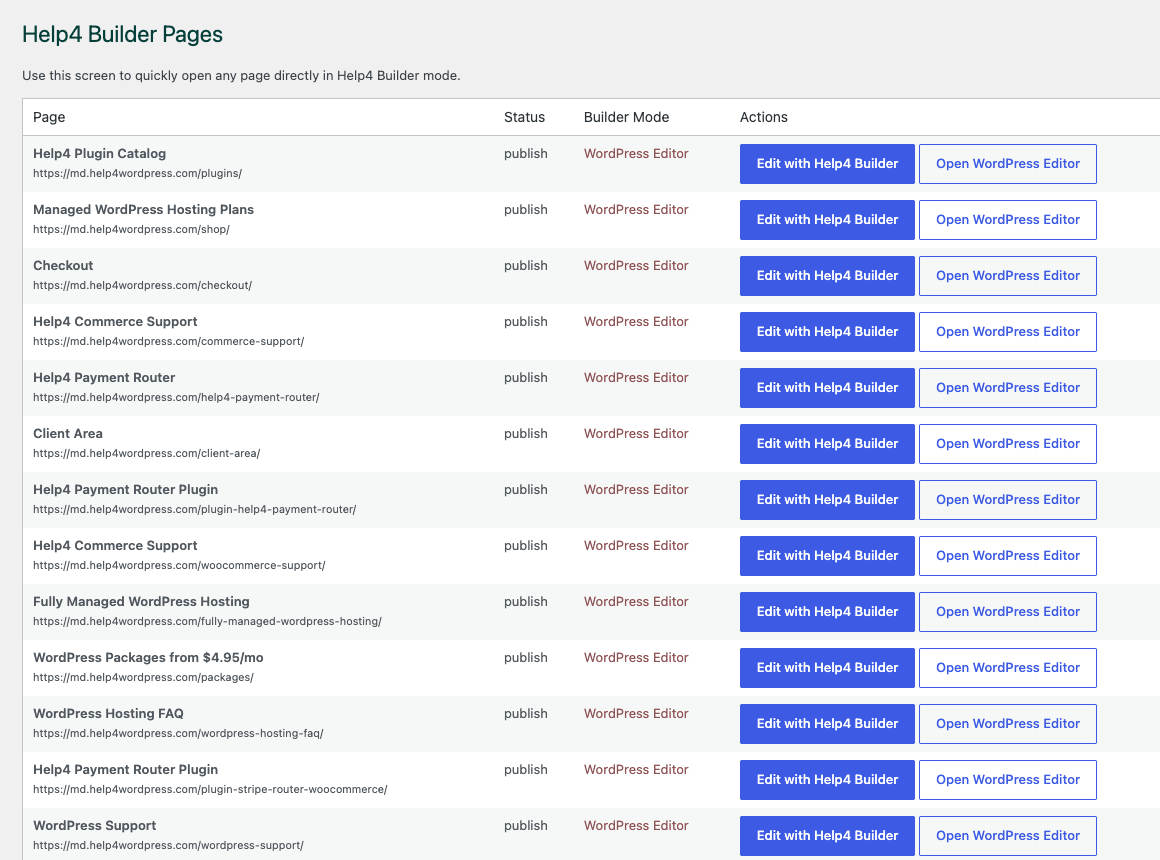
Builder Pages
Keep pages, landing screens, support content, product pages, and template work organized in one place.
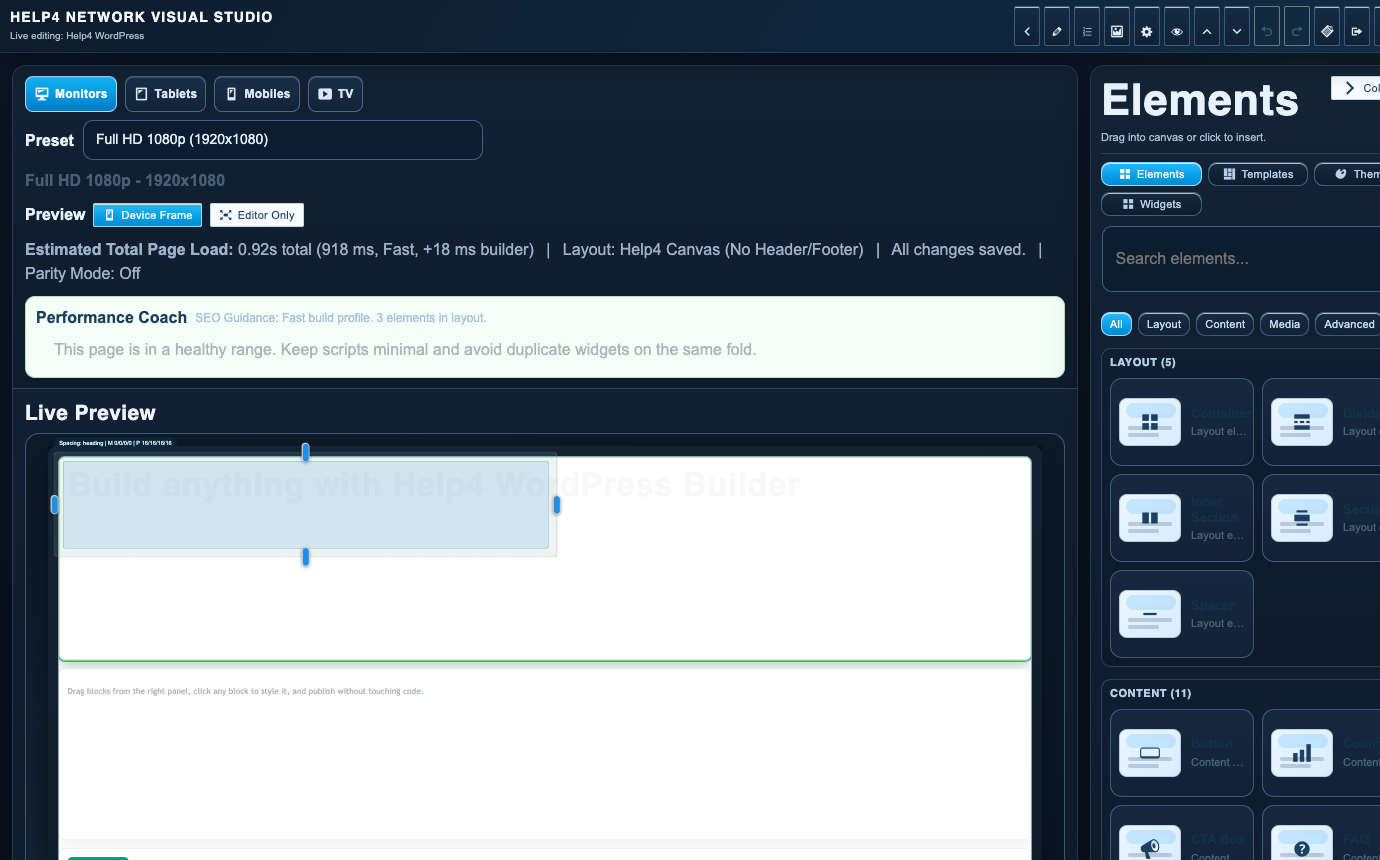
Builder Studio
Build the real page with sections, copy, visual checks, reusable structure, and a path back to support when needed.
How customers use this
Turn the gallery into a practical page brief.
Pick the closest pattern, send Help4 the business goal, rough copy, screenshots, product notes, service areas, and examples you like. We can turn that into a release-ready page set or leave it as a starting point for your own Builder Suite edits.
For business owners
Use the gallery to explain what you want without learning every WordPress term first.
For agencies
Use the same sections as repeatable production patterns for clients that need fast page launches.
For support handoff
Keep each page connected to Help4 support, checkout, updates, security, and performance work after launch.