
Scope of Support
What to send Help4
A better support request starts with the page, the screenshot, and the goal.
These screens show the Builder Suite path Help4 uses to map a request into setup, page work, builder edits, or post-launch support.
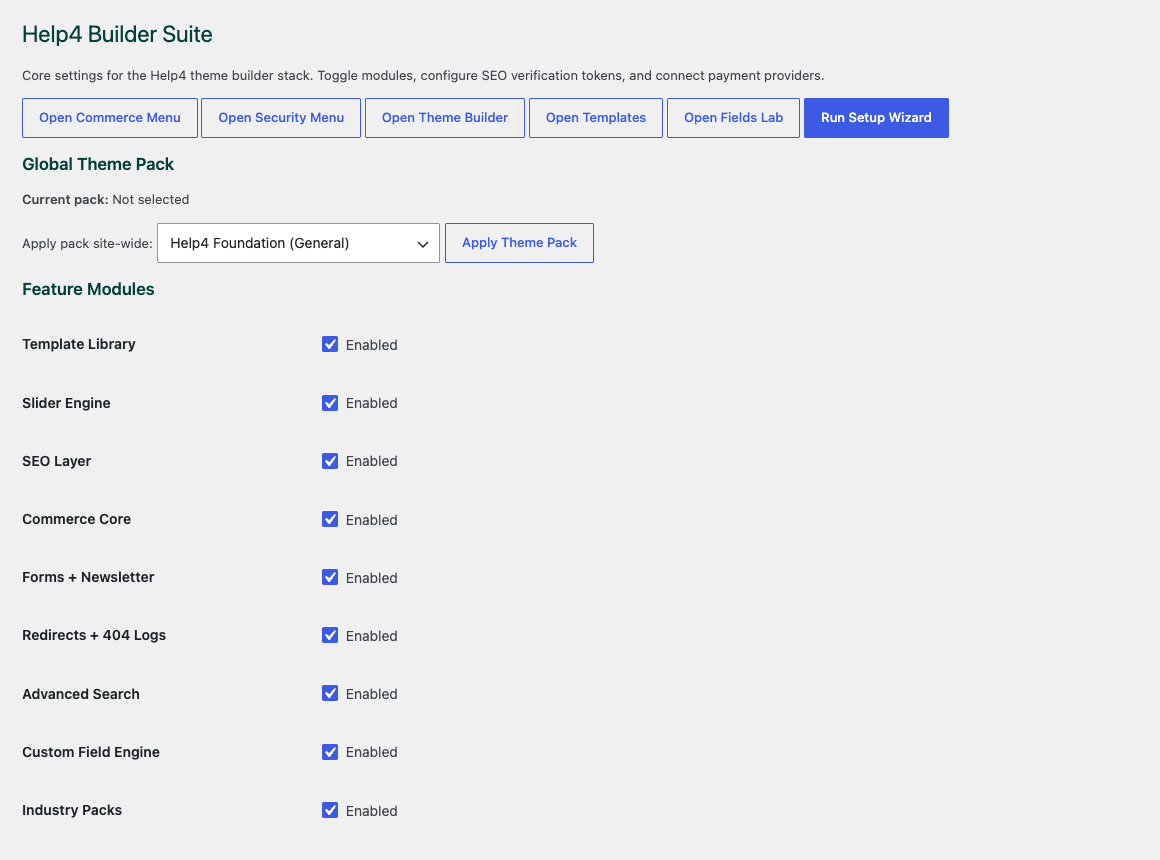
Choose the site modules
Start with the parts the site actually needs so builder, media, commerce, forms, speed, and security stay controlled.
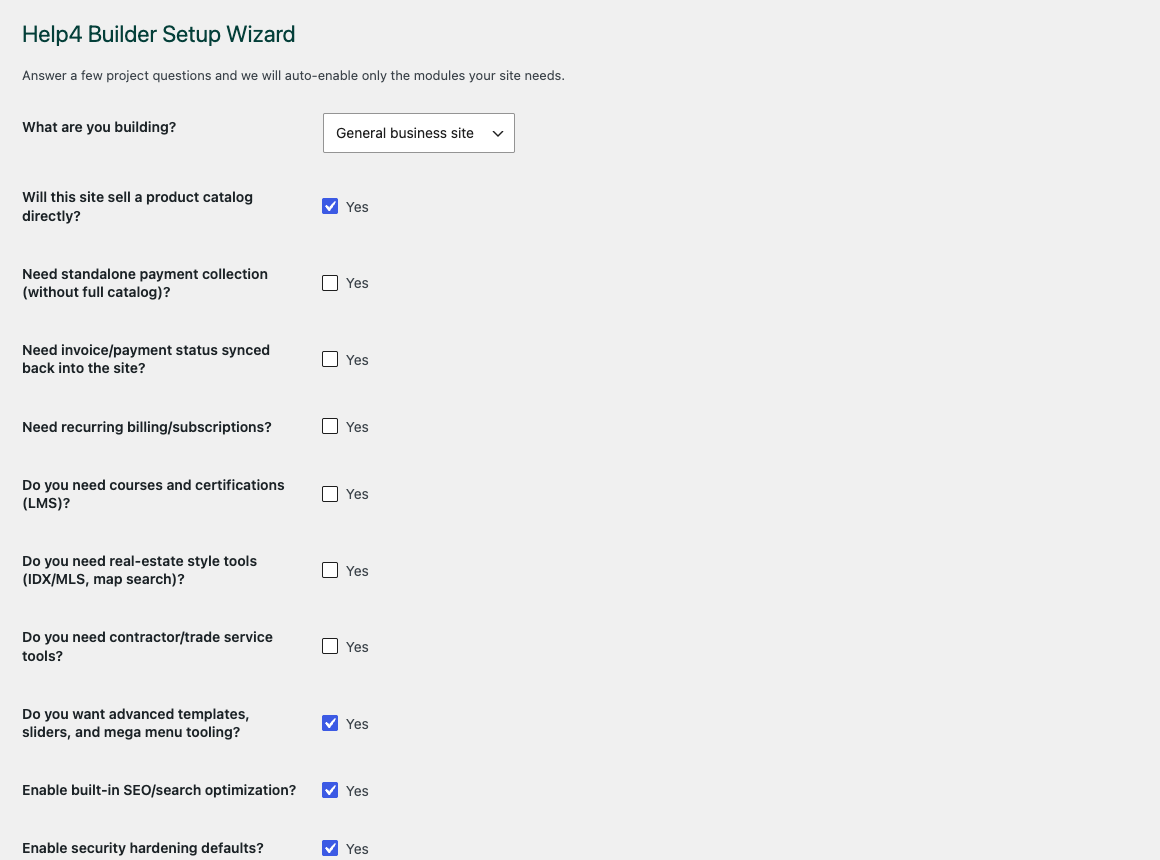
Walk through setup
The wizard gives beginners a path into the builder instead of dropping them into an empty admin screen.
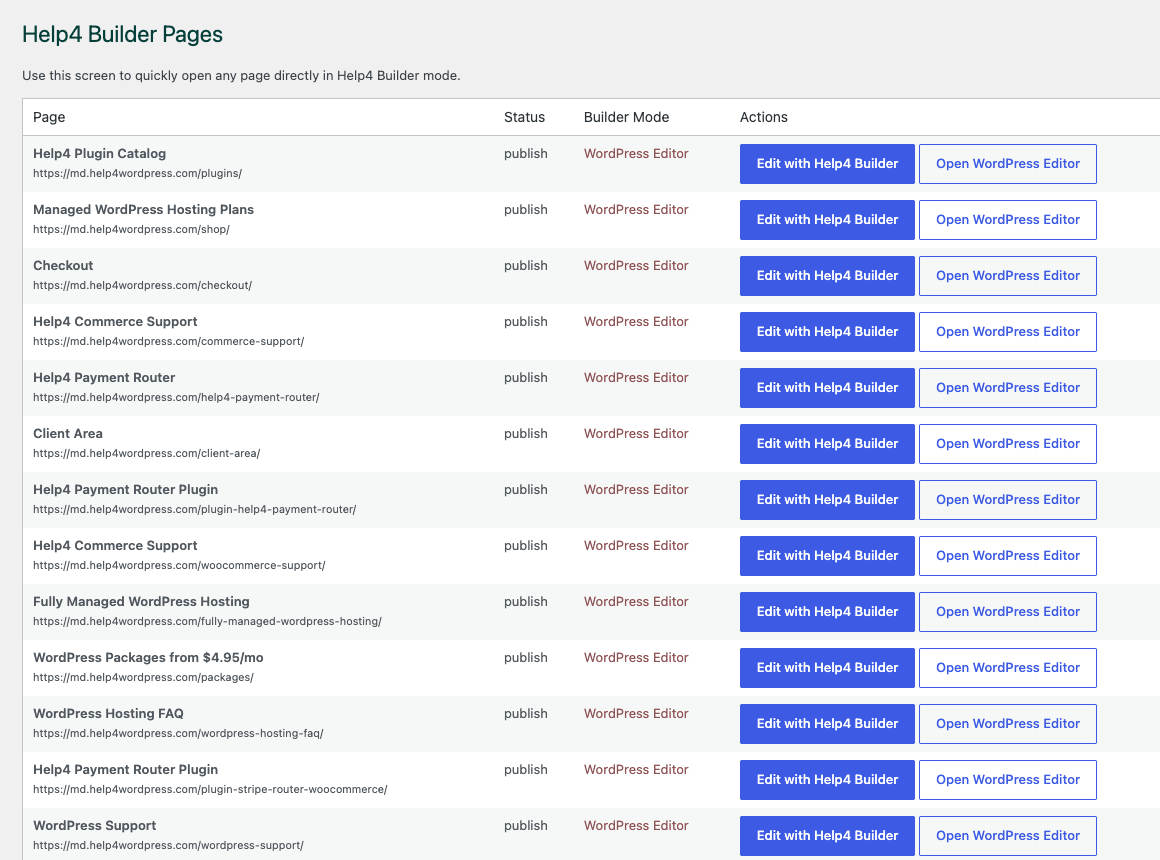
Open the right page
Builder Pages gives customers and Help4 support a shared place to organize page, template, and content work.
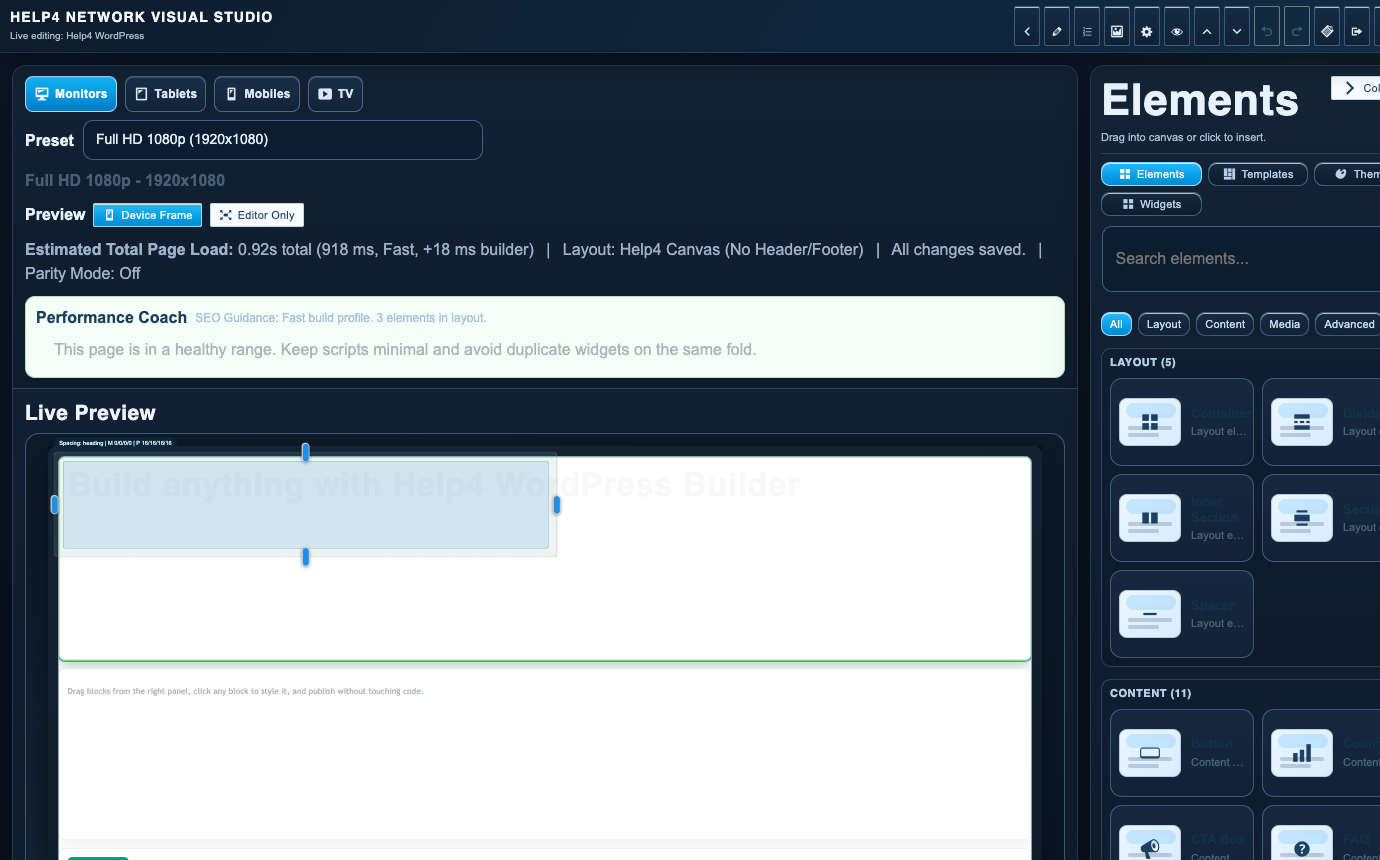
Finish in Builder Studio
The studio is where sections, copy, visual checks, reusable structure, and mobile edits come together.
Usually inside scope
The work that keeps WordPress useful.
SSL, DNS sanity checks, backups, email path, server-side issues, and basic uptime trouble.
Updates, plugin conflicts, theme issues, forms, redirects, menus, content edits, and broken layouts.
Speed, SEO implementation, landing pages, service pages, product pages, CTAs, and conversion fixes.
May need custom scope
Large custom plugins, complex integrations, full ecommerce rebuilds, app development, emergency launches, and advanced compliance work.
How we decide
If the request fits your plan, Help4 routes it into support. If it is bigger, Help4 explains the scope and next step before work expands.
Why this helps
Customers get clearer expectations, and the team can focus on finishing the right work instead of arguing over labels.